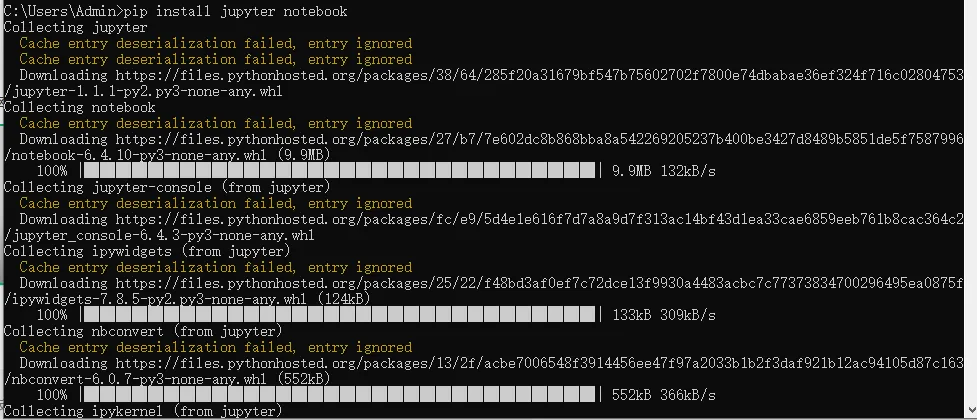
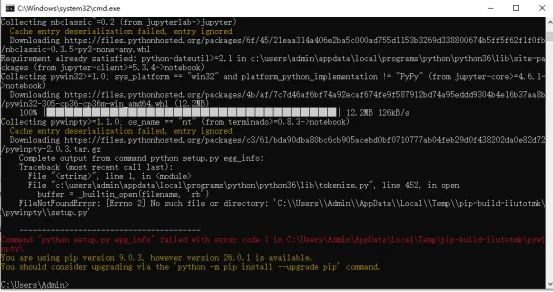
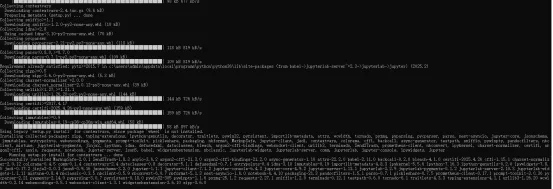
(2)pip install jupyter notebook出现问题Collecting nbclassic~=0.2 (from jupyterlab->jupyter)
Cache entry deserialization failed, entry ignored
Downloading https://files.pythonhosted.org/packages/6f/45/21eaa314a406e2ba5c000ad755d1153b3269d338800674b5ff5f62f1f0fb/nbclassic-0.3.5-py3-none-any.whl
Requirement already satisfied: python-dateutil>=2.1 in c:\users\admin\appdata\local\programs\python\python36\lib\site-packages (from jupyter-client>=5.3.4->notebook)
Collecting pywin32>=1.0; sys_platform == "win32" and platform_python_implementation != "PyPy" (from jupyter-core>=4.6.1->notebook)
Downloading https://files.pythonhosted.org/packages/4b/af/7c7d46af6bf74a92ecaf674fe9f587912bd74a95eddd9304b4e16b37aa8b/pywin32-305-cp36-cp36m-win_amd64.whl (12.2MB)
100% |████████████████████████████████| 12.2MB 126kB/s
Collecting pywinpty>=1.1.0; os_name == "nt" (from terminado>=0.8.3->notebook)
Cache entry deserialization failed, entry ignored
Downloading https://files.pythonhosted.org/packages/c3/61/bda90dba80bc6cb905acebd0bf0710777ab04feb29d0f438202da0e82d72/pywinpty-2.0.3.tar.gz
Complete output from command python setup.py egg_info:
Traceback (most recent call last):
File "<string>", line 1, in <module>
File "c:\users\admin\appdata\local\programs\python\python36\lib\tokenize.py", line 452, in open
buffer = _builtin_open(filename, 'rb')
FileNotFoundError: [Errno 2] No such file or directory: 'C:\\Users\\Admin\\AppData\\Local\\Temp\\pip-build-iiutotmk\\pywinpty\\setup.py'
----------------------------------------
Command "python setup.py egg_info" failed with error code 1 in C:\Users\Admin\AppData\Local\Temp\pip-build-iiutotmk\pywinpty\
You are using pip version 9.0.3, however version 26.0.1 is available.
You should consider upgrading via the 'python -m pip install --upgrade pip' command.
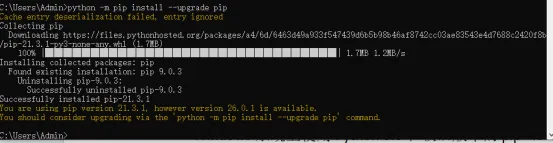
【分析问题】这个说明安装pywinpty出现问题,首先先进行pip的更新。
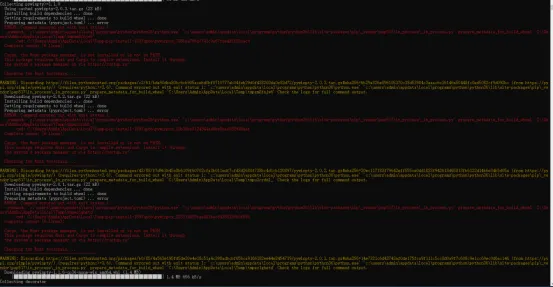
更新后继续安装jupyter notebook,发现了确实是对应的版本问题
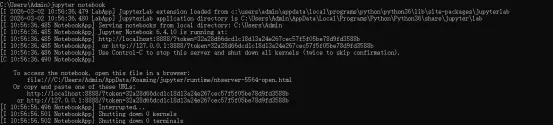
但更新后的pip自动解决了该问题,最后成功安装上jupyter notebook。
再继续安装tensorflow,
测试下tensorflow。
成功安装上。