一、环境准备
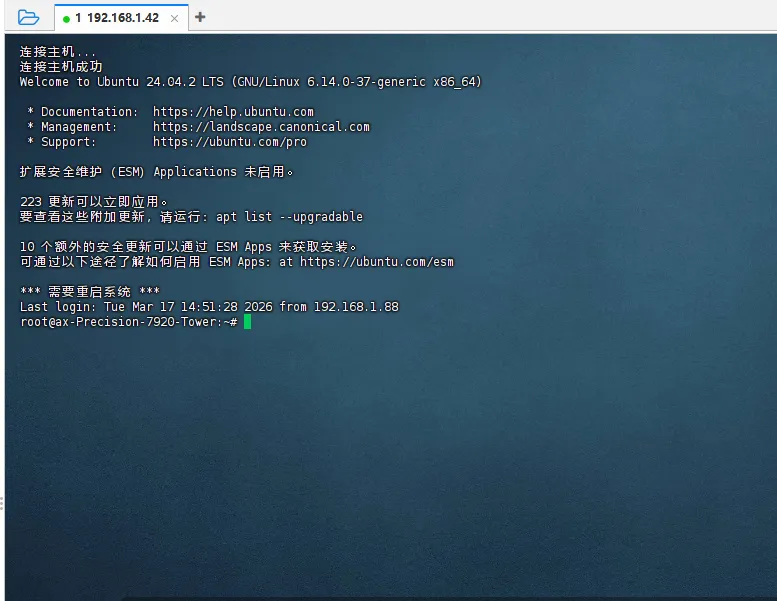
1. 系统要求
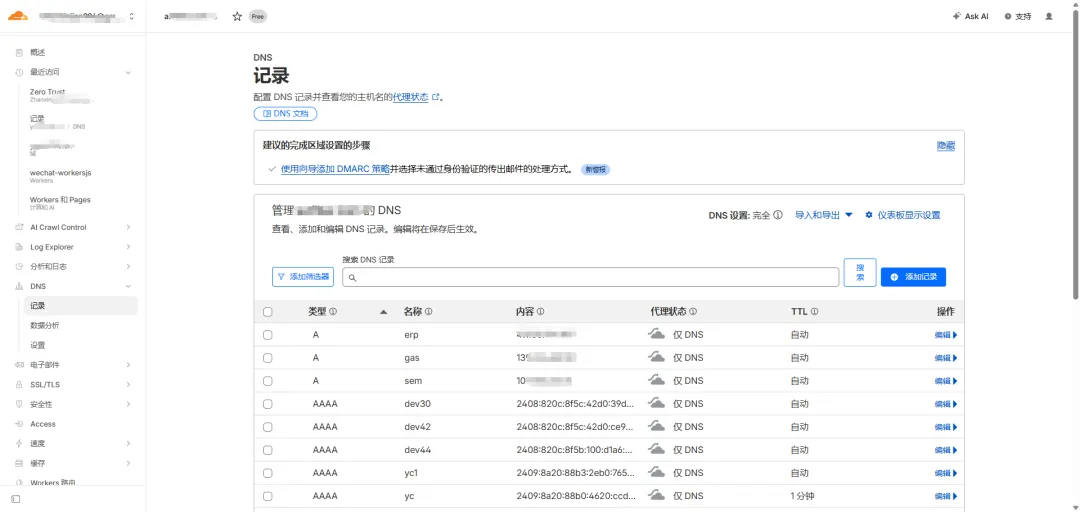
2. 安装基础工具
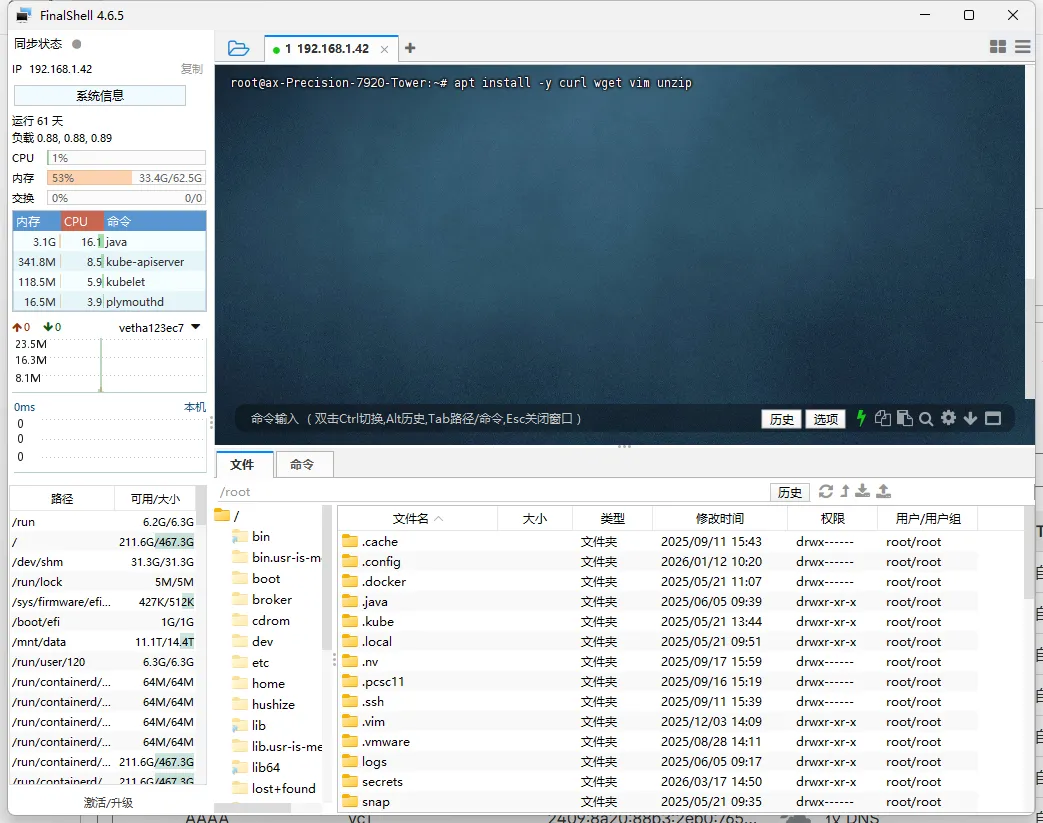
apt updateapt install -y curl wget vim unzip
二、安装 Nginx
1. 安装
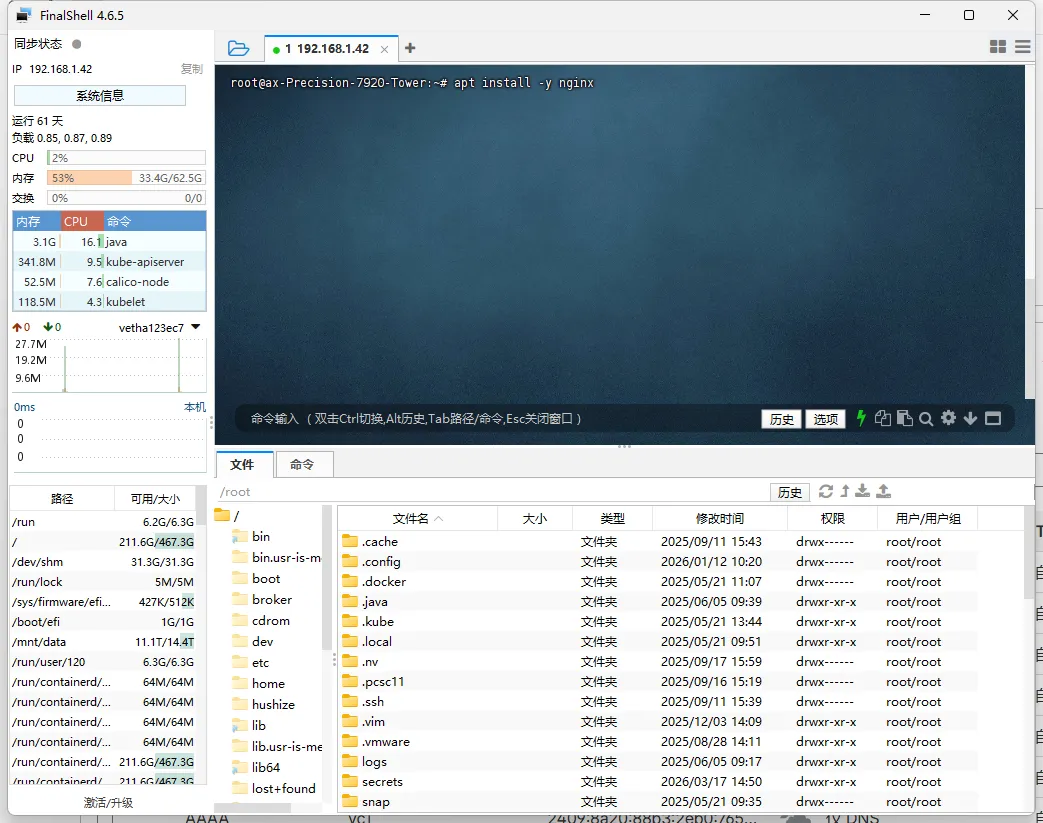
apt install -y nginx
2. 启动并设置开机自启
systemctl start nginxsystemctl enable nginx
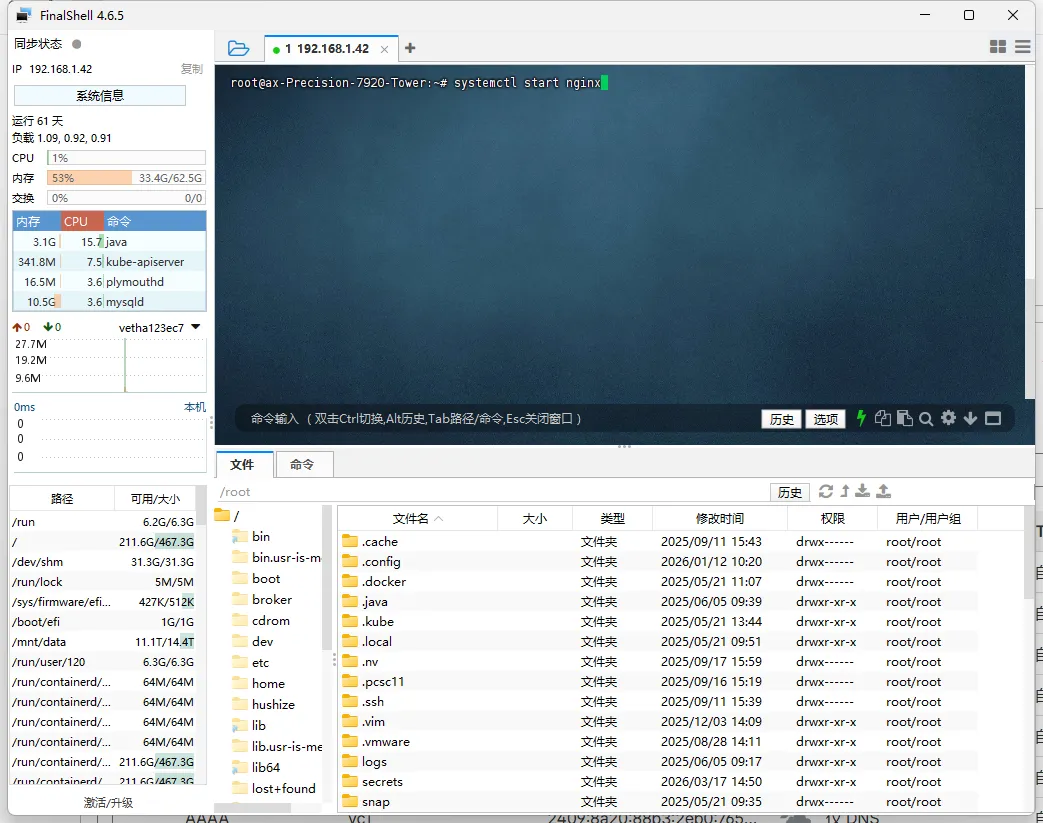
3. 验证是否成功
systemctl status nginxcurl http://localhost
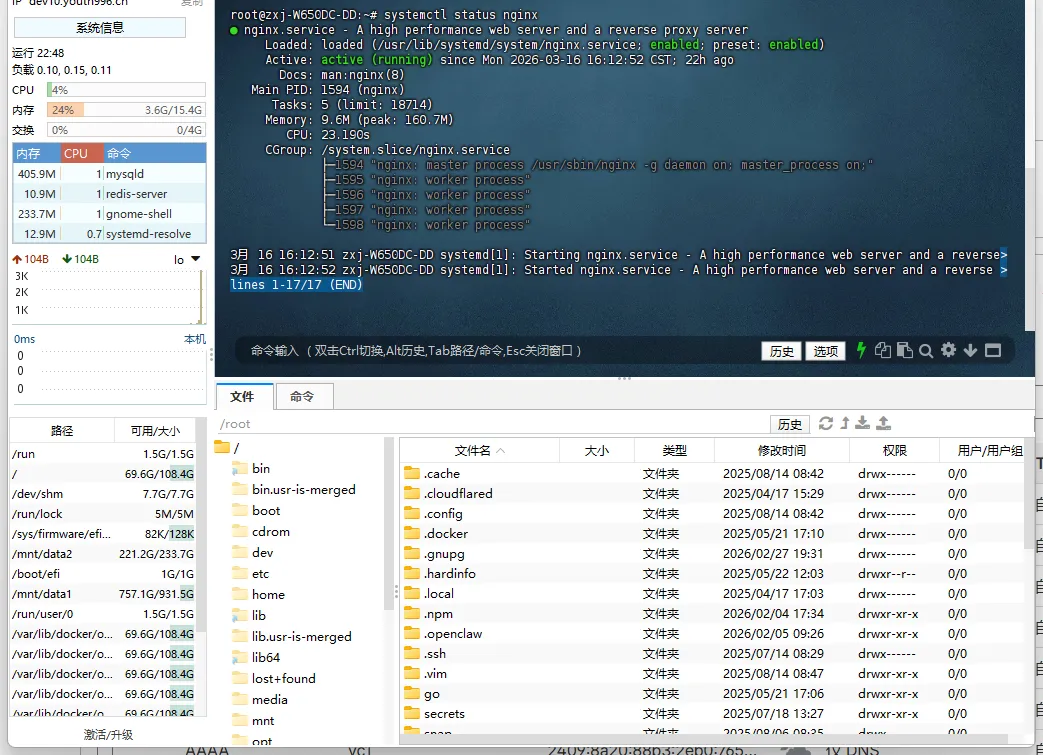
或浏览器访问:
http://你的服务器IP
4. 开放端口(如有防火墙)
ufw allow 80ufw allow 443
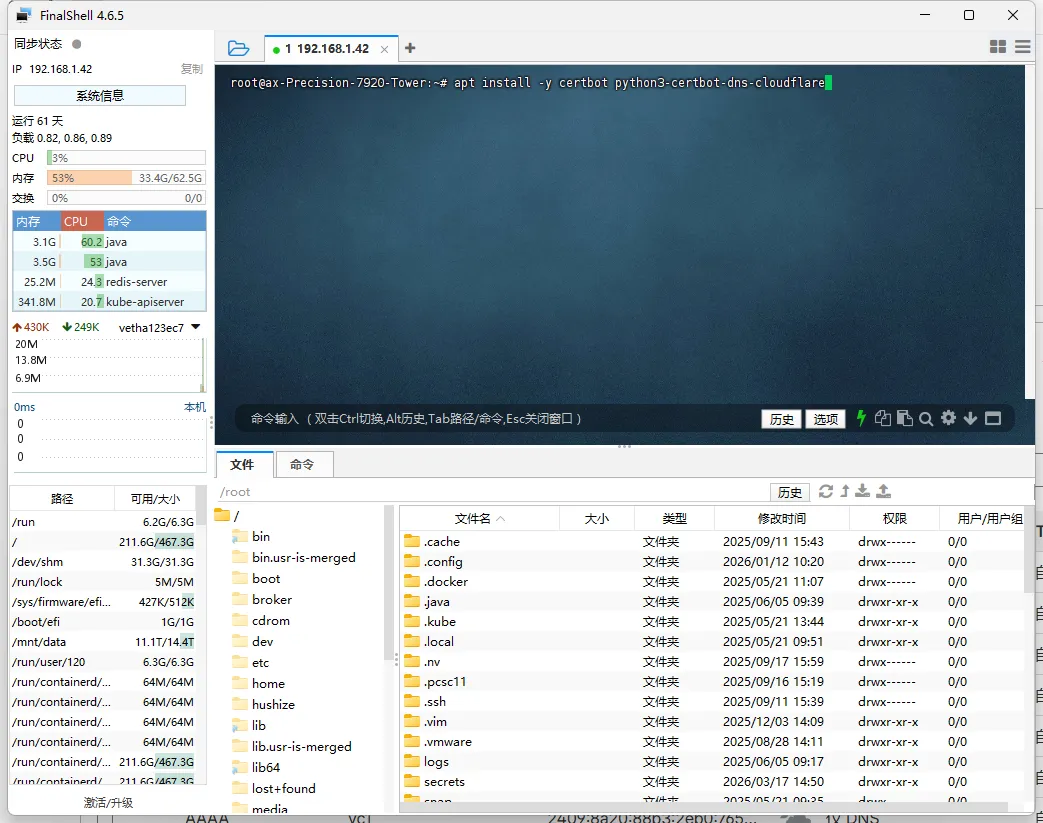
三、安装 Certbot(证书工具)
apt install -y certbot python3-certbot-dns-cloudflare
四、配置 Cloudflare API
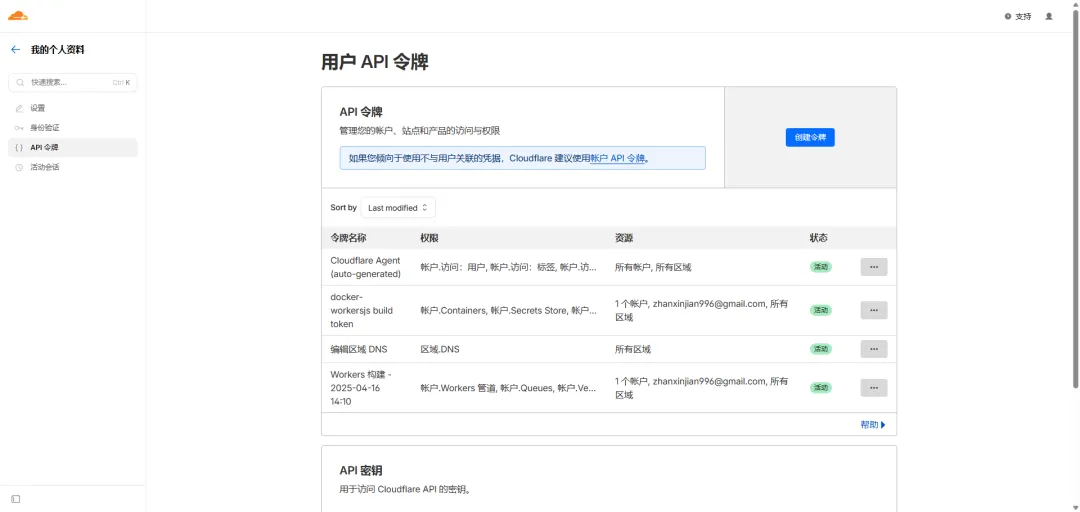
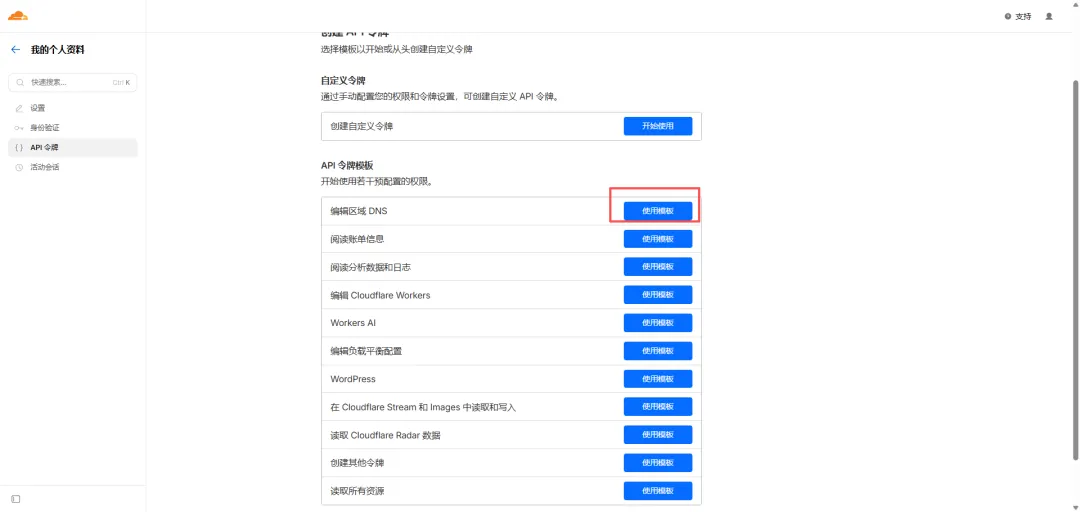
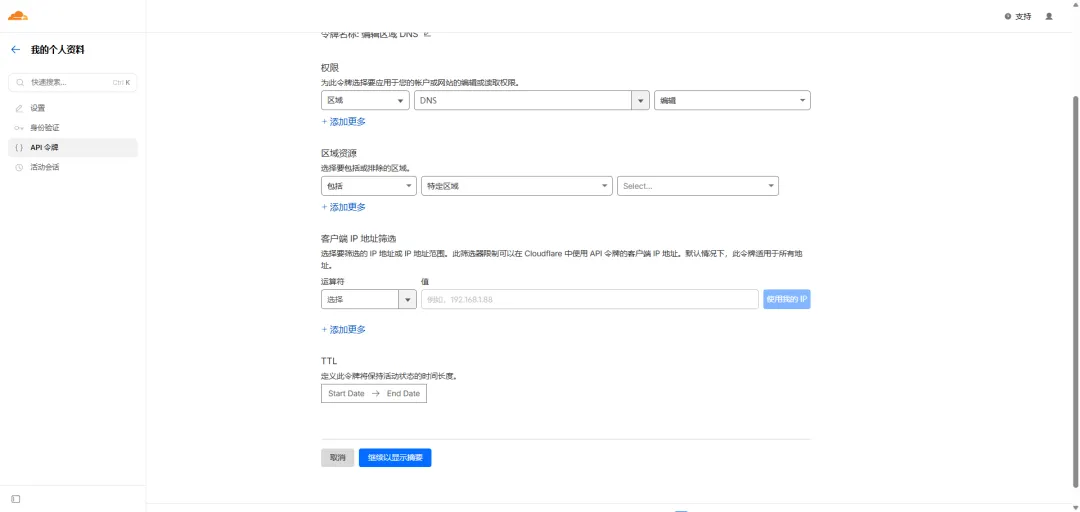
1. 创建 API Token
登录 Cloudflare → 创建 Token,权限必须包含:
2. 创建凭证文件
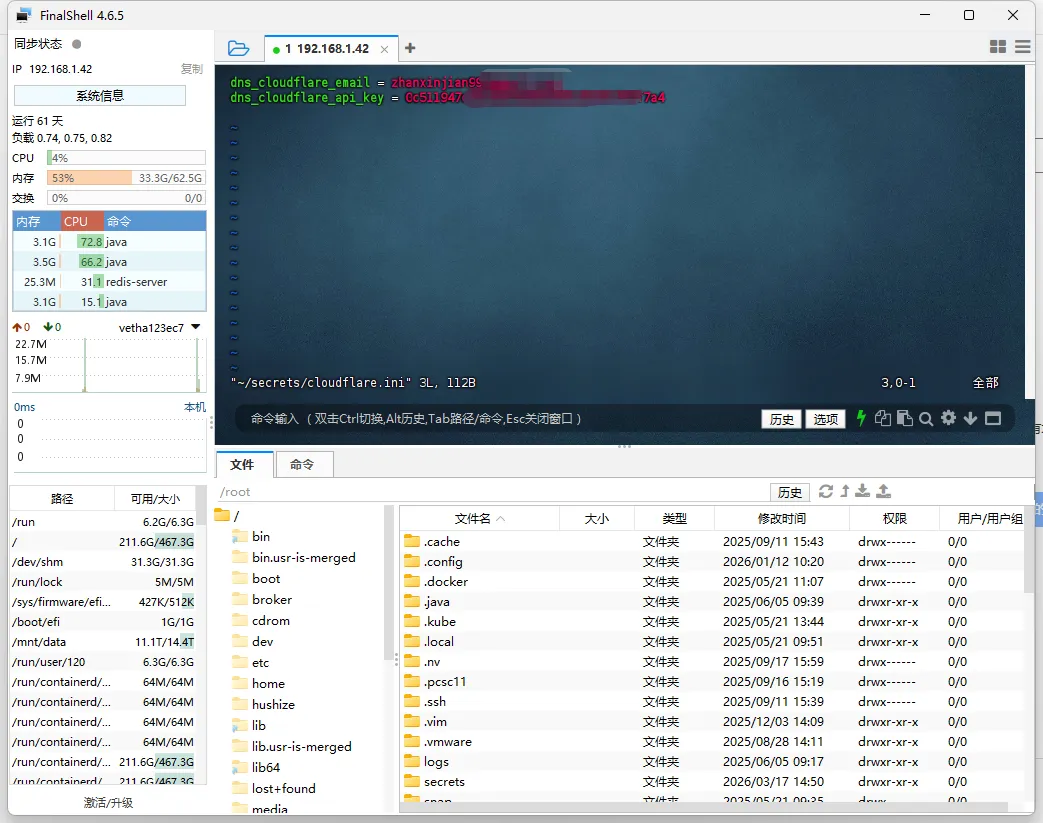
mkdir -p /root/secretsvim /root/secrets/cloudflare.ini
内容:
dns_cloudflare_email = 你的邮箱地址dns_cloudflare_api_token = 你的CloudflareToken
3. 设置权限(必须)
chmod 600 /root/secrets/cloudflare.ini
五、申请 HTTPS 证书(推荐 DNS 方式)
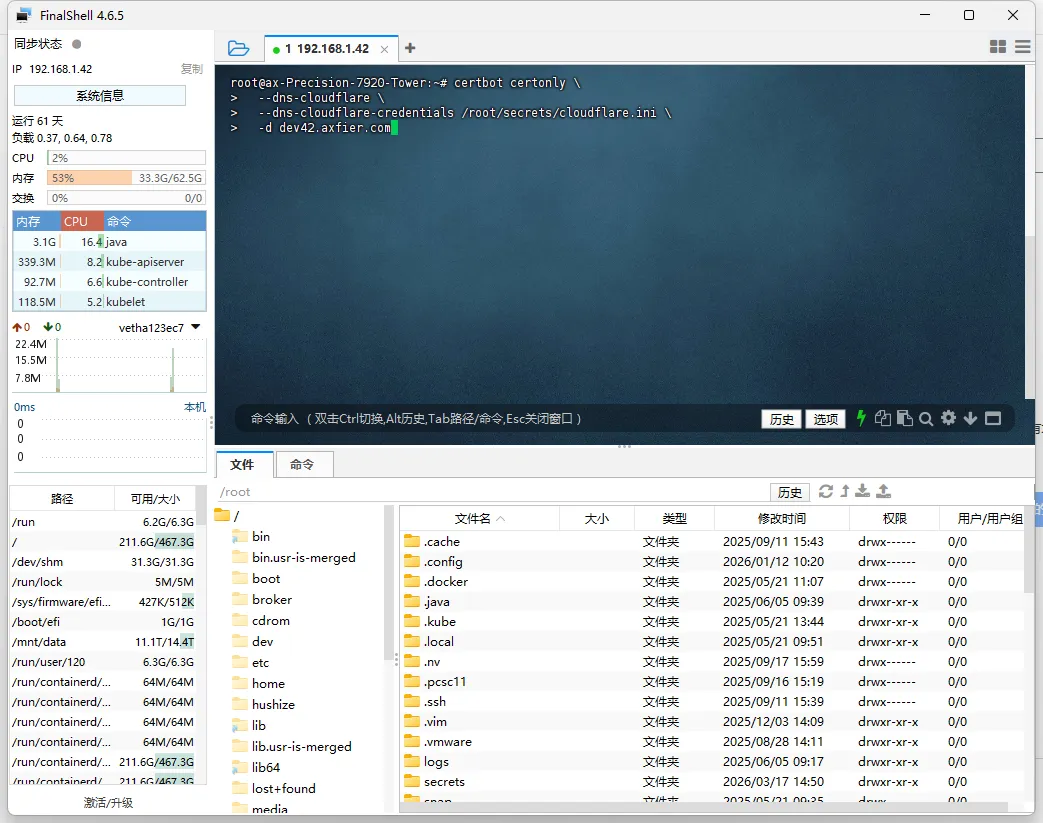
certbot certonly \ --dns-cloudflare \ --dns-cloudflare-credentials /root/secrets/cloudflare.ini \ -d yourdomain.com
👉 示例:
certbot certonly \ --dns-cloudflare \ --dns-cloudflare-credentials /root/secrets/cloudflare.ini \ -d dev42.axfier.com
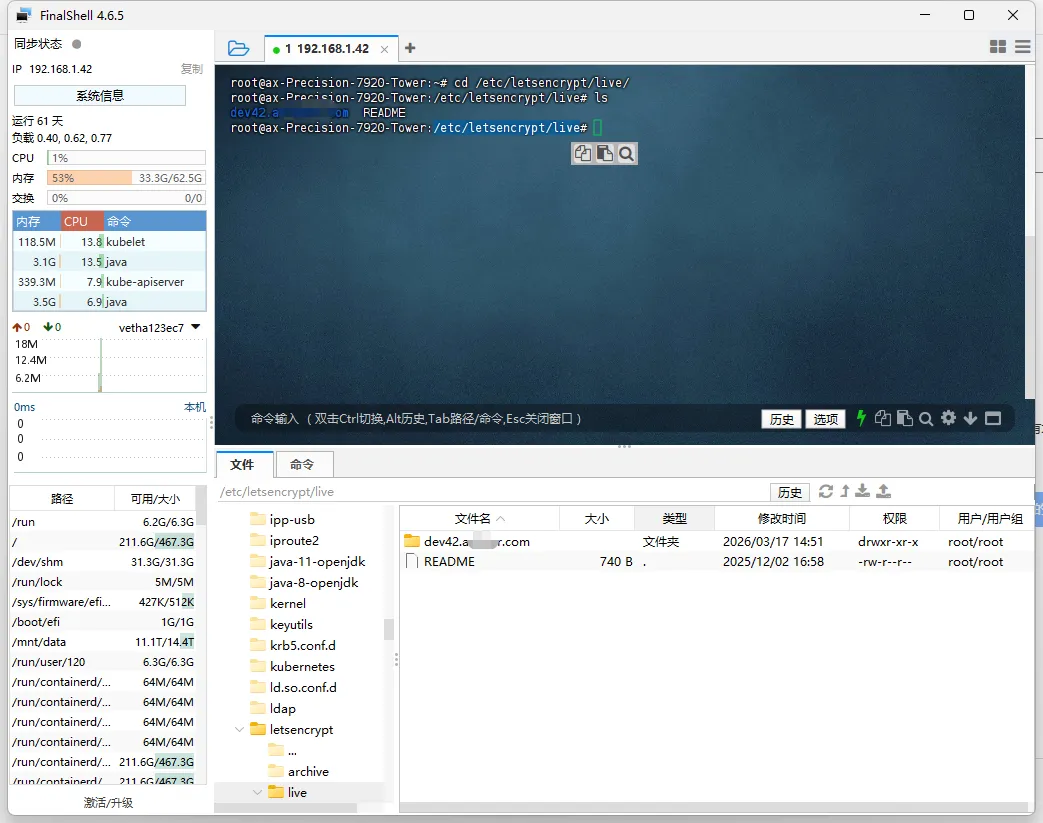
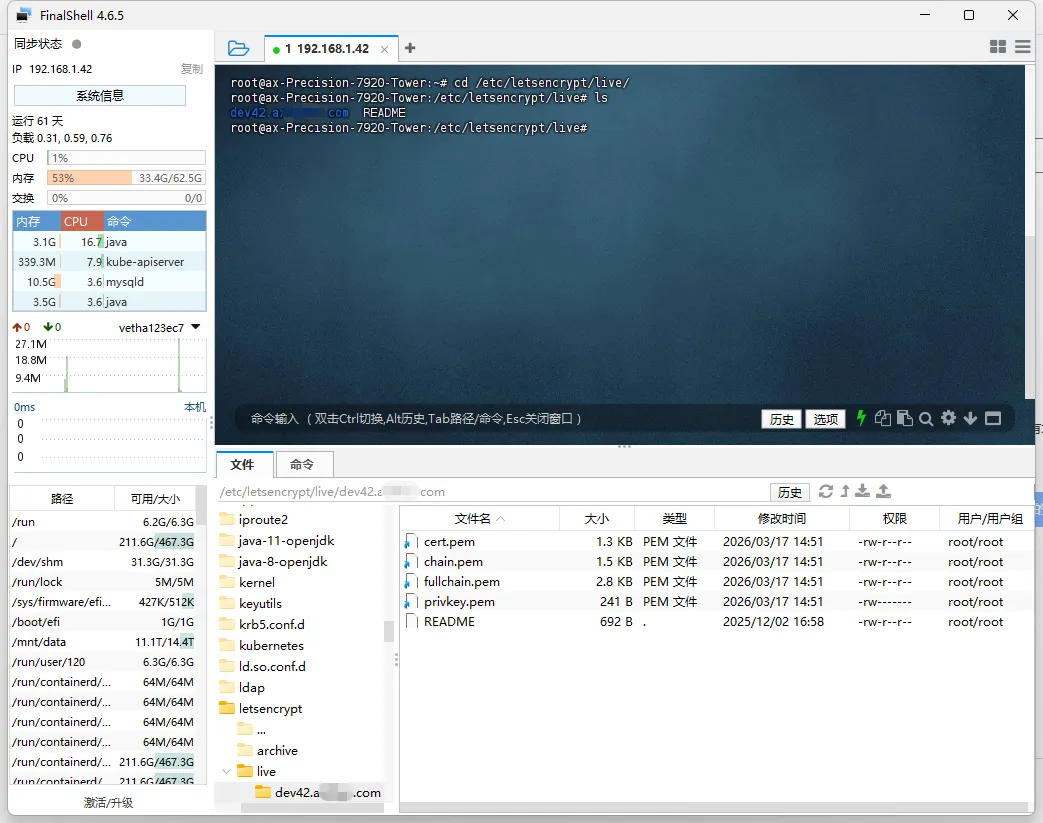
成功后证书路径
/etc/letsencrypt/live/yourdomain.com/
包含:
fullchain.pem(证书)
privkey.pem(私钥)
六、配置 Nginx HTTPS
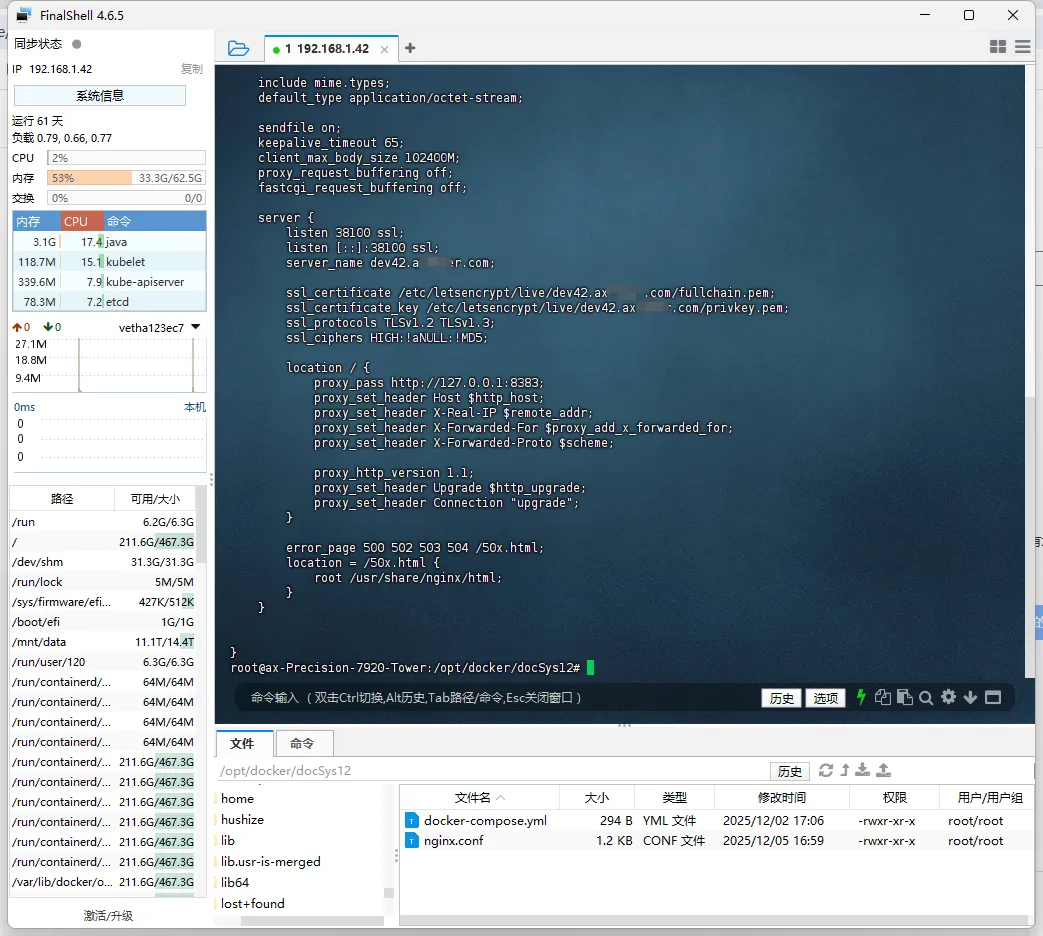
编辑配置:
vim /etc/nginx/conf.d/yourdomain.conf
示例配置
server { listen 80; server_name yourdomain.com; return 301 https://$host$request_uri;}server { listen 443 ssl; server_name yourdomain.com; ssl_certificate /etc/letsencrypt/live/yourdomain.com/fullchain.pem; ssl_certificate_key /etc/letsencrypt/live/yourdomain.com/privkey.pem; ssl_protocols TLSv1.2 TLSv1.3; location / { root /usr/share/nginx/html; index index.html; }}
重启 Nginx
nginx -tsystemctl reload nginx
七、测试 HTTPS
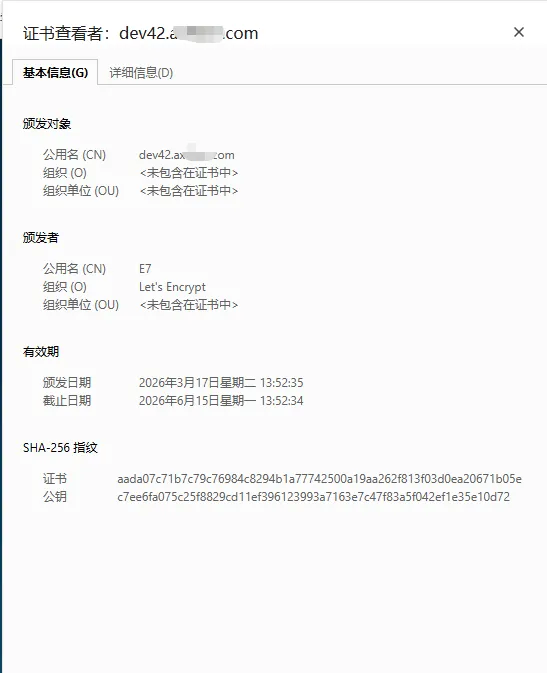
浏览器访问:
https://yourdomain.com
八、自动续期(核心)
1. 测试续期
certbot renew --dry-run
👉 成功标志:
Congratulations, all renewals succeeded
2. 自动任务(默认已存在)
systemctl list-timers | grep certbot
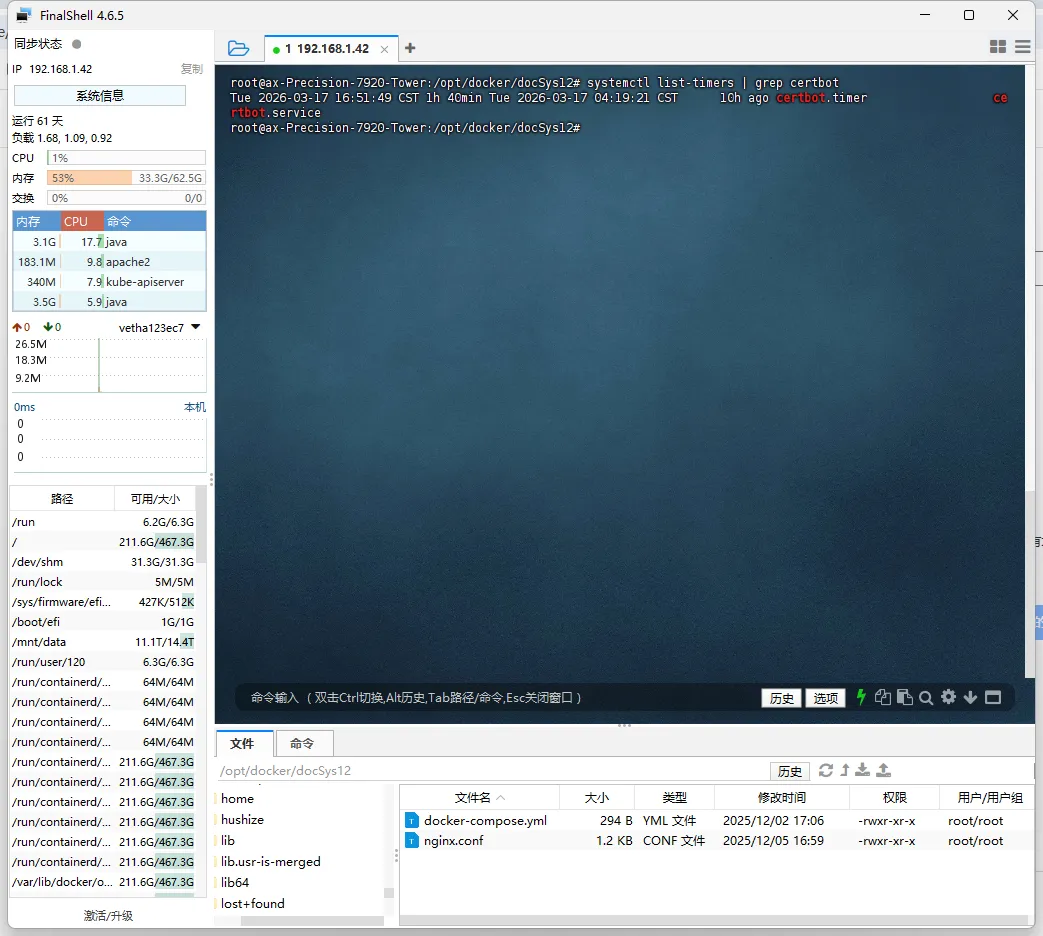
如果没有:
systemctl enable certbot.timersystemctl start certbot.timer
九、证书续期后自动重载 Nginx(推荐)
创建 hook:
mkdir -p /etc/letsencrypt/renewal-hooks/deployvim /etc/letsencrypt/renewal-hooks/deploy/nginx.sh
内容:
#!/bin/bashsystemctl reload nginx
赋权:
chmod +x /etc/letsencrypt/renewal-hooks/deploy/nginx.sh
👉 作用:
证书更新后自动 reload nginx
无需人工干预
十、常见问题排查
❌ 1. 续期失败
certbot renew --dry-run
看报错日志:
tail -f /var/log/letsencrypt/letsencrypt.log
❌ 2. DNS 不生效
ping yourdomain.com
确保解析到当前服务器
❌ 3. Cloudflare 权限问题
确保 Token 包含:
Zone:DNS:Edit
❌ 4. 权限错误
chmod 600 /root/secrets/cloudflare.ini
 10个月宝宝每天需要喝多少奶粉?