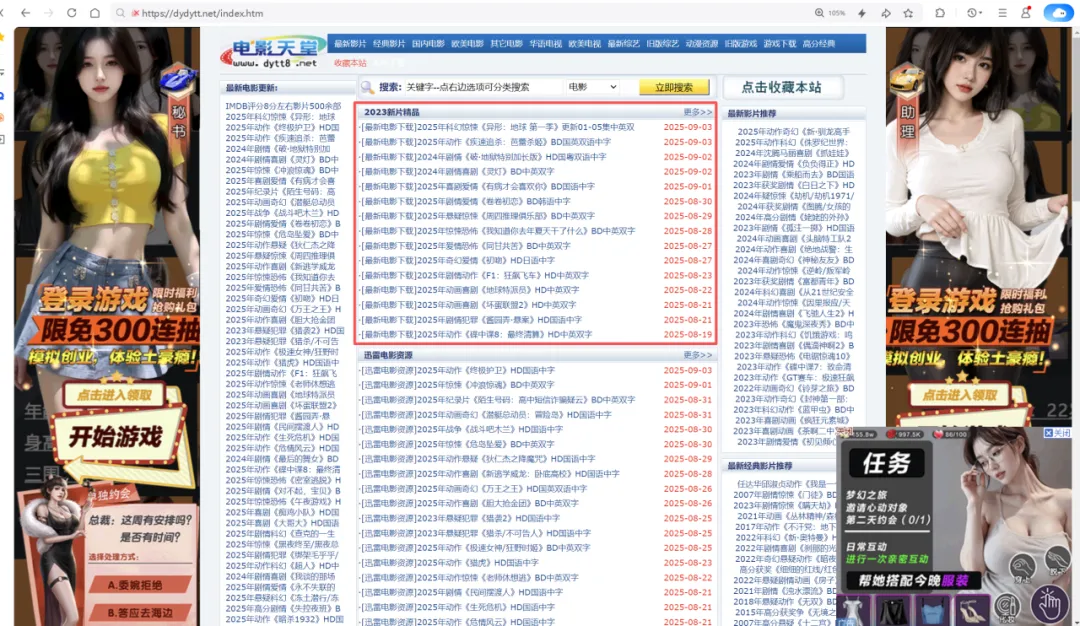
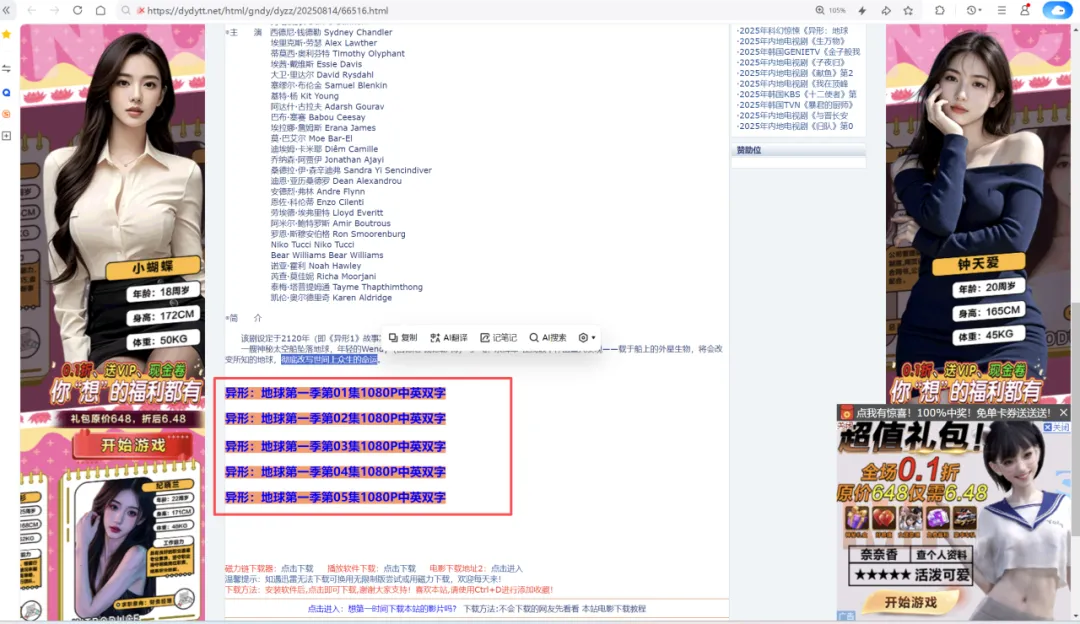
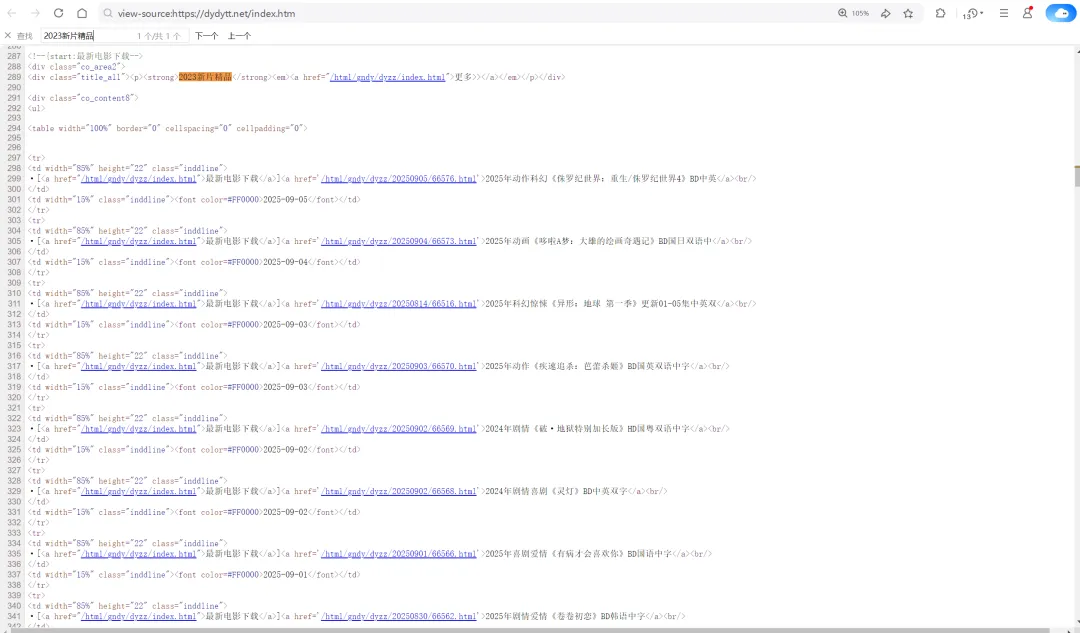
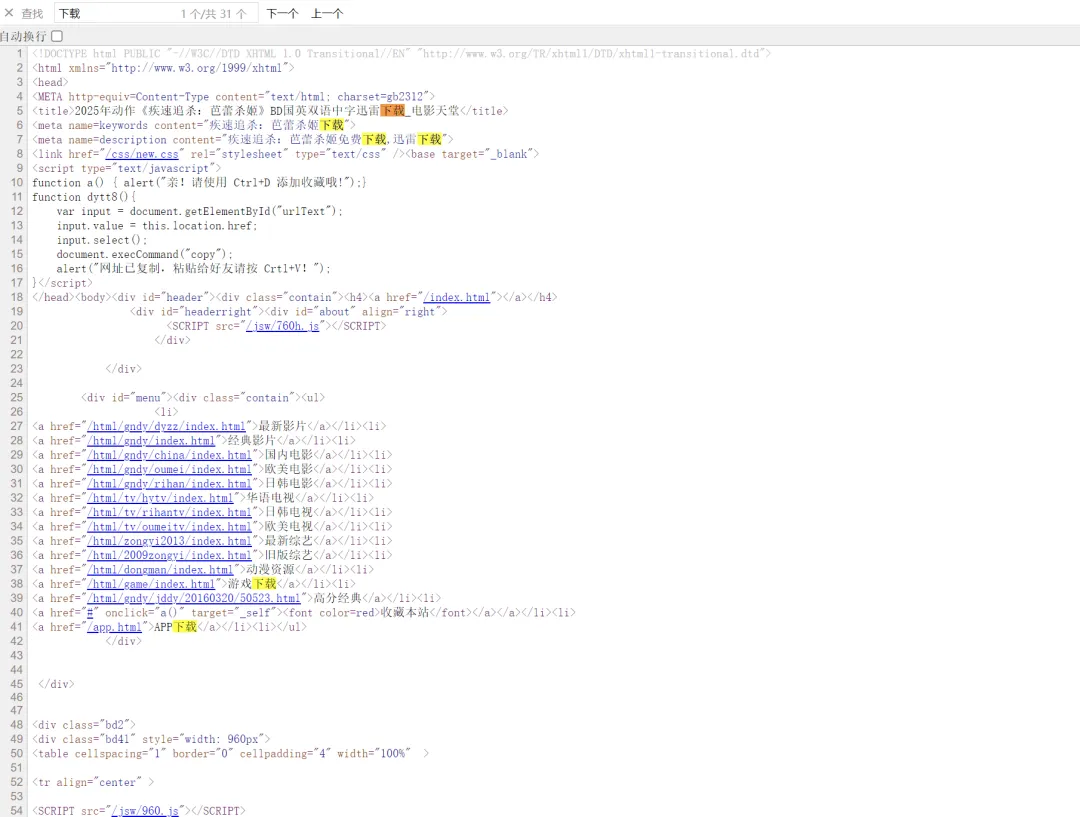
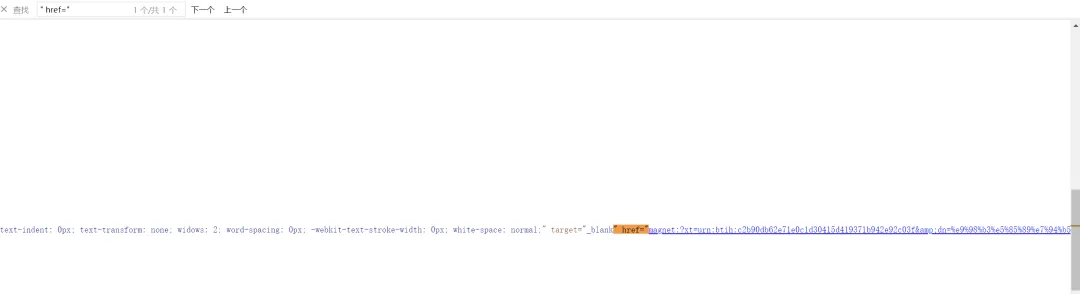
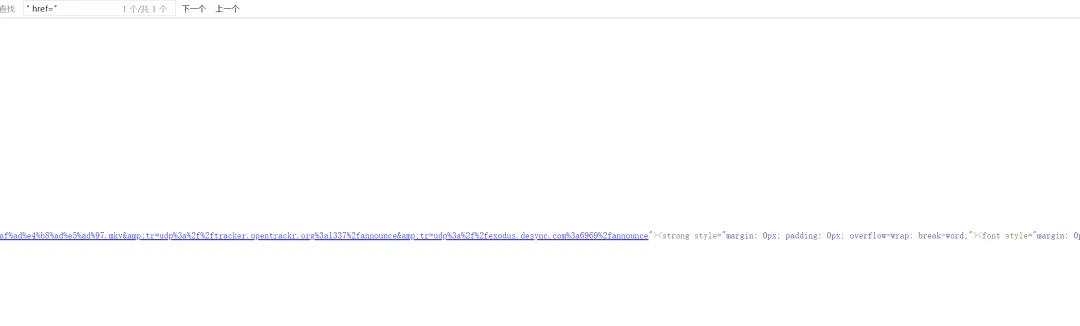
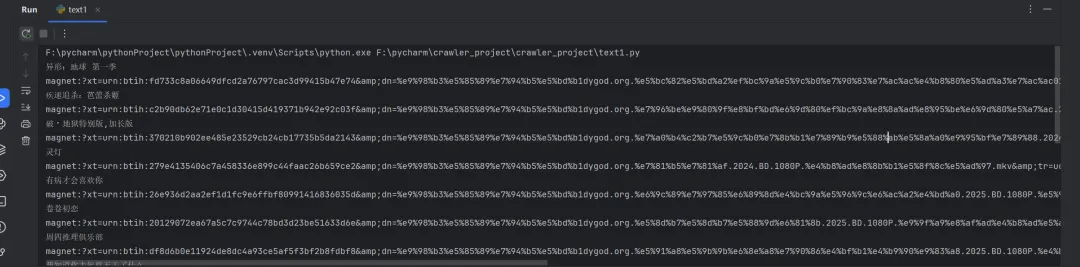
# 1、定位到2023新片精品# 2、从2023新片精品中提取到子页面的链接地址# 3、请求子页面的链接地址,拿到我们想要的下载地址import requestsimport redomain = "https://dydytt.net/index.htm"headers = { "User-Agent": "Mozilla/5.0 (Windows NT 10.0; Win64; x64) AppleWebKit/537.36 (KHTML, like Gecko) Chrome/116.0.5845.97 Safari/537.36 Core/1.116.554.400 QQBrowser/19.5.6663.400"}resp = requests.get(domain, headers=headers)# resp = requests.get(domain, verify=False) # verify=False 去掉安全验证。不过这个网址没有报错,就不加了resp.encoding = "gb2312"# print(resp.text)obj1 = re.compile(r"2023新片精品.*?<ul>(?P<ul>.*?)</ul>", re.S)obj2 = re.compile(r"</a>]<a href='(?P<href>.*?)'>", re.S)obj3 = re.compile(r'<meta name=keywords content="(?P<movie>.*?)下载">.*?" href="(?P<download>.*?)">', re.S)result1 = obj1.finditer(resp.text)child_href_list = []for it in result1: ul = it.group('ul') # print(ul) # 提取子页面链接 result2 = obj2.finditer(ul) for itt in result2: # print(itt.group('href')) # 拼接子页面的url地址:域名 + 子页面地址 new_domain = domain.removesuffix("/index.htm") child_href = new_domain + itt.group('href') # print(child_href) child_href_list.append(child_href) # 把子页面链接保存起来# 提取子页面内容for href in child_href_list: child_resp = requests.get(href, headers=headers) child_resp.encoding = "gb2312" result3 = obj3.search(child_resp.text) print(result3.group("movie")) print(result3.group("download"))



 10个月宝宝每天需要喝多少奶粉?