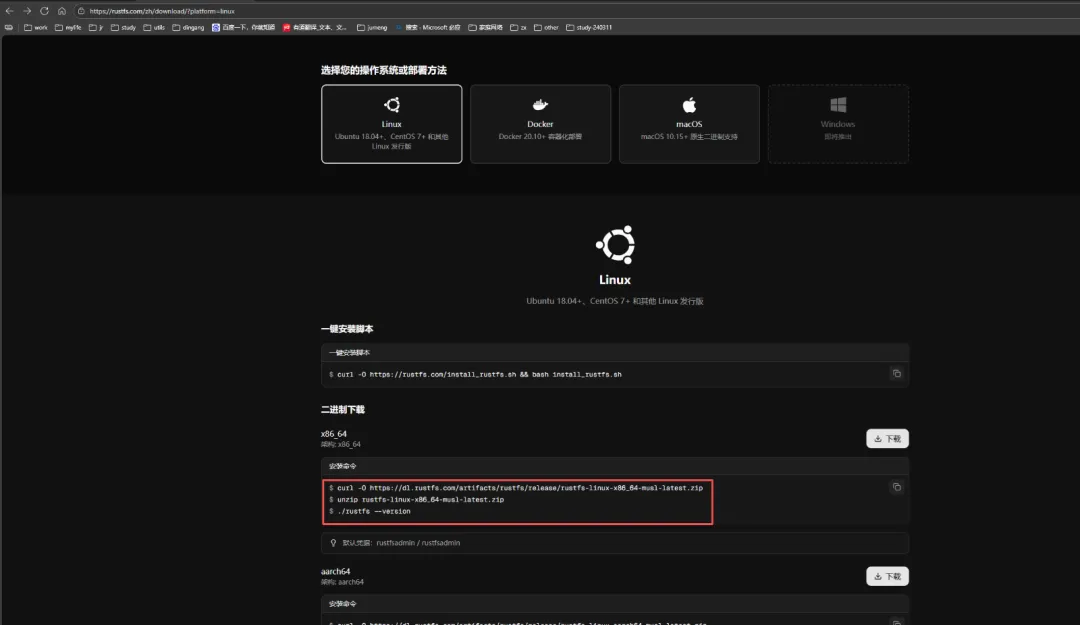
1、下载
https://rustfs.com/zh/download/?platform=linux
# 下载地址wget https://dl.rustfs.com/artifacts/rustfs/release/rustfs-linux-x86_64-musl-latest.zipunzip rustfs-linux-x86_64-musl-latest.zipchmod +x rustfsmv rustfs /usr/local/bin/
2、安装
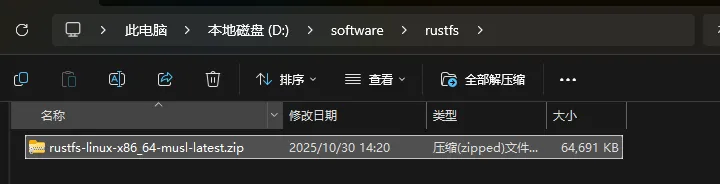
2.1、上传服务器,并解压
unzip rustfs-linux-x86_64-musl-latest.zip chmod +x rustfs
2.2、创建服务
cp rustfs /usr/local/bin/
2.2.1、创建配置文件
1、单机单盘模式
# 单机单盘模式sudo tee /etc/default/rustfs <<EOFRUSTFS_ACCESS_KEY=rustfsadminRUSTFS_SECRET_KEY=rustfsadminRUSTFS_VOLUMES="/data/rustfs0"RUSTFS_ADDRESS=":9000"RUSTFS_CONSOLE_ENABLE=trueRUST_LOG=errorRUSTFS_OBS_LOG_DIRECTORY="/var/logs/rustfs/"EOF
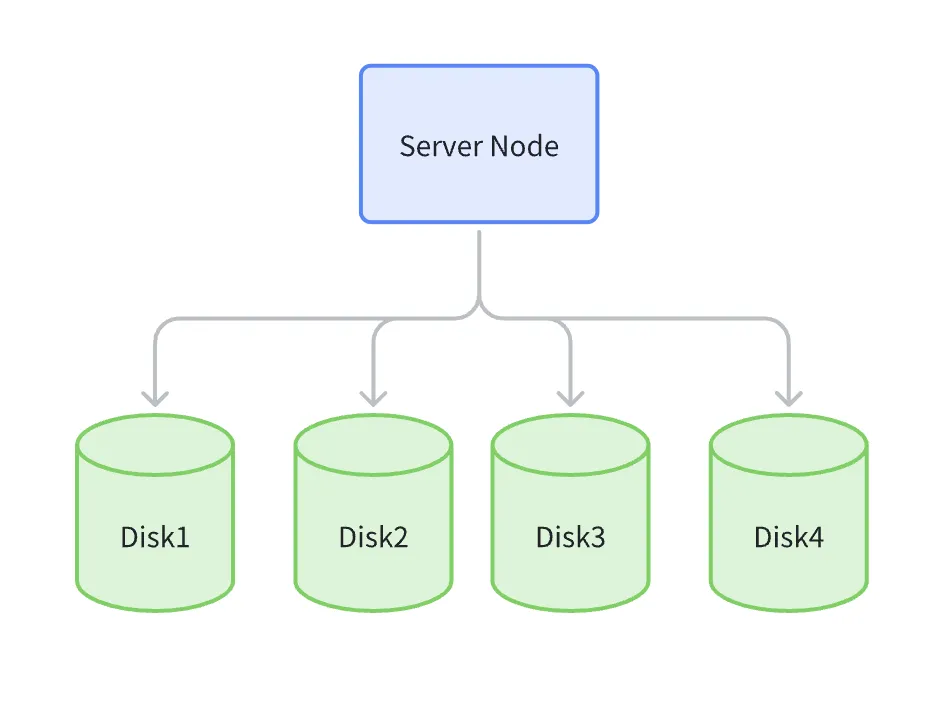
2、单机多盘模式 0-3四块盘
# 单机多盘模式 0-3四块盘sudo tee /etc/default/rustfs <<EOFRUSTFS_ACCESS_KEY=rustfsadminRUSTFS_SECRET_KEY=rustfsadminRUSTFS_VOLUMES="/data/rustfs{0...3}"RUSTFS_ADDRESS=":9000"RUSTFS_CONSOLE_ENABLE=trueRUST_LOG=errorRUSTFS_OBS_LOG_DIRECTORY="/var/logs/rustfs/"EOF
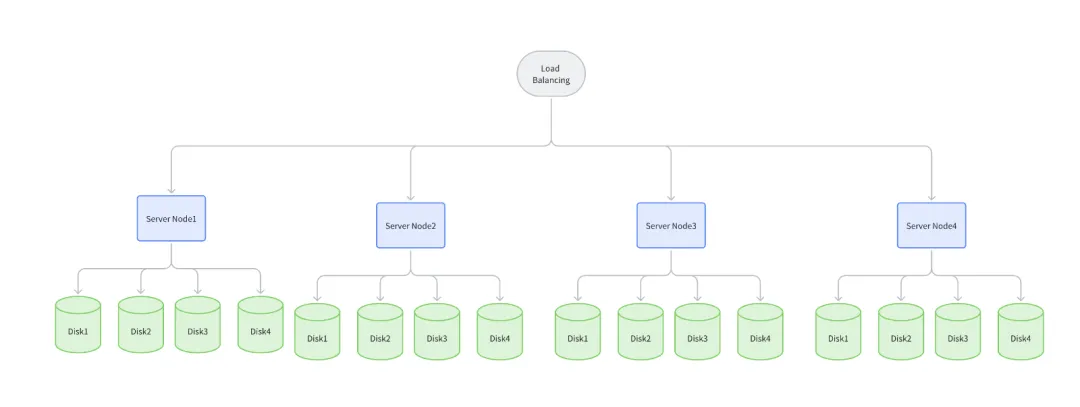
3、多机多盘模式
修改 /etc/hosts中的本地别名设置,具体操作如下:
vim /etc/hosts127.0.0.1 localhost localhost.localdomain localhost4 localhost4.localdomain4::1 localhost localhost.localdomain localhost6 localhost6.localdomain6192.168.1.1 node1192.168.1.2 node2192.168.1.3 node3192.168.1.4 node4
# 多机多盘模式sudo tee /etc/default/rustfs <<EOFRUSTFS_ACCESS_KEY=rustfsadminRUSTFS_SECRET_KEY=rustfsadminRUSTFS_VOLUMES="http://node{1...4}:9000/data/rustfs{0...3}"RUSTFS_ADDRESS=":9000"RUSTFS_CONSOLE_ENABLE=trueRUST_LOG=errorRUSTFS_OBS_LOG_DIRECTORY="/var/logs/rustfs/"EOF
2.2.2、创建存储目录
sudo mkdir -p /data/rustfs0 /var/logs/rustfs /opt/tlssudo chmod -R 750 /data/rustfs* /var/logs/rustfs
2.2.3、创建 systemd 服务文件
sudo tee /etc/systemd/system/rustfs.service <<EOF[Unit]Description=RustFS Object Storage ServerDocumentation=https://rustfs.com/docs/After=network-online.targetWants=network-online.target[Service]Type=notifyNotifyAccess=mainUser=rootGroup=rootWorkingDirectory=/usr/localEnvironmentFile=-/etc/default/rustfsExecStart=/usr/local/bin/rustfs \$RUSTFS_VOLUMESLimitNOFILE=1048576LimitNPROC=32768TasksMax=infinityRestart=alwaysRestartSec=10sOOMScoreAdjust=-1000SendSIGKILL=noTimeoutStartSec=30sTimeoutStopSec=30sNoNewPrivileges=trueProtectSystem=fullProtectHome=truePrivateTmp=truePrivateDevices=trueProtectClock=trueProtectKernelTunables=trueProtectKernelModules=trueProtectControlGroups=trueRestrictSUIDSGID=trueRestrictRealtime=true# service log configurationStandardOutput=append:/var/logs/rustfs/rustfs.logStandardError=append:/var/logs/rustfs/rustfs-err.log[Install]WantedBy=multi-user.targetEOF
2.2.4、重新加载服务配置
sudo systemctl daemon-reload
3、启动
3.1、启动服务并设置开机自启
sudo systemctl enable --now rustfssystemctl start rustfs
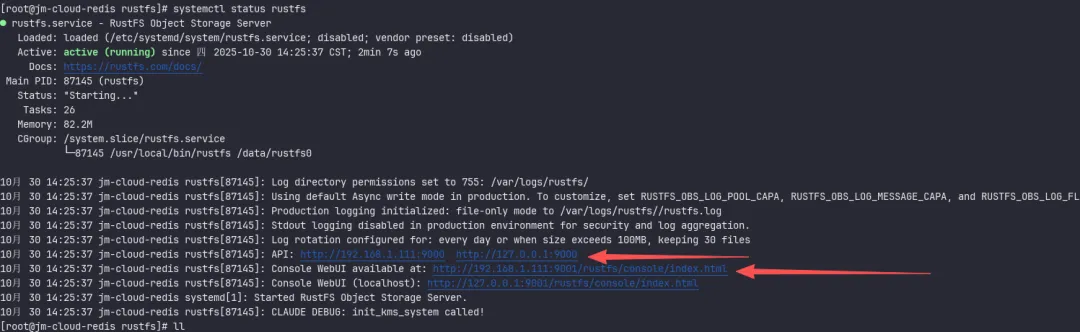
3.2、验证服务状态
3.3、检查服务端口
3.4、查看日志文件
tail -f /var/logs/rustfs/rustfs*.log
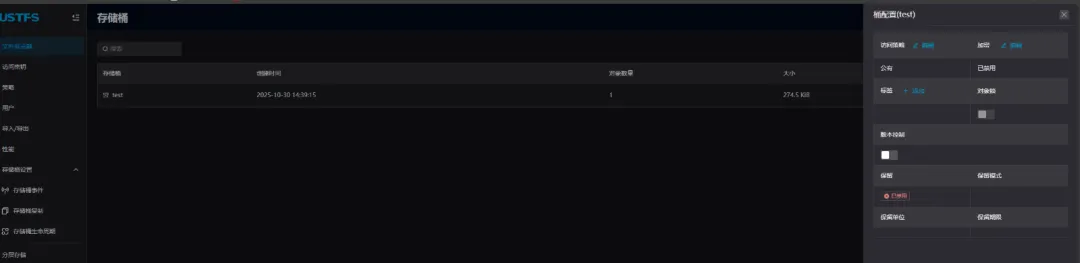
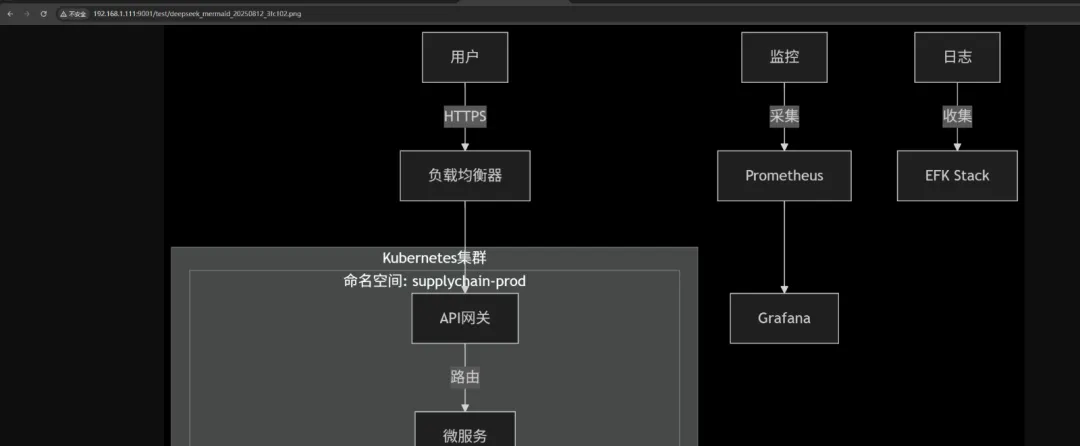
4、使用
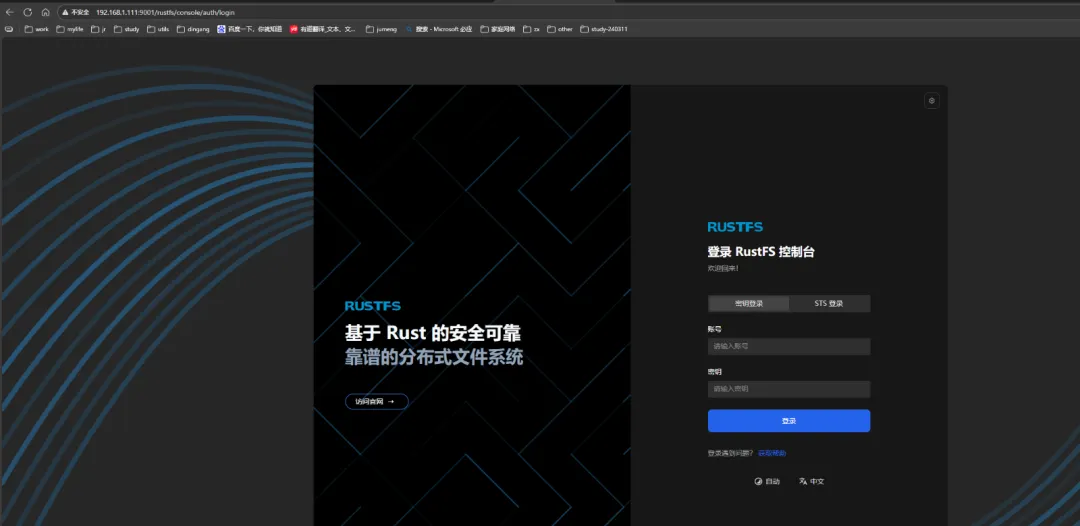
http://192.168.1.111:9001/rustfs/console/auth/login
rustfsadmin/rustfsadmin


 10个月宝宝每天需要喝多少奶粉?