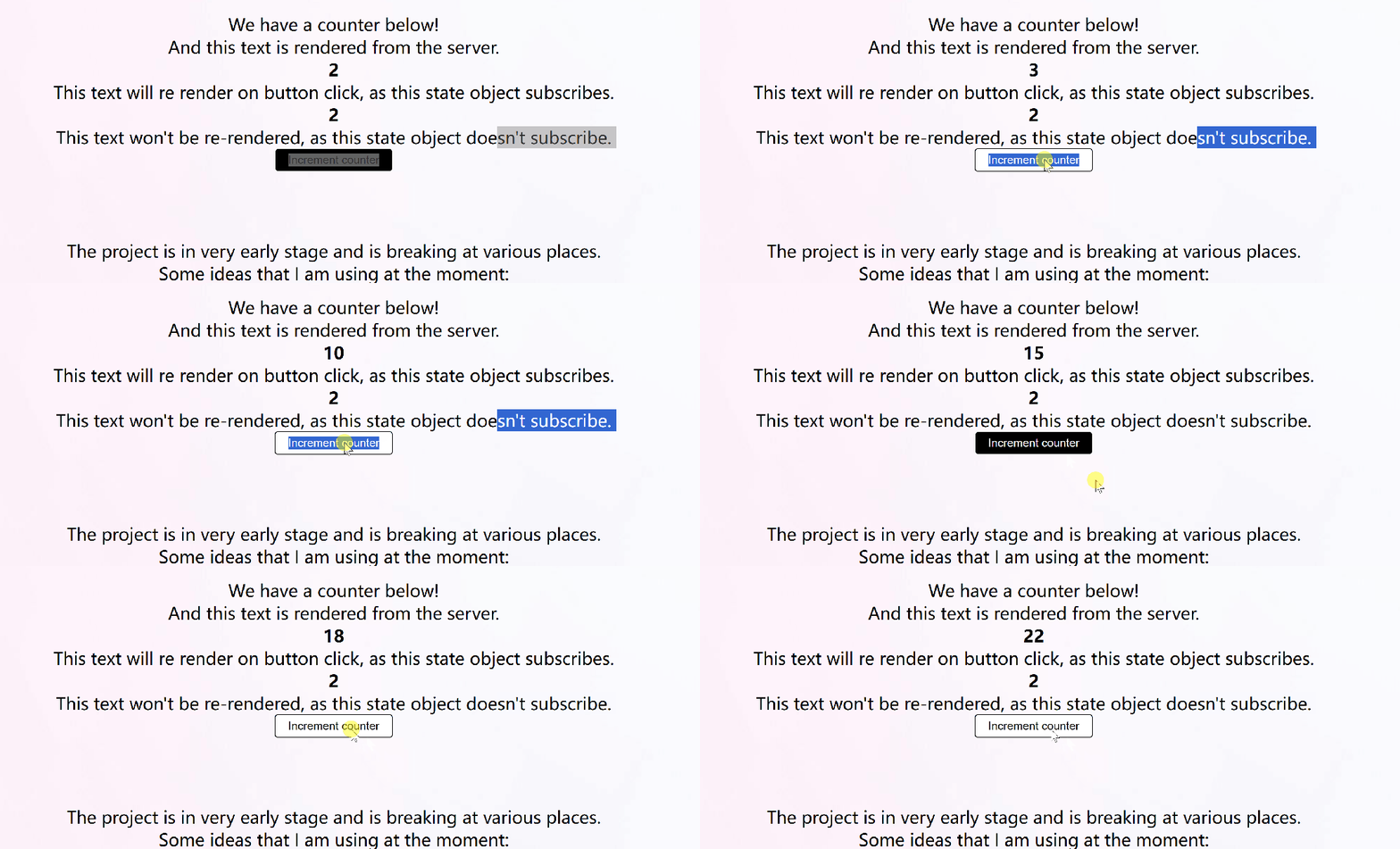
Starfyre 是一款基于 WebAssembly (WASM) 的 Python Web 框架,它允许你使用纯 Python 创建响应式前端应用。这意味着你可以轻松地构建交互式、实时应用程序,无需繁琐的 JavaScript 代码。Starfyre 基于 Pyscript 实现客户端功能,并通过 pyxides 的概念组织代码,让你的前端开发变得更加简单高效。
什么是 pyxides?
pyxides 可以翻译为“容器”。在 Starfyre 中,每个组件都是一个容器,它可以包含其他组件或 HTML 元素。这种结构化的方式使得代码更易于组织和管理。
安装
pip install starfyre
示例应用
Starfyre 提供了一个示例项目,你可以通过以下命令快速创建自己的应用:
starfyre --create="my-app"
该命令将使用 create-starfyre-app 模板创建一个新的项目。
IDE/编辑器插件
Starfyre 提供了针对 Vim 和 VSCode 的插件,方便你进行代码高亮和语法检查:
简单组件
以下是一个简单的 Starfyre 组件示例:
# my-app/pages/__init__.fyreimport"../styles/index.css"defmessage():return"World"---clientfrom starfyre import jsdefhandle_click(): js.console.log("Hello World")---<pyxide><div onclick={handle_click()}>Hello,{message()}</div></pyxide>
这个组件展示了如何使用 handle_click 函数绑定点击事件,以及如何使用 message 函数动态渲染文本。
使用组件
Starfyre 支持组件化开发,你可以将组件拆分成独立的文件,并在其他地方复用。例如:
# my-app/pages/__init__.fyreimport"../styles/index.css"from@.components.custom_component import custom_component# @ is the alias for the source directory. e.g. my-app in our case<pyxide><custom_component></custom_component></pyxide># my-app/src/components/custom_component.fyre<pyxide><div>Thisis a custom component </div></pyxide>
状态管理
Starfyre 通过 Observable 和 Reactive Function 的概念来管理组件状态。你可以使用 Observable 存储数据,并在数据发生变化时触发 Reactive Function,从而更新组件视图。
路由
Starfyre 支持基于文件的路由,你可以通过创建不同的文件来定义不同的页面。
样式
Starfyre 允许你使用 CSS 来定制应用程序的样式。
依赖管理
Starfyre 使用 starfyre_config.toml 文件管理项目依赖。你可以通过以下命令添加依赖:
starfyre --add-pyxide-package="package-name"starfyre --add-server-package="package-name"starfyre --add-js-module="module-name" --as="alias"
CLI 使用示例
Starfyre 提供了命令行界面,你可以使用以下命令构建和运行应用:
python -m starfyre [OPTIONS]Command-line interface to compile and build a Starfyre project.Args: path (str):Path to the project directory. build (bool):Whether to start the build package. create (str):Name of the project to create. serve (bool):Whether to serve the project.Options:--path TEXT Path to the project.Requires--build.--build Compile and build package.Requires--path.--create TEXT Create a new project.Requires a project name.--serve Serve the project.Requires--path.--helpShow this message and exit.
本地开发
1. Fork 该仓库。
2. 克隆仓库:git clone https://github.com/sparckles/starfyre
3. 进入 Starfyre 目录:cd starfyre
4. 安装 Poetry:curl -sSL https://install.python-poetry.org/ | python3 -
5. 安装依赖:poetry install
6. 激活 Poetry 虚拟环境:poetry shell
7. 运行脚本:./build.sh。该脚本会使用 test-application 目录中的测试应用来构建 Starfyre。
8. 进入 test_application/dist 目录。
9. 在浏览器中打开 index.html 文件,查看输出结果。
总结
Starfyre 为 Python 开发者提供了一种简单高效的方式来构建响应式前端应用。其基于 WASM 的架构、组件化开发模式和灵活的依赖管理,可以帮助你快速创建功能丰富、用户体验良好的 Web 应用程序。
项目地址:https://github.com/sparckles/starfyre