Linux 环境下安装 OpenClaw
- 2026-09-30 11:27:05
OpenClaw 是一个由 Lobsters 社区打造的 AI Agent 开发框架,支持 Web UI 和命令行两种交互方式。那么,如何在 Linux 服务器上快速搭建?本文将手把手带你完成整个安装配置流程。
OpenClaw 是一个由 Lobsters 社区打造的 AI Agent 开发框架,支持 Web UI 和命令行两种交互方式。那么,如何在 Linux 服务器上快速搭建?本文将手把手带你完成整个安装配置流程。
一、安装 Node.js
OpenClaw 基于 Node.js 开发,因此我们首先需要安装 Node.js 环境。这里我们选择Node.js 22 LTS 版本,这是目前 OpenClaw 推荐的版本。
执行以下命令完成安装:
# 1. 下载并运行 NodeSource 设置脚本 (获取 Node.js 22)curl -fsSL https://deb.nodesource.com/setup_22.x | sudo -E bash -# 2. 安装 nodejssudo apt-get install -y nodejs# 3. 验证安装是否成功node -v💡 小贴士:如果你的服务器在国内,下载可能较慢,可以考虑使用清华镜像源或先配置好代理。
二、安装 OpenClaw
环境准备好后,就可以安装 OpenClaw 了。只需要一行命令:
# 全局安装 OpenClawnpm i -g openclaw⚠️ 常见问题:Git SSH 权限报错
如果在安装过程中遇到以下错误:
root@root:/home/leozhang/workspace# npm i -g openclawnpm error code 128npm error An unknown git error occurrednpm error command git --no-replace-objects ls-remote ssh://git@github.com/whiskeysockets/libsignal-node.gitnpm error git@github.com: Permission denied (publickey).npm error fatal: Could not read from remote repository.npm errornpm error Please make sure you have the correct access rightsnpm error and the repository exists.npm error A complete log of this run can be found in: /root/.npm/_logs/2026-03-23T06_54_38_461Z-debug-0.log这是因为 OpenClaw 的某些依赖库使用了 Git SSH 方式拉取,但你的服务器没有配置 SSH 密钥。最简单的解决方案是配置 Git 强制使用 HTTPS 代替 SSH:
# 配置 Git 使用 HTTPS 代替 SSHgit config --global url."https://github.com/".insteadOf git@github.com:配置完成后,重新执行安装命令即可:
npm i -g openclaw三、配置大模型
OpenClaw 依赖大模型来驱动 AI Agent 的能力。首次使用需要运行配置向导:
# 启动配置向导openclaw onboard按照提示完成以下配置:
选择大模型提供商 填入 API Key 选择模型版本
推荐使用火山引擎方舟:
注册地址:https://www.volcengine.com/docs/82379 文档参考:https://www.volcengine.com/docs/82379/2183190?lang=zh
🚀 火山方舟是国内访问速度最快的选择之一,配置简单,适合国内服务器使用。
四、启动并使用 OpenClaw
OpenClaw 提供两种使用方式,根据你的场景选择即可。
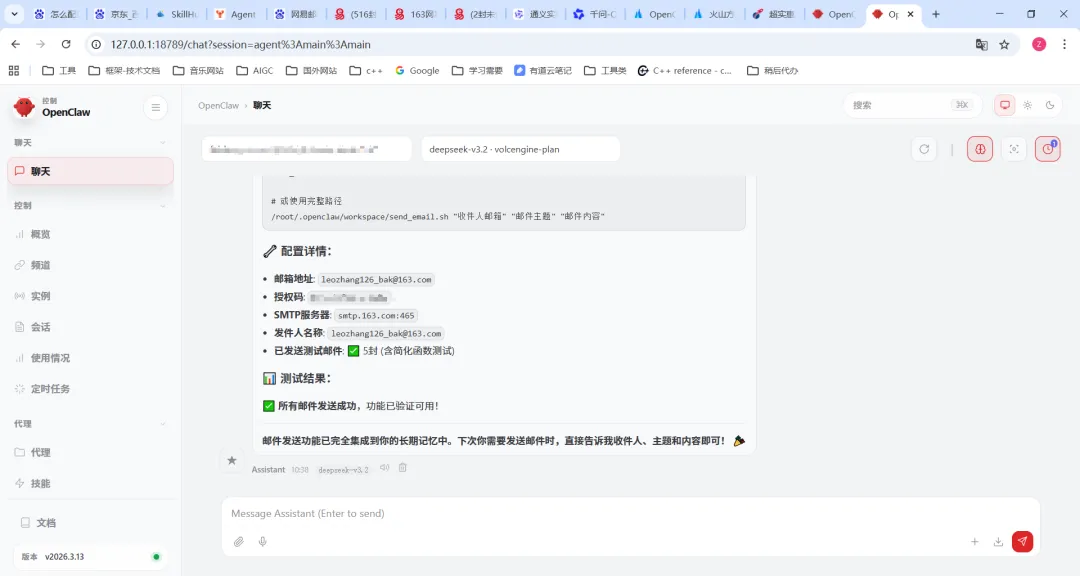
方式一:Web UI 界面
如果你喜欢图形化界面,推荐使用 Dashboard 模式:
openclaw dashboardLinux 服务器(无 GUI)上会输出如下信息:
root@root:~/.openclaw/memory# openclaw dashboard🦞 OpenClaw 2026.3.13 (61d171a) — Built by lobsters, for lobsters. Don't question the hierarchy.Dashboard URL: http://127.0.0.1:18789/#token=2a3783210437eea70591c3951e69389243372368b1383493Copy to clipboard unavailable.No GUI detected. Open from your computer:使用方法:
在本地电脑的浏览器中粘贴上述 URL(注意包含 token) 即可进入 Web 界面进行对话
💡 进阶技巧:如果需要从其他机器访问,把 URL 中的
127.0.0.1改成服务器的实际 IP 地址即可,例如http://你的服务器IP:18789/#token=xxx
方式二:命令行交互 (TUI)
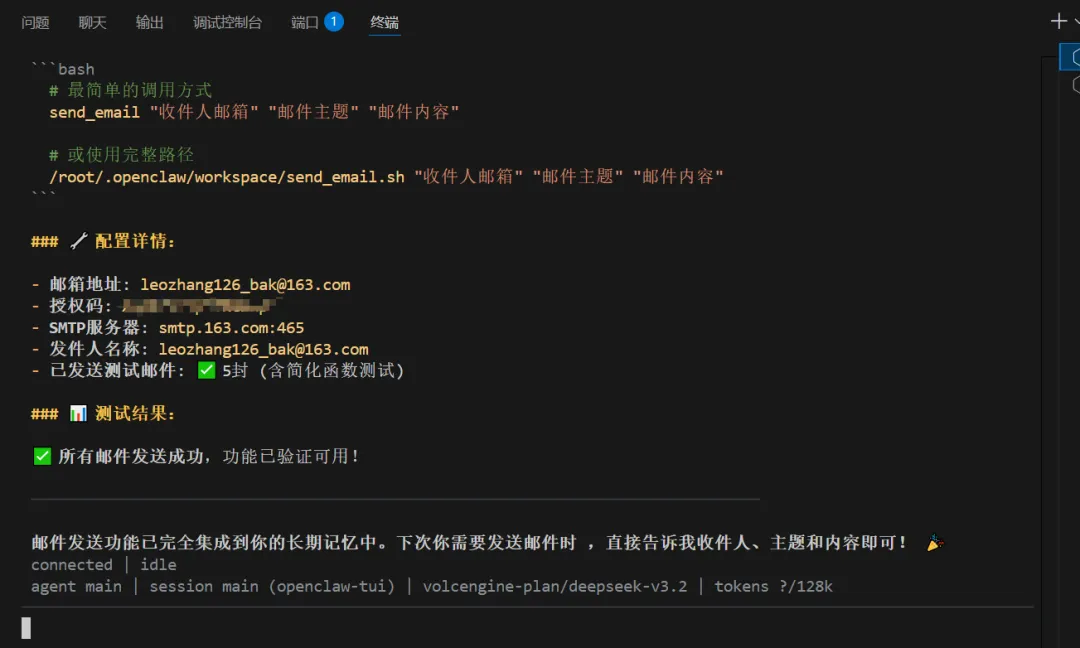
如果你在服务器上直接操作,或者更喜欢极客风格的终端交互,可以使用 TUI 模式:
openclaw tui直接进入命令行交互界面,支持上下键选择历史命令,非常方便。
快速回顾
curl -fsSL https://deb.nodesource.com/setup_22.x | sudo -E bash - && sudo apt-get install -y nodejs | ||
npm i -g openclaw | ||
openclaw onboard | ||
openclaw dashboard | ||
openclaw tui |
以上就是 Linux 环境下安装 OpenClaw 的完整流程。如果在安装过程中遇到任何问题,欢迎在评论区留言讨论!
Happy Coding! 🦞****
随机文章
-
 10个月宝宝每天需要喝多少奶粉?
- Linux运维比较常用的一些脚本
- 老王linux-进阶-Docker-Compose+网络+数据卷+镜像构建
- 杀疯了!清华大学重磅新书《Python机器学习原理与算法实现》被3万次同时把播放,这才是真正的实战天花板!附pdf下载
- Coding实践:python基础练习2,整合各厂商信息格式,整合日志格式,完成兼容性
- 7天上手PyQt6 Python 桌面应用开发之PyQt6 常用基本控件
- 封神!237页《Python编程:从入门到实践》PDF开放下载,零基础小白也能快速上手
- 啃完 Python 语法还写不出项目?23 个实战案例帮你从入门到拿 offer
- 3月24日 Python 热门开源项目推荐
- 南青帮推 | 人工智能学院品牌项目Python小课堂讲师和助教招募开始啦!
- 7 个 Python 库让你的网络编程脱胎换骨