批量处理SRT字幕:Python脚本让视频内容生产效率翻倍
核心作用
做口播、课程、带货视频最耗时的环节之一是字幕校对——自动识别有错字、时间轴要对齐、批量视频还要逐个处理。用Python处理SRT字幕文件,可以把原本1小时的校对压缩到5分钟,还能批量完成统一修改。适合做视频矩阵、系列课程的副业党。
分步操作
步骤1:理解SRT文件结构
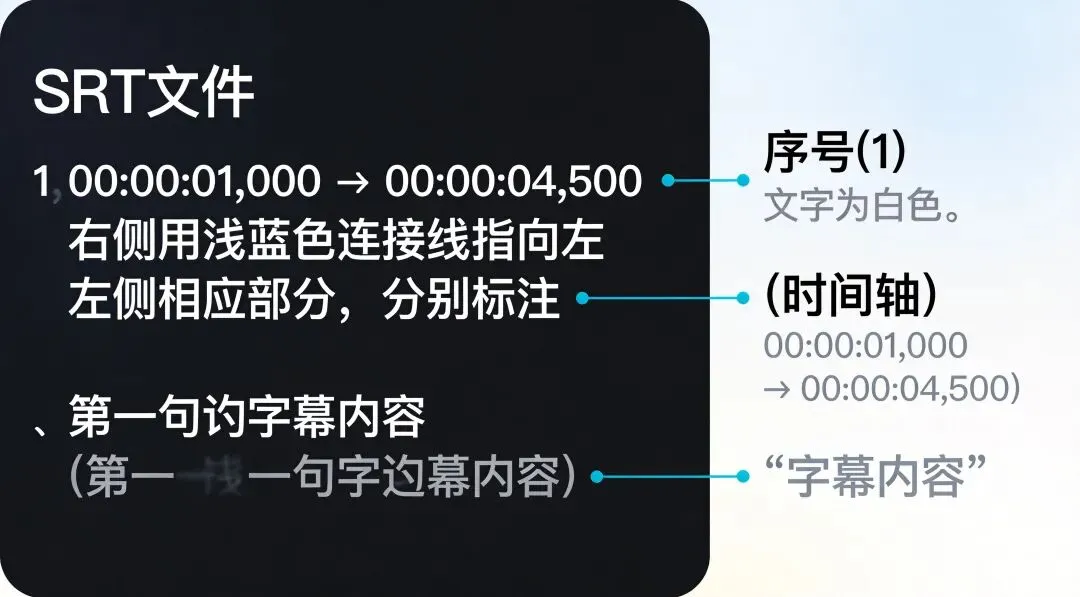
SRT字幕本质是纯文本,格式固定:
100:00:01,000 --> 00:00:04,500第一句字幕内容200:00:05,000 --> 00:00:08,200第二句字幕内容
每段字幕由三部分组成:序号 → 时间轴 → 内容,内容与内容之间用空行隔开。掌握这个结构,脚本处理逻辑就很清晰了。
步骤2:安装依赖
pip install pysrt
pysrt 是SRT文件专用库,支持读取、编辑、批量处理,比正则解析更稳定。
步骤3:批量修正错别字(核心脚本)
新建 fix_subtitle.py:
import pysrt# 要替换的错字字典,按需添加fix_map = { "硅基流动": "硅基流动", "coze": "Coze", "ai": "AI", "副业": "副业", # 更多替换规则加在这里}def fix_subtitle(input_path, output_path): subs = pysrt.open(input_path, encoding='utf-8') for sub in subs: text = sub.text for wrong, right in fix_map.items(): text = text.replace(wrong, right) sub.text = text subs.save(output_path, encoding='utf-8') print(f"已处理:{output_path}")# 批量处理目录下所有srt文件import osfolder = "./ subtitles" # 字幕文件夹路径for filename in os.listdir(folder): if filename.endswith(".srt"): input_file = os.path.join(folder, filename) output_file = os.path.join(folder, f"fixed_{filename}") fix_subtitle(input_file, output_file)
运行:
python fix_subtitle.py
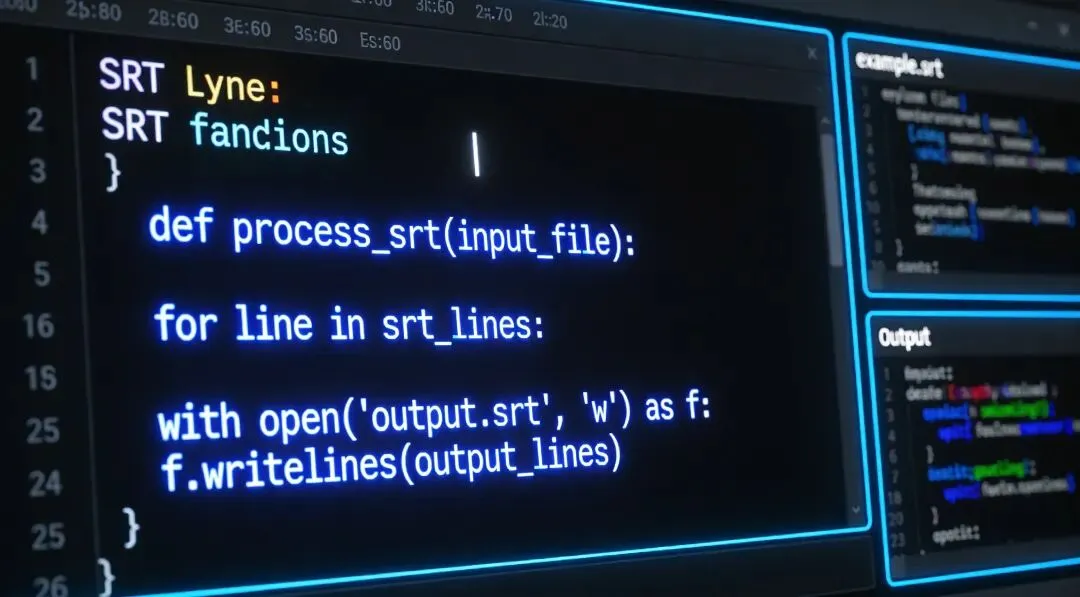
图1:Python脚本批量处理字幕文件示意
步骤4:统一调整字幕时间轴
视频需要统一前移或后移字幕时间?用这个脚本:
import pysrtdef shift_time(input_path, output_path, shift_seconds=1.0): subs = pysrt.open(input_path, encoding='utf-8') shift_ms = int(shift_seconds * 1000) for sub in subs: sub.start.ordinal += shift_ms sub.end.ordinal += shift_ms subs.save(output_path, encoding='utf-8') print(f"时间轴偏移{shift_seconds}秒完成:{output_path}")# 示例:所有字幕前移0.5秒shift_time("./episode1.srt", "./episode1_shifted.srt", shift_seconds=-0.5)
步骤5:批量拆分合并字幕
多段视频拼成一个合集时,需要合并字幕:
import pysrtdef merge_subtitles(file_list, output_path): merged = pysrt.SubRipFile() index = 1 for i, filepath in enumerate(file_list): subs = pysrt.open(filepath, encoding='utf-8') for sub in subs: sub.index = index merged.append(sub) index += 1 merged.save(output_path, encoding='utf-8') print(f"合并{len(file_list)}个文件完成:{output_path}")# 使用示例files = ["./p1.srt", "./p2.srt", "./p3.srt"]merge_subtitles(files, "./merged.srt")
图2:SRT字幕文件格式结构示意
常见坑点
| | |
|---|
| | 用encoding='utf-8'打开,或尝试encoding='gbk' |
| | 负偏移时检查是否出现负值,用max(0, ordinal)截断 |
| | |
| | 用sub.normalize_times()修复序号 |
快捷技巧
1. 生成带编号的台词文本
导出纯文本方便审稿:
import pysrtsubs = pysrt.open("./video.srt", encoding='utf-8')with open("./transcript.txt", "w", encoding="utf-8") as f: for sub in subs: f.write(f"{sub.index}. {sub.text}\n")
2. 提取特定时间段的字幕
subs = pysrt.open("./video.srt", encoding='utf-8')# 提取第30秒到第90秒的内容segment = subs.slice(starts_after=30, ends_before=90)segment.save("./segment.srt", encoding='utf-8')
3. 快速统计字幕总时长
subs = pysrt.open("./video.srt", encoding='utf-8')total = sum((s.end.ordinal - s.start.ordinal) for s in subs)print(f"字幕总时长:{total/1000:.1f}秒")
4. 用正则做高级批量替换
import resubs = pysrt.open("./video.srt", encoding='utf-8')for sub in subs: # 把"副业"后面加个空格(规范格式) sub.text = re.sub(r"副业(\w)", r"副业 \1", sub.text)subs.save("./video_fixed.srt", encoding='utf-8')
✍️ 作者:研选信X
📌 本文为原创内容,未经授权禁止转载。如需合作请联系后台。
 10个月宝宝每天需要喝多少奶粉?