Linux单节点多硬盘部署MinIO,这里以Ubuntu为例
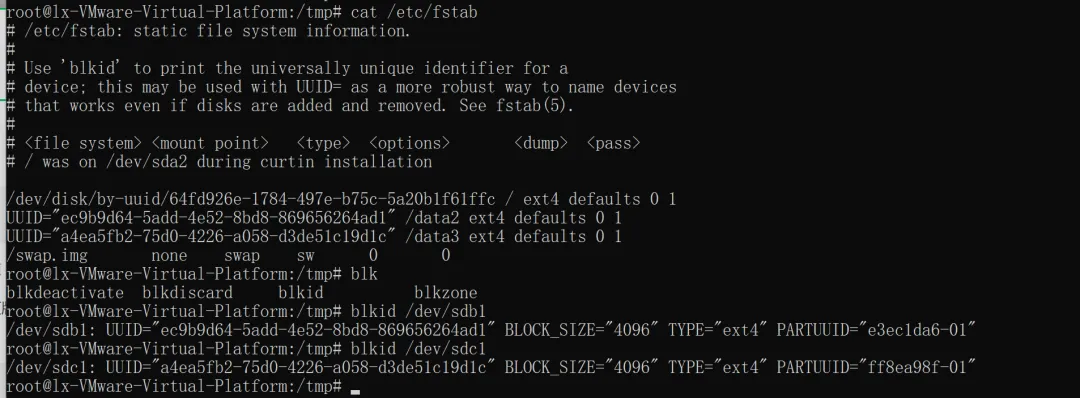
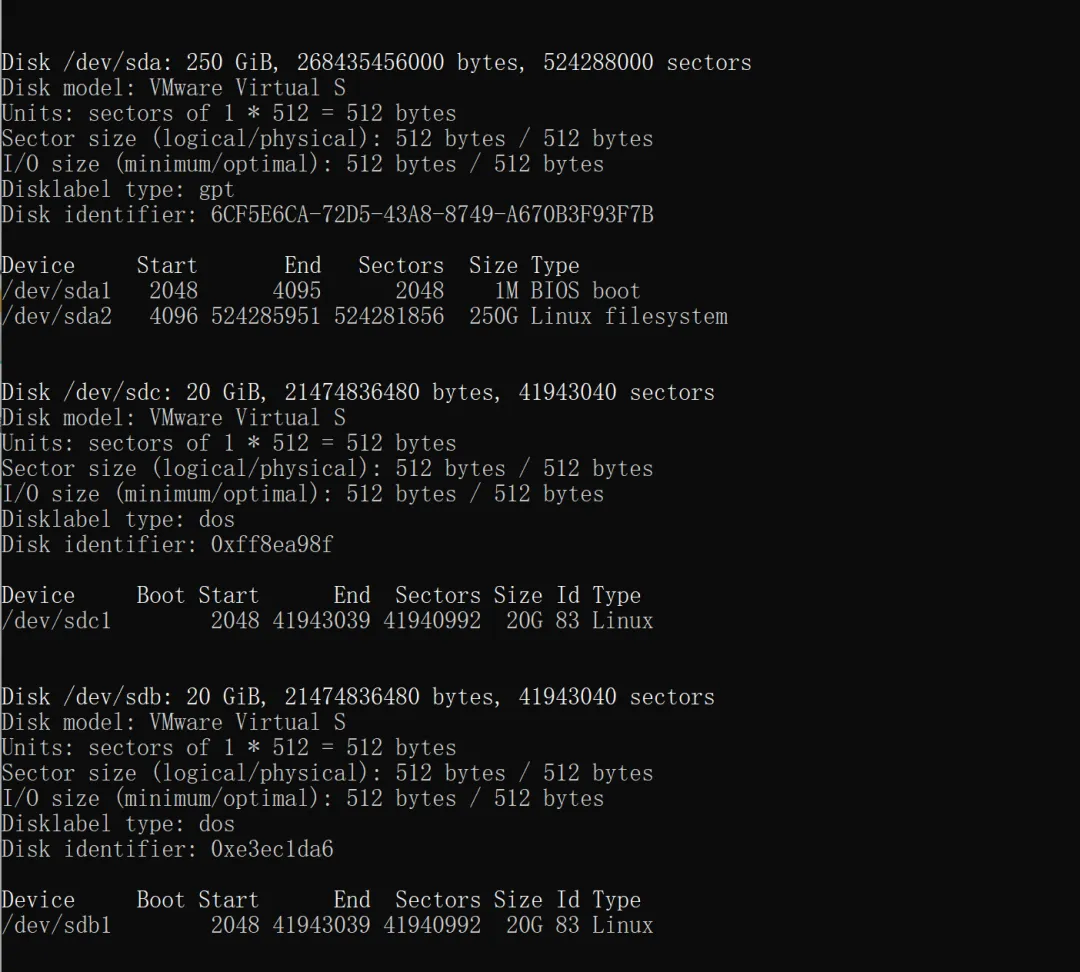
wget https://dl.min.io/server/minio/release/linux-amd64/archive/minio_20250422221226.0.0_amd64.deb -O minio.debsudo dpkg -i minio.debgroupadd -r minio-useruseradd -M -r -g minio-user minio-usermkdir -p /data2 /data3#我这里挂载两个盘为/dev/sdb和/dev/sdc,后面格式化和分区为/dev/sdb1和/dev/sdc1vim /etc/fstab#设置自动挂载2个新盘,此处用UUID挂载chown minio-user:minio-user /data2 /data3#我这里犯了个错,本来打算用系统盘作为/data1挂载上去但是发现minio文件数据必须为空,否则会有问题,所以最后用三个盘,2个数据盘,1个系统盘
在指定位置创建一个环境变量文件 /etc/default/minio 。
# MINIO_ROOT_USER and MINIO_ROOT_PASSWORD sets the root account for the MinIO server.# This user has unrestricted permissions to perform S3 and administrative API operations on any resource in the deployment.# Omit to use the default values 'minioadmin:minioadmin'.# MinIO recommends setting non-default values as a best practice, regardless of environment.#登录账户MINIO_ROOT_USER=myminioadmin#登录密码MINIO_ROOT_PASSWORD=minio-secret-key-change-me# MINIO_VOLUMES sets the storage volumes or paths to use for the MinIO server.# The specified path uses MinIO expansion notation to denote a sequential series of drives between 1 and 4, inclusive.# All drives or paths included in the expanded drive list must exist *and* be empty or freshly formatted for MinIO to start successfully.MINIO_VOLUMES="/data{2...3}"#根据实际增加文件数# MINIO_OPTS sets any additional commandline options to pass to the MinIO server.# 例如, `--console-address :9001` sets the MinIO Console listen portMINIO_OPTS="--console-address :9001"
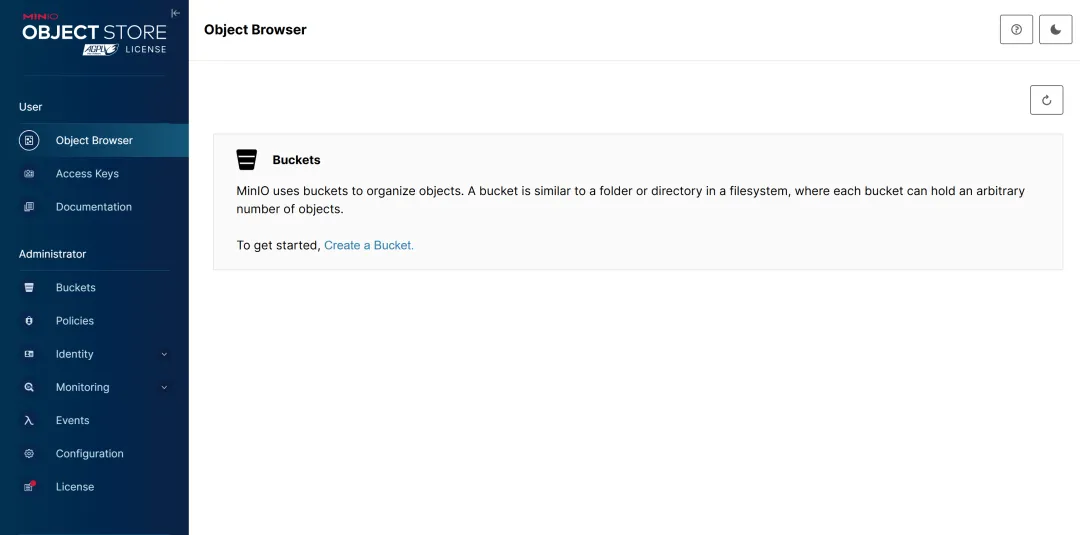
最后启动服务,console登录账户密码见/etc/default/minio设置
sudo systemctl start minio.servicesudo systemctl enable minio.service
 10个月宝宝每天需要喝多少奶粉?