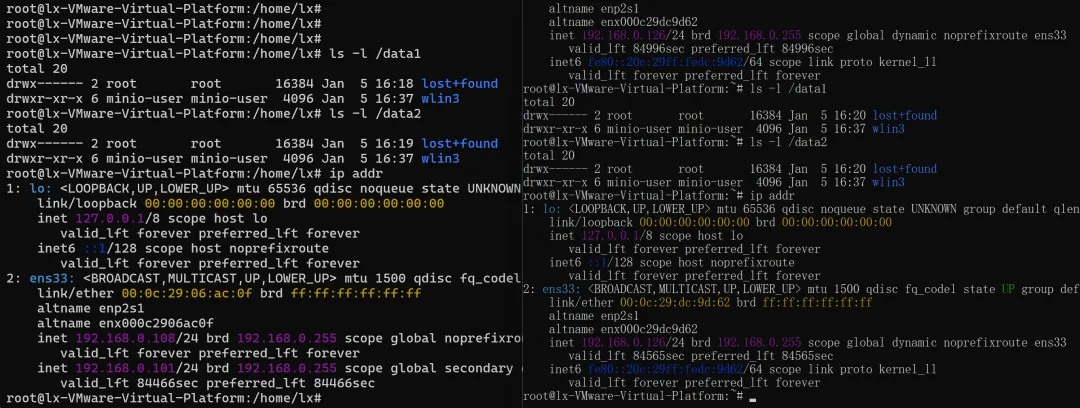
Linux多节点多硬盘部署MinIO,以Ubuntu为例,注意2台主机名要能互相访问和解析,对应如下/etc/default/minio配置,端口需要互相访问开通。
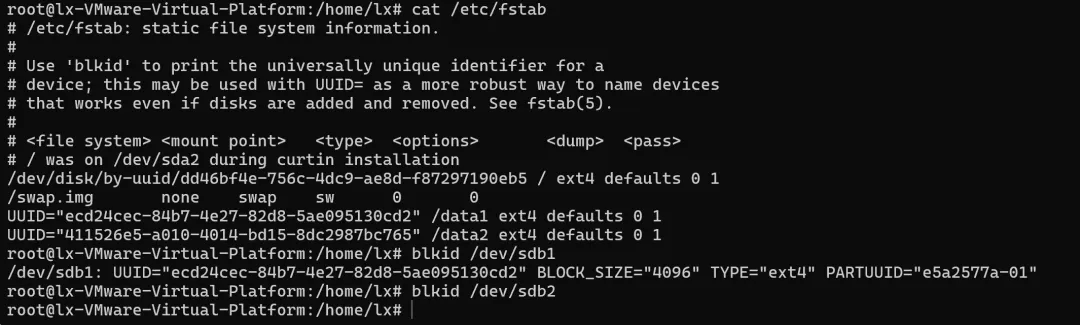
wget https://dl.min.io/server/minio/release/linux-amd64/archive/minio_20250422221226.0.0_amd64.deb -O minio.debsudo dpkg -i minio.debgroupadd -r minio-useruseradd -M -r -g minio-user minio-usermkdir -p /data1 /data2#我这里挂载两个盘为/dev/sdb和/dev/sdc,后面格式化和分区为/dev/sdb1和/dev/sdc1vim /etc/fstab#设置自动挂载2个新盘,此处用UUID挂载chown minio-user:minio-user /data1 /data2#我这里犯了个错,本来打算用系统盘作为/data1挂载上去但是发现minio文件数据必须为空,否则会有问题,所以最后用三个盘,2个数据盘,1个系统盘
在指定位置创建一个环境变量文件 /etc/default/minio 。
# Set the hosts and volumes MinIO uses at startup# The command uses MinIO expansion notation {x...y} to denote a# sequential series.## The following example covers four MinIO hosts# with 4 drives each at the specified hostname and drive locations.# The command includes the port that each MinIO server listens on# (default 9000)MINIO_VOLUMES="http://minio{1...2}.wlin3.com:9000/data{1...2}"# Set all MinIO server options## The following explicitly sets the MinIO控制台 listen address to# port 9001 on all network interfaces. The default behavior is dynamic# port selection.MINIO_OPTS="--console-address :9001"# Set the root username. This user has unrestricted permissions to# perform S3 and administrative API operations on any resource in the# deployment.## Defer to your organizations requirements for superadmin user name.#登录账户MINIO_ROOT_USER=myminioadmin# Set the root password## Use a long, random, unique string that meets your organizations# requirements for passwords.#登录密码MINIO_ROOT_PASSWORD=minio-secret-key-change-me
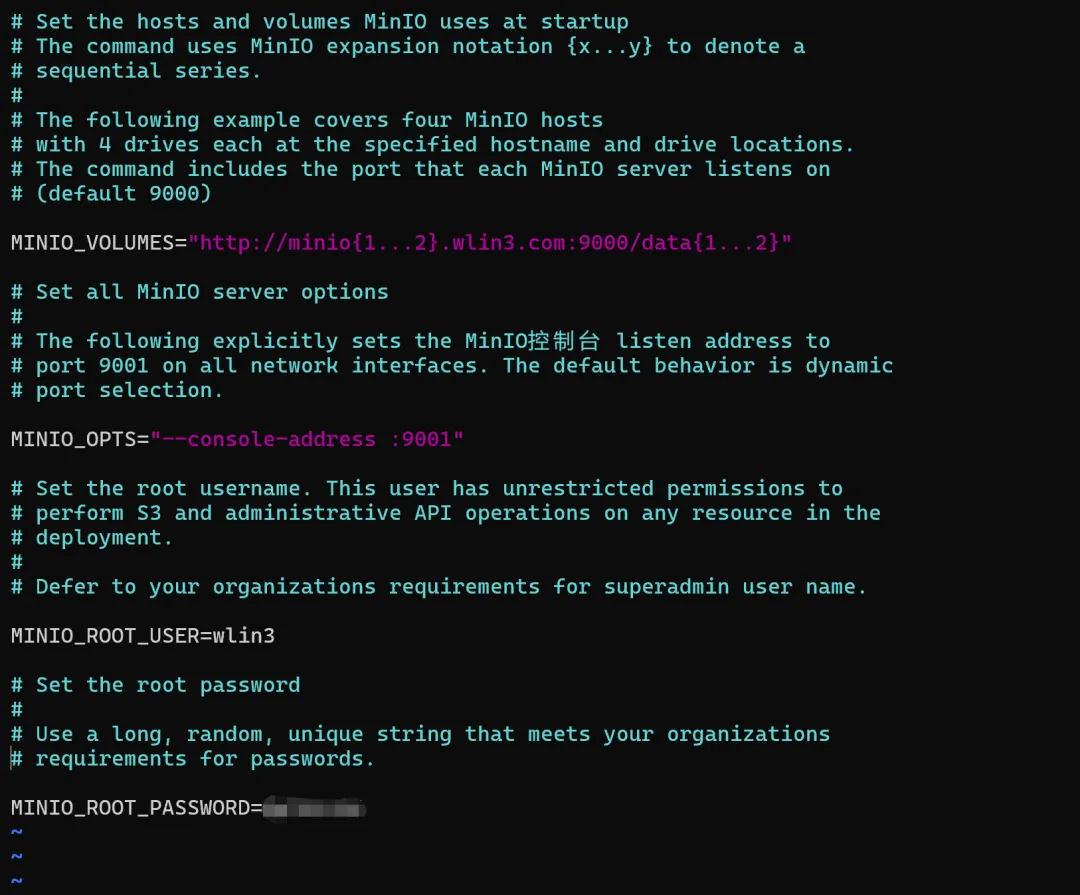
最后启动服务,console登录账户密码见/etc/default/minio设置,在这一步遇到服务无法启动情况,查看log有提示Unable to use the drive http://minio1.wlin3.com:9000/data1,怀疑是第二台没有开启9000端口(其实就是minio服务),后面检查确实如此,开启minio服务后检查2台设备minio服务正常运行。
sudo systemctl start minio.servicesudo systemctl enable minio.service
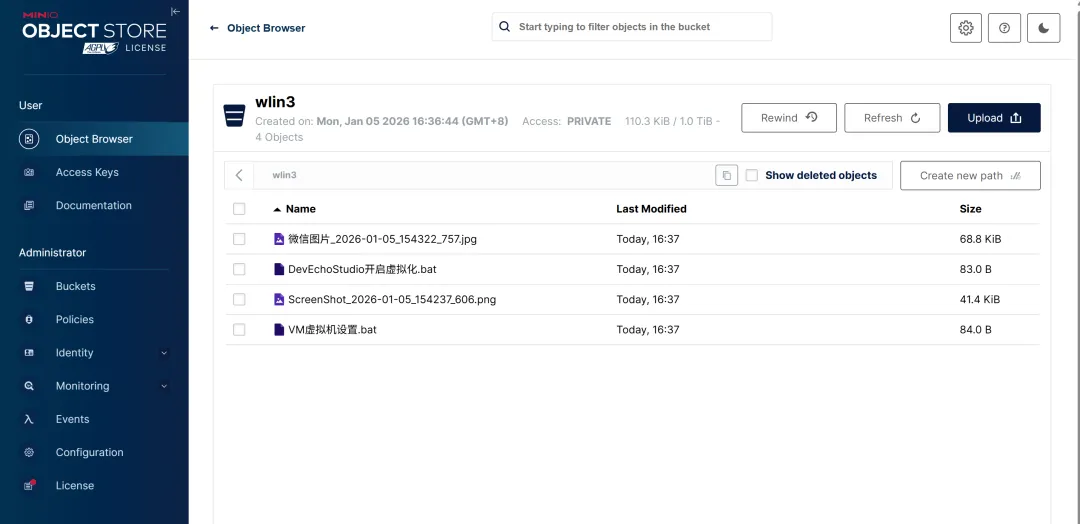
检查2台设备数据一致完成搭建