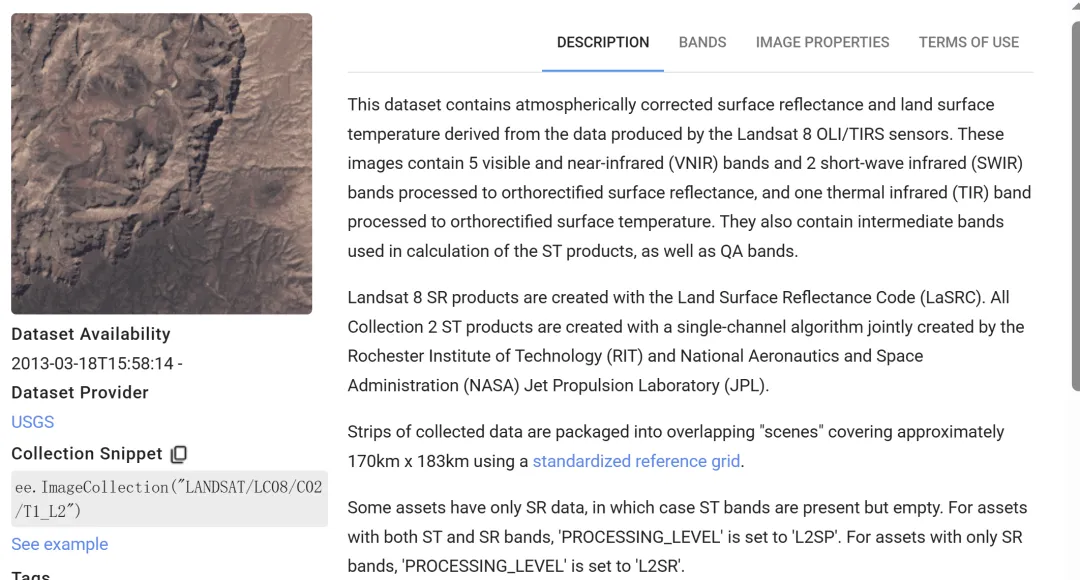
// ================= 1. 导入 Shapefile =================// ★★★ 请在这里替换为你上传的 Shapefile 路径 ★★★// 例如: var roi = ee.FeatureCollection("users/yourname/Beijing_Boundary");//var roi = ee.FeatureCollection("users/你的用户名/你的Shapefile名称");// 将地图中心聚焦到你的 ShapefileMap.centerObject(roi, 8);Map.addLayer(roi, {color: 'black', fillColor: '00000000'}, '我的研究区边界');// ================= 2. 左图:夏季地表温度 (Landsat 8 LST) =================// 2.1 云量掩膜函数 (只保留晴空像素)functionmaskL8sr(image) { var qa = image.select('QA_PIXEL'); var mask = qa.bitwiseAnd(1 << 3).eq(0) .and(qa.bitwiseAnd(1 << 4).eq(0)); return image.updateMask(mask);}// 2.2 LST 反演计算函数functionaddLST(image) { // Landsat 8 Band 10 是热红外波段 // 转换公式: DN * 0.003418 + 149.0 - 273.15 = 摄氏度 var lst = image.select('ST_B10').multiply(0.003418).add(149.0).subtract(273.15); return image.addBands(lst.rename('LST_Celsius'));}// 2.3 数据筛选与处理// 筛选 6-9 月夏季数据,云量小于 30%var l8 = ee.ImageCollection("LANDSAT/LC08/C02/T1_L2") .filterBounds(roi) .filterDate('2023-06-01', '2023-09-01') .filter(ee.Filter.lt('CLOUD_COVER', 30)) .map(maskL8sr) .map(addLST);// 合成平均值,并裁剪到 Shapefile 形状var lstImage = l8.select('LST_Celsius').mean().clip(roi);// 温度可视化参数 (根据你的地区调整 min/max)var lstVis = { min: 20, max: 42, palette: ['blue', 'cyan', 'yellow', 'orange', 'red', 'darkred']};// ================= 3. 右图:历史火点监测 (FIRMS) =================// 3.1 加载全年火点数据var fire = ee.ImageCollection("FIRMS") .filterBounds(roi) .filterDate('2023-01-01', '2023-12-31') .select('T21'); // 3.2 合成最大值视图,并裁剪var fireImage = fire.max().clip(roi);// 火点可视化参数var fireVis = { min: 300, max: 450, palette: ['black', 'red', 'orange', 'yellow', 'white']};// ================= 4. 创建左右分屏对比 =================// 左侧地图 (温度)var leftMap = ui.Map();leftMap.centerObject(roi, 8);leftMap.add(ui.Label('夏季地表温度 (LST)'));leftMap.addLayer(lstImage, lstVis, 'LST 温度');leftMap.addLayer(roi, {color: 'black', fillColor: '00000000'}, '边界'); // 叠加边界线// 右侧地图 (火点)var rightMap = ui.Map();rightMap.centerObject(roi, 8);rightMap.add(ui.Label('全年火点监测 (FIRMS)'));rightMap.addLayer(fireImage, fireVis, 'FIRMS 火点');rightMap.addLayer(roi, {color: 'white', fillColor: '00000000'}, '边界'); // 叠加边界线// 联动与分割var linker = ui.Map.Linker([leftMap, rightMap]);var splitPanel = ui.SplitPanel({ firstPanel: leftMap, secondPanel: rightMap, orientation: 'horizontal', wipe: true, style: {stretch: 'both'}});ui.root.widgets().reset([splitPanel]);// ================= 5. 导出数据 (下载到云盘) =================// 导出 LST 温度图 (GeoTIFF)Export.image.toDrive({ image: lstImage, description: 'MyRegion_LST_Summer_2023', folder: 'GEE_Export', scale: 30, // 保持 Landsat 30米分辨率 region: roi.geometry(), // 严格按照 Shapefile 边界导出 crs: 'EPSG:4326', maxPixels: 1e13});// 导出 火点矢量表 (CSV Excel)// 筛选出边界内的火点,导出具体经纬度和时间var firePoints = fire.map(function(img){ return img.reduceRegions({ collection: roi, reducer: ee.Reducer.max(), scale: 1000 });}).flatten();Export.table.toDrive({ collection: fire, // 导出原始火点集合 description: 'MyRegion_Fire_Points_List', folder: 'GEE_Export', fileFormat: 'CSV', selectors: ['acq_date', 'confidence', 'latitude', 'longitude'] // 只导出关键列});print("代码运行完毕!请点击右侧 'Tasks' 栏运行下载任务。");


 10个月宝宝每天需要喝多少奶粉?