SMOS 卫星携带 L 波段辐射计,主要用于全球范围内的土壤水分和海洋盐度的观测,是太空中第一个具有全极化和多角度观测能力的辐射计。SMOS 传感器基于一种创新的干涉测量技术,能够测量表面的多角度特征。SMOS 由欧洲航天局于 2009 年 11 月发射,至今其数据产品积累至今已近 16 年。SMOS L3 产品,包括 BEC 产品和 CATDS 产品,可通过巴塞罗那专家中心(http://bec.icm.csic.es/data/available-products/)和 Aval de Traitement des Données SMOS (https://www.catds.fr/)获取。CATDS 产品的时间分辨率为 2 至 3 天,空间分辨率为 25 km,投影坐标为 EASE-GRID 2.0。同时,CATDS 土壤水分产品 包括上午 6 点升轨产品和下午 6 点降轨产品。
本次从Aval de Traitement des Données SMOS(https://www.catds.fr/)下载SMOS-IC产品。该数据集被广泛地认为比ESA的L2数据集精度更高。
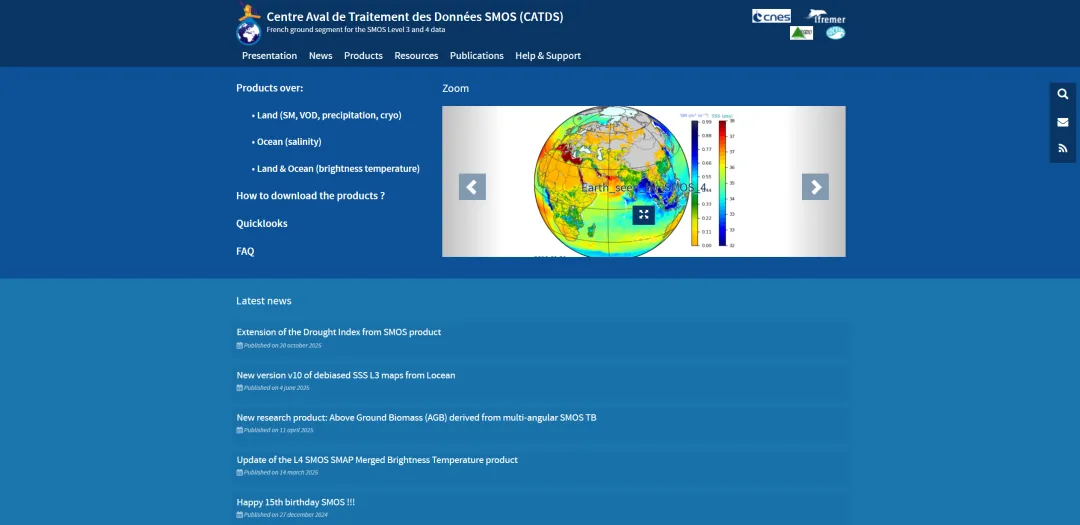
网站主页
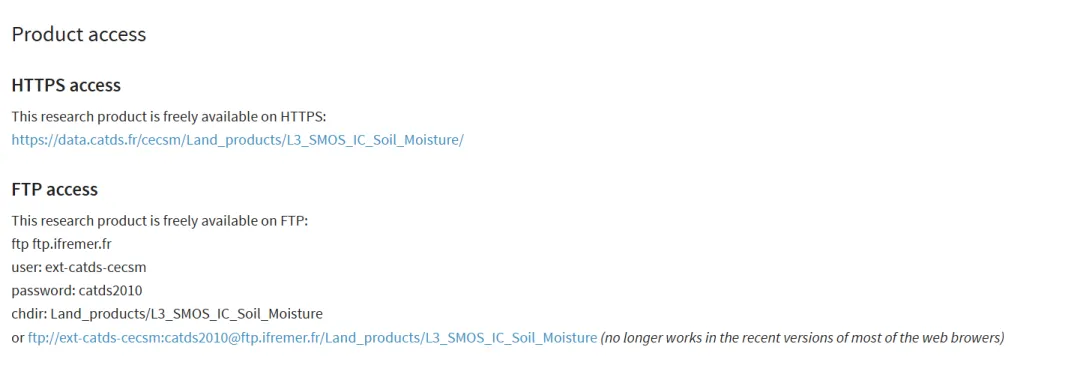
在网站主页找到Products->SMOS-IC,共有两种方式可以获取,如下:
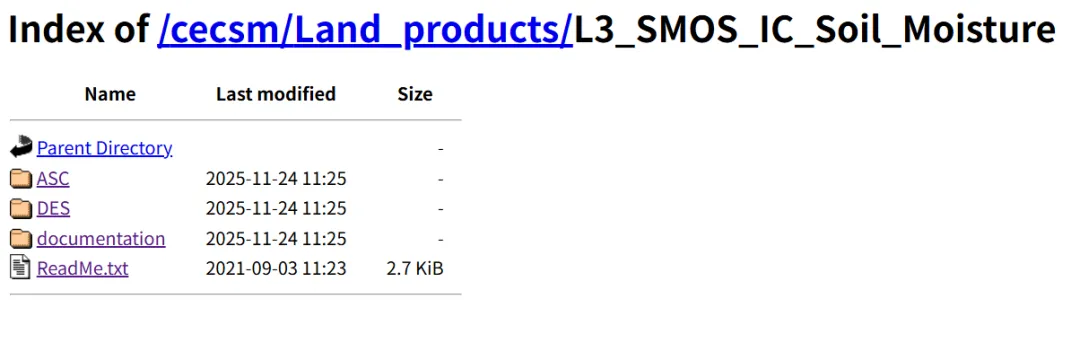
本次选择HTTPS access,进入一个非常简洁的界面,ASC是SMOS卫星升轨时扫描的数据,卫星过境时间为当地早晨6:00左右;DES为下午6:00降轨产品,本次下载升轨数据集。
如我们所知,该数据是一个时序较长的数据集,一个一个下载很麻烦,所以需要批量的从网页端请求下载数据到本地,代码如下:
import requestsfrom bs4 import BeautifulSoupimport timefrom tqdm.notebook import tqdm from concurrent.futures import ThreadPoolExecutor, as_completedfrom google.colab import driveimport osdrive.mount('/content/drive')# 设置多线程并行def download_one_file(args): file_url, save_path = args if os.path.exists(save_path): return "Skipped" with requests.get(file_url, stream=True, timeout=60) as r: r.raise_for_status() with open(save_path, 'wb') as f: for chunk in r.iter_content(chunk_size=8192): f.write(chunk) return "Success"def download_smos_year_parallel(year, base_url, save_root, max_workers=4): year_url = f"{base_url}{year}/" year_save_path = os.path.join(save_root, str(year)) if not os.path.exists(year_save_path): os.makedirs(year_save_path) response = requests.get(year_url, timeout=30) soup = BeautifulSoup(response.text, 'html.parser') links = soup.find_all('a') # 筛选 .nc 文件 nc_files = [link.get('href') for link in links if link.get('href', '').endswith('.nc')] tasks = [] for file_name in nc_files: file_url = year_url + file_name save_path = os.path.join(year_save_path, file_name) tasks.append((file_url, save_path)) with ThreadPoolExecutor(max_workers=max_workers) as executor: future_to_url = {executor.submit(download_one_file, task): task[0] for task in tasks} pbar = tqdm(total=len(tasks), desc=f"Downloading {year}") for future in as_completed(future_to_url): result = future.result() pbar.update(1) pbar.close()BASE_URL = "https://data.catds.fr/cecsm/Land_products/L3_SMOS_IC_Soil_Moisture/ASC/"START_YEAR = 2010END_YEAR = 2021PARALLEL_WORKERS = 5for year in range(START_YEAR, END_YEAR + 1): download_smos_year_parallel(year, BASE_URL, save_dir, max_workers=PARALLEL_WORKERS)
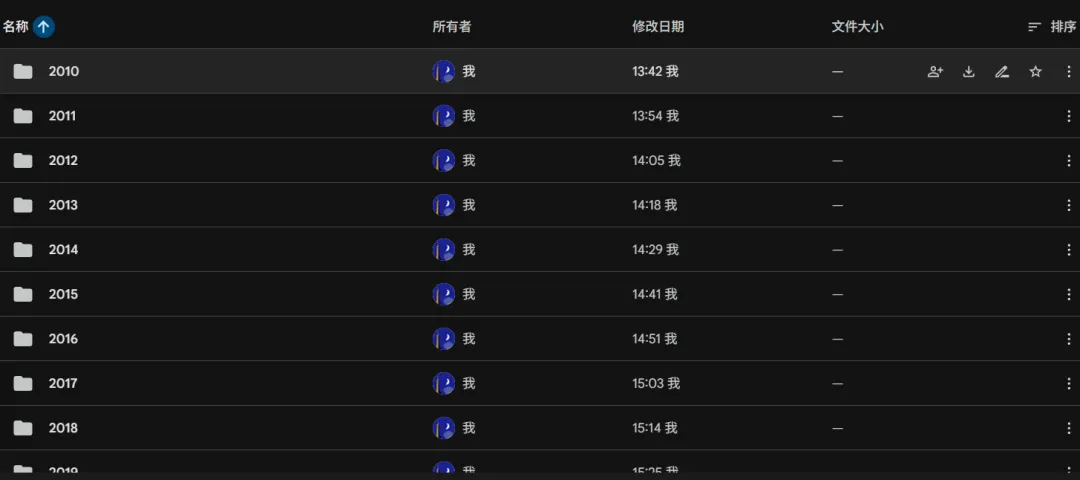
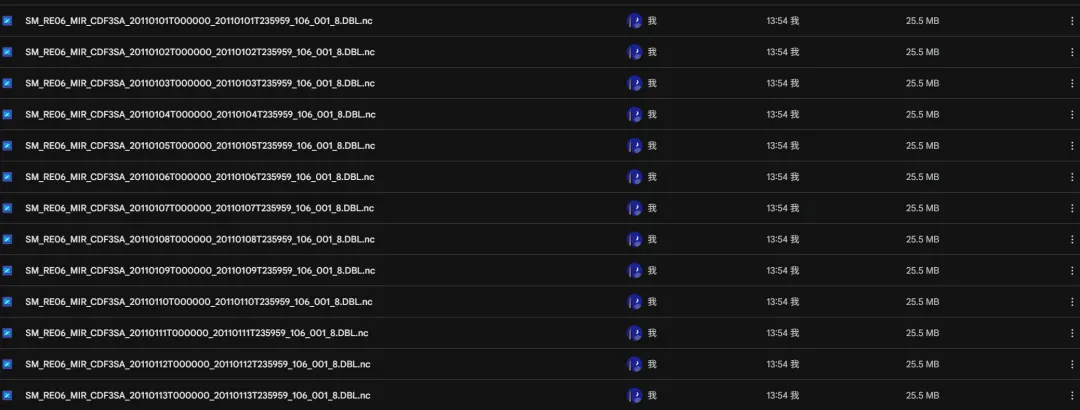
运行后在文件夹可以看到.nc结果,接下来再处理nc文件即可。
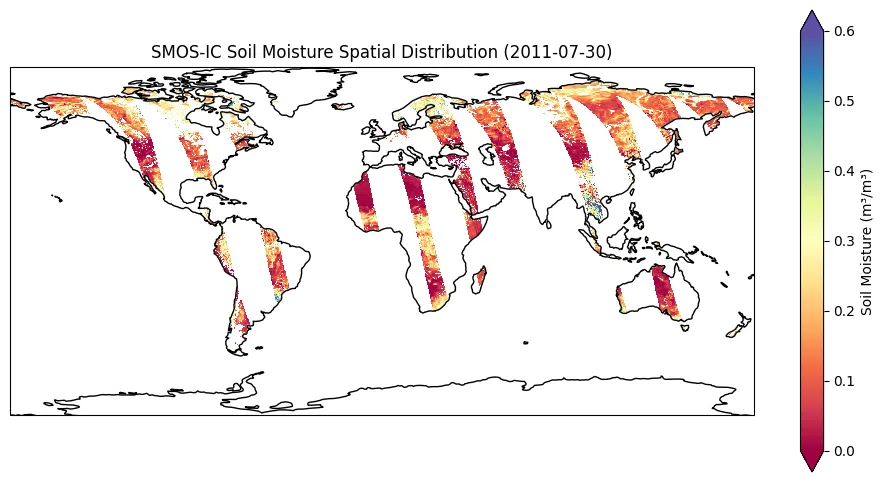
查看一下单个nc文件:
from google.colab import driveimport osimport xarray as xrimport matplotlib.pyplot as pltimport cartopy.crs as ccrsdrive.mount('/content/drive')file_path = '/content/drive/MyDrive/SMOS-IC_L3_SMdata/2011/SM_RE06_MIR_CDF3SA_20110730T000000_20110730T235959_106_001_8.DBL.nc'ds = xr.open_dataset(file_path)print(ds)fig = plt.figure(figsize=(12, 6))ax = plt.axes(projection=ccrs.PlateCarree())data_to_plot = ds['Soil_Moisture']data_to_plot.plot( ax=ax, x='lon', y='lat', transform=ccrs.PlateCarree(), cmap='Spectral', vmin=0, vmax=0.6, cbar_kwargs={'label': 'Soil Moisture (m³/m³)'} )ax.coastlines()plt.title('SMOS-IC Soil Moisture Spatial Distribution (2011-07-30)')plt.show()