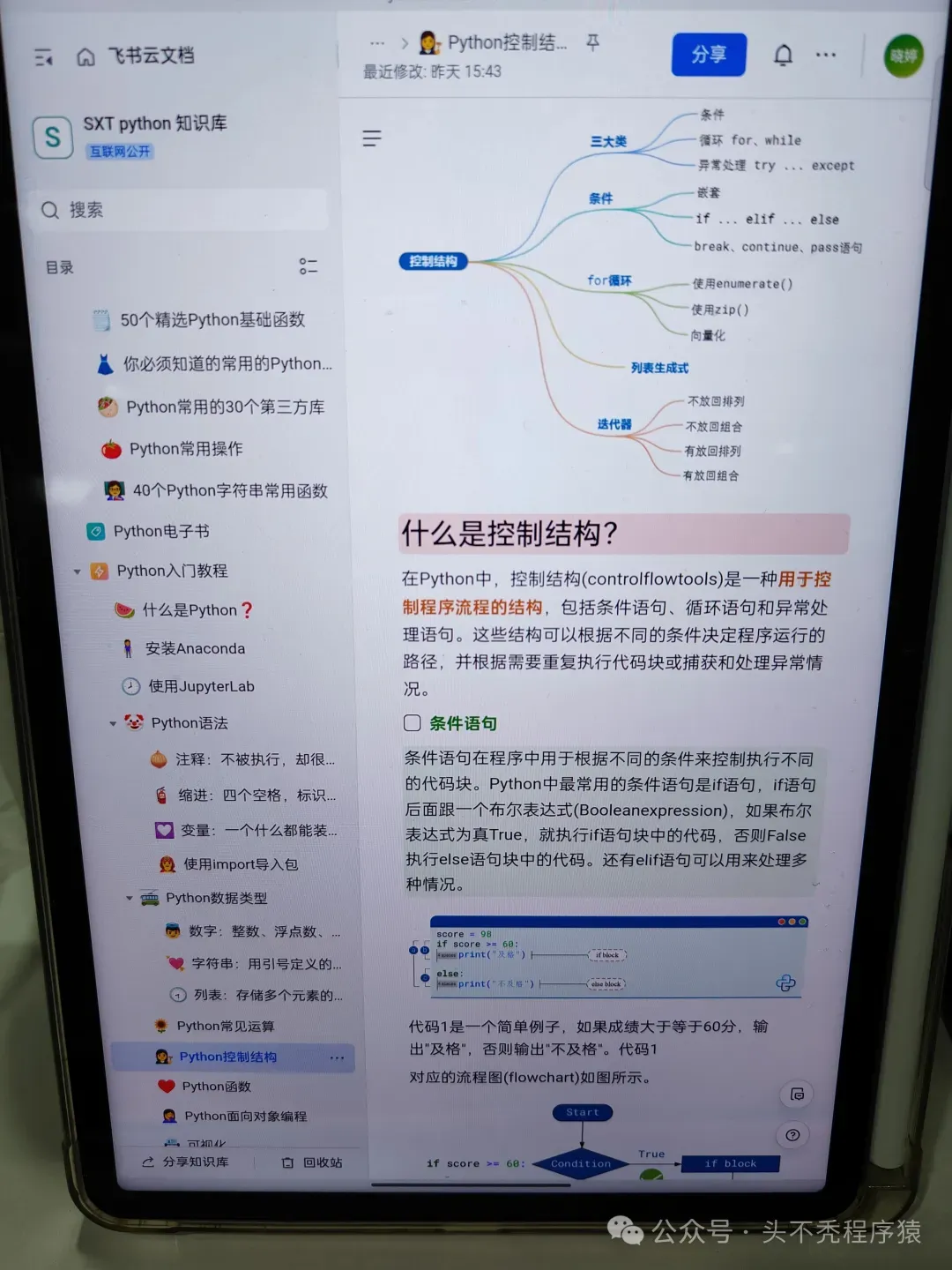
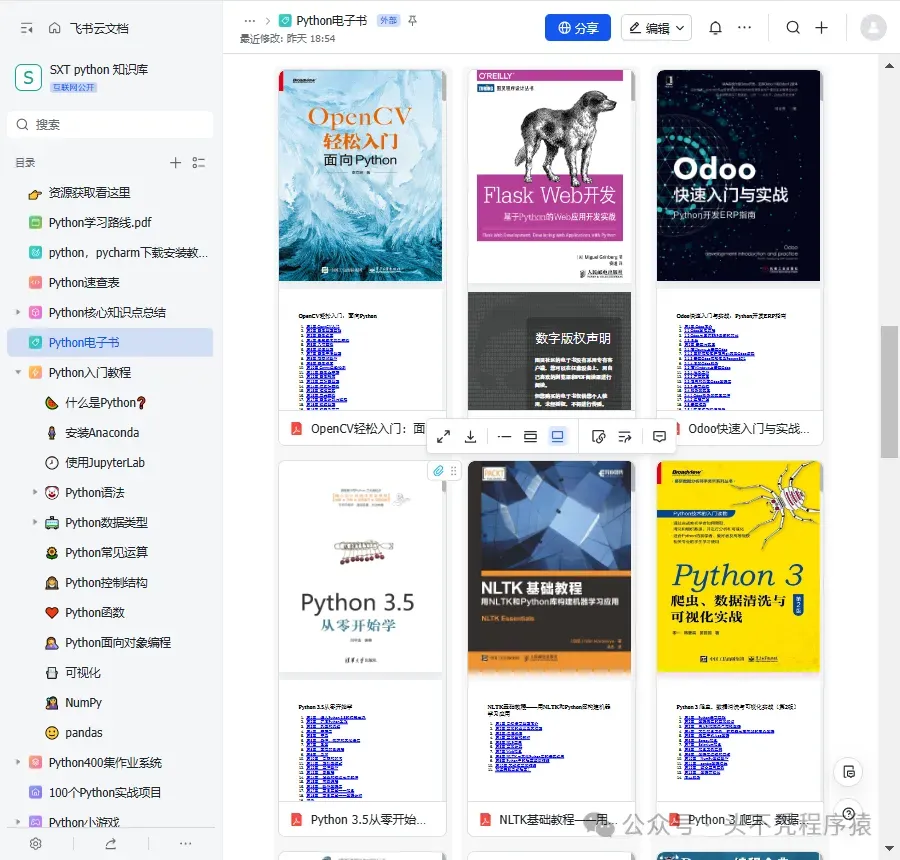
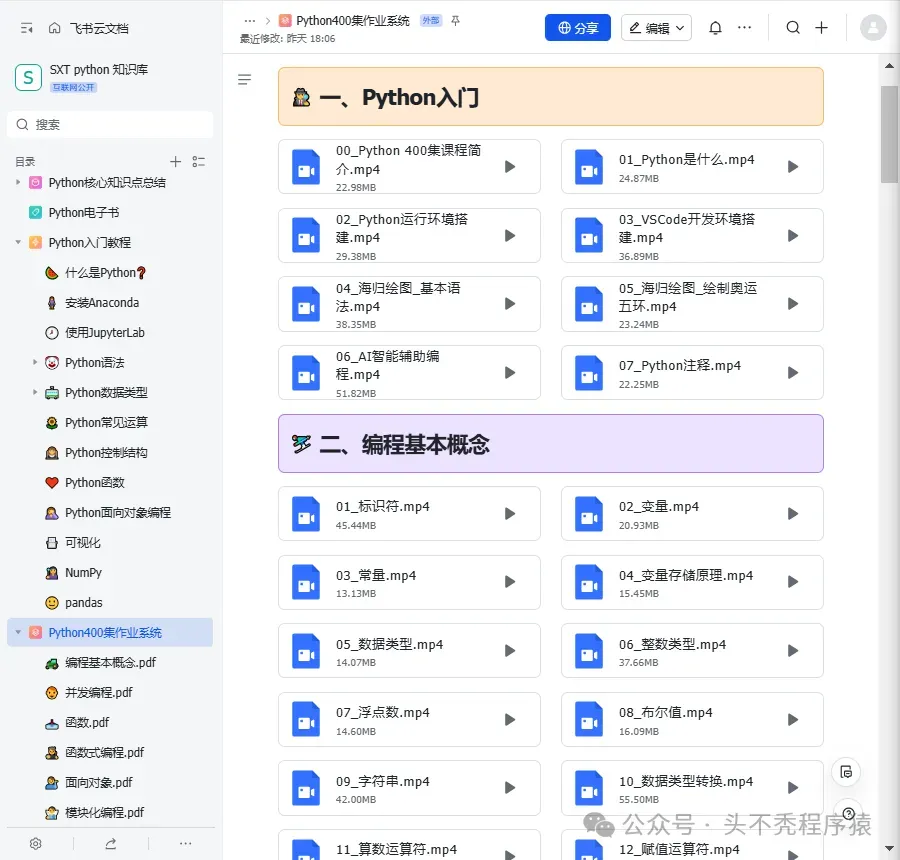
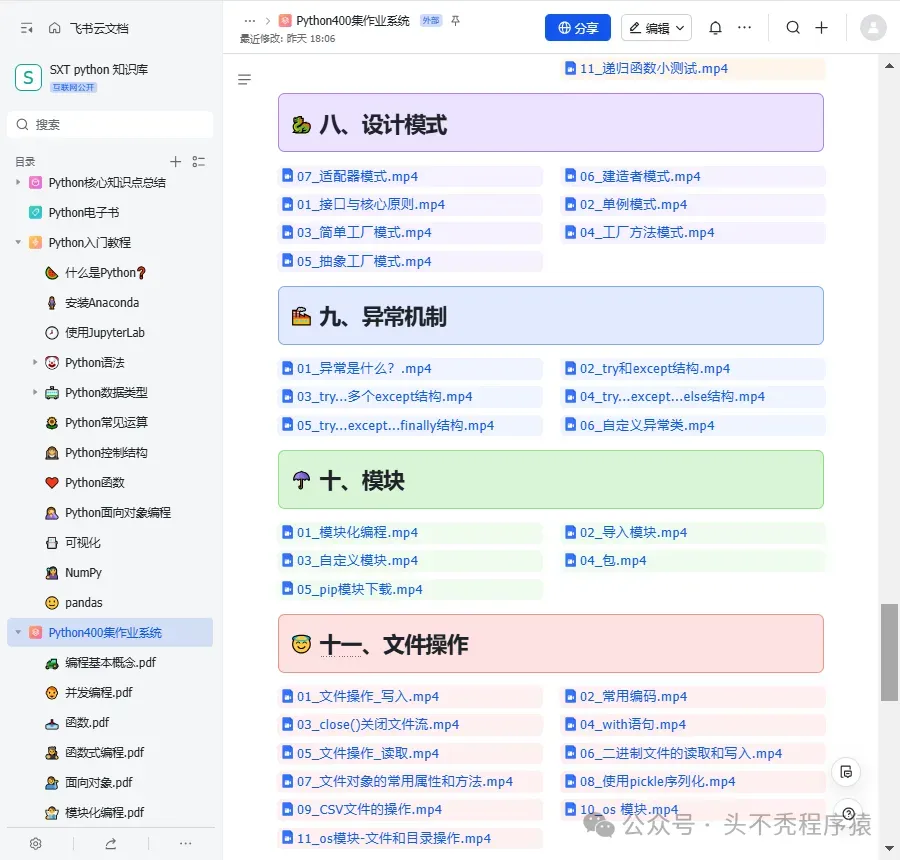
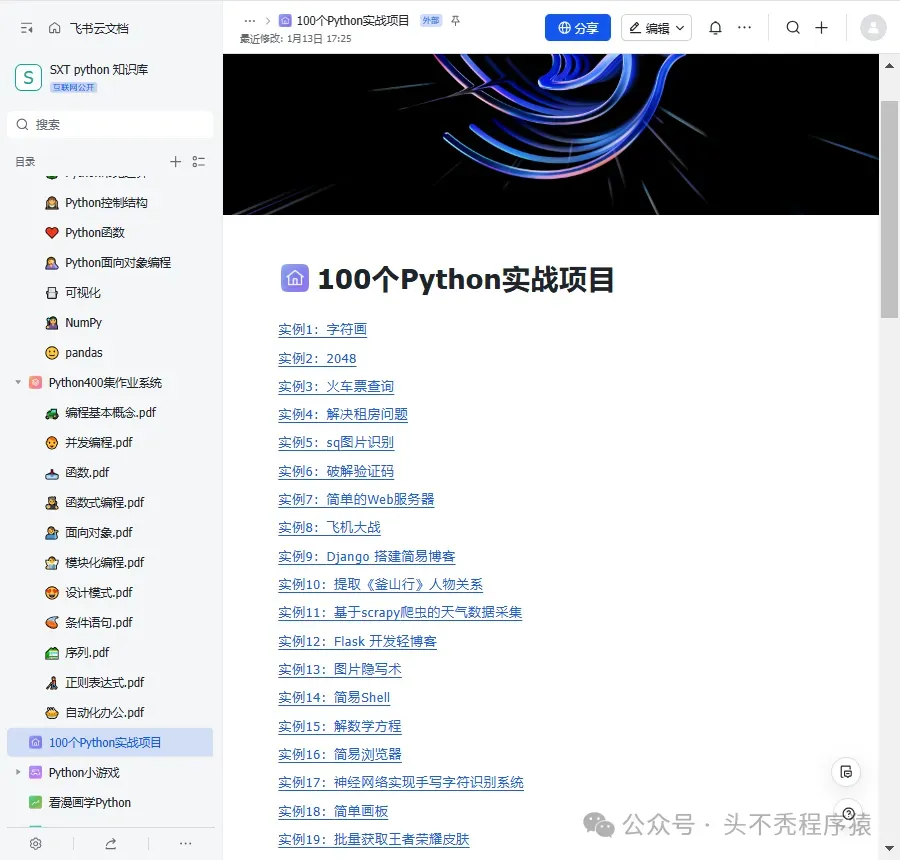
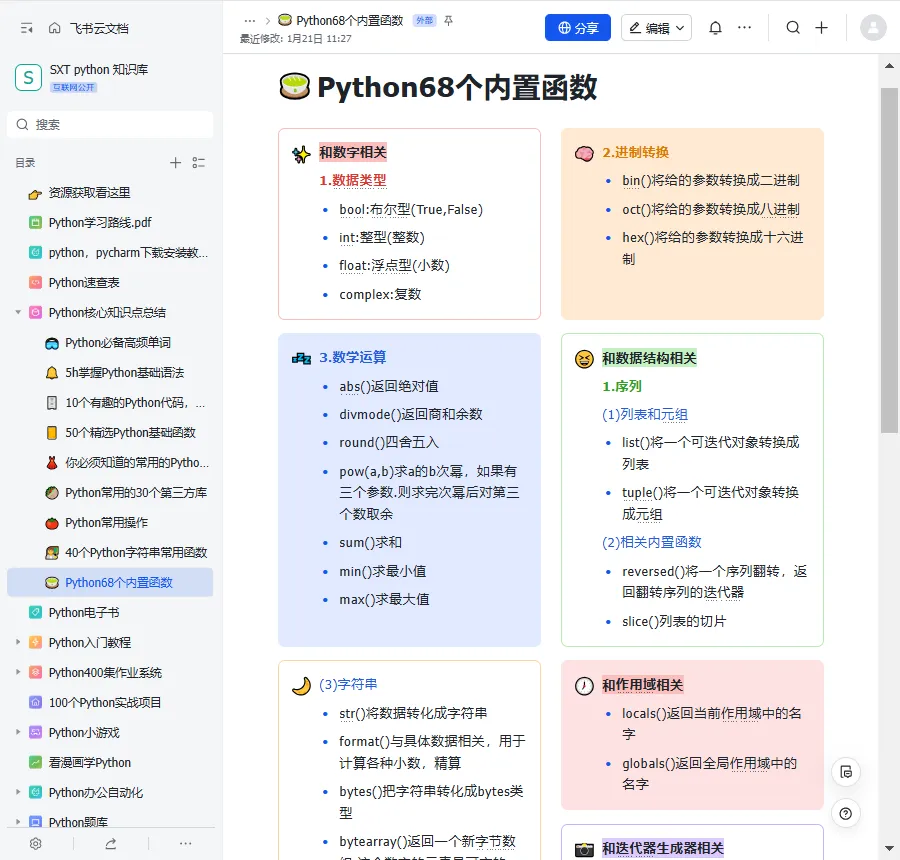
小编整理了Python入门知识库,获取方式见文末!
Python 的 “万能” 属性,从来都不是说说而已 —— 但对很多开发者来说,真正的痛点是 “知道 Python 能做很多事,却不知道具体怎么落地”
今天整理的《20 个超硬核 Python 脚本》,彻底打破 “学了不用、用了不会” 的困境:覆盖机器学习、数据处理、后台开发三大高频场景,每一个都是算法工程师、数据分析师、后端开发者日常会遇到的真实案例,拿来就能改、改完就能用。
📊 第一部分:数据处理与可视化
1. 数据清洗自动化脚本
# 一键处理缺失值、异常值、重复数据import pandas as pdimport numpy as npdefsmart_data_cleaner(df):""" 智能数据清洗:自动处理常见数据问题 """# 处理缺失值for col in df.columns:if df[col].dtype in ['int64', 'float64']: df[col].fillna(df[col].median(), inplace=True)else: df[col].fillna(df[col].mode()[0], inplace=True)# 处理异常值(IQR方法) Q1 = df.select_dtypes(include=[np.number]).quantile(0.25) Q3 = df.select_dtypes(include=[np.number]).quantile(0.75) IQR = Q3 - Q1# 移除重复数据 df = df.drop_duplicates()return df
2. 多数据源合并工具
# 支持Excel、CSV、数据库、API数据的智能合并def multi_source_merger(sources, merge_key):""" 多数据源智能合并 """ merged_df = Noneforsourcein sources:ifsource['type'] == 'csv':df = pd.read_csv(source['path'])elifsource['type'] == 'excel':df = pd.read_excel(source['path'])elifsource['type'] == 'database':df = pd.read_sql(source['query'], source['conn'])if merged_df is None: merged_df = dfelse: merged_df = pd.merge(merged_df, df, on=merge_key, how='outer')return merged_df
3. 实时数据监控仪表盘
# 使用Dash构建实时监控面板import dashfrom dash import dcc, htmlimport plotly.graph_objs as gofrom datetime import datetime, timedelta# 创建实时更新的监控面板app = dash.Dash(__name__)app.layout = html.Div([ html.H1('📊 实时数据监控系统'), dcc.Graph(id='live-graph'), dcc.Interval(id='graph-update', interval=5000, # 5秒更新一次 n_intervals=0 )])@app.callback( dash.dependencies.Output('live-graph', 'figure'), [dash.dependencies.Input('graph-update', 'n_intervals')])defupdate_graph(n):""" 实时更新图表数据 """# 这里替换为你的实时数据获取逻辑 x_data = [datetime.now() - timedelta(minutes=i) for i inrange(30)] y_data = np.random.randn(30).cumsum() trace = go.Scatter( x=x_data, y=y_data, mode='lines+markers', name='实时数据流' )return {'data': [trace]}
4. 大数据分块处理工具
"""大数据分块处理:处理GB级数据而不耗尽内存"""import pandas as pdfrom pathlib import Pathimport dask.dataframe as ddimport gcclassBigDataProcessor:"""大数据处理工具""" @staticmethoddefprocess_large_csv(file_path, chunk_size=100000, process_func=None):""" 分块处理大CSV文件 """print(f"📁 开始处理大文件: {file_path}") chunk_list = []# 分块读取for i, chunk inenumerate(pd.read_csv(file_path, chunksize=chunk_size)):print(f"处理第 {i+1} 块数据,大小: {len(chunk)} 行")# 应用处理函数(如果提供)if process_func: chunk = process_func(chunk) chunk_list.append(chunk)# 每处理5个块清理一次内存if i % 5 == 0: gc.collect()# 合并所有块 result = pd.concat(chunk_list, ignore_index=True)print(f"✅ 处理完成,总共 {len(result)} 行数据")return result @staticmethoddefparallel_process_with_dask(file_path, npartitions=4):""" 使用Dask进行并行处理 """# 创建Dask DataFrame ddf = dd.read_csv(file_path)print(f"原始数据形状: {len(ddf)} 行")# 并行处理示例:计算每列平均值 means = ddf.mean().compute()# 筛选示例:过滤掉某些值 filtered = ddf[ddf['some_column'] > 0].compute()return means, filtered
📊 第二部分:机器学习实战
5. 自动机器学习(AutoML)管道
from sklearn.pipeline import Pipelinefrom sklearn.impute import SimpleImputerfrom sklearn.preprocessing import StandardScaler, OneHotEncoderfrom sklearn.compose import ColumnTransformerfrom sklearn.ensemble import RandomForestClassifierfrom sklearn.model_selection import cross_val_scoredefbuild_automl_pipeline():""" 构建自动机器学习管道 """# 数值特征处理 numeric_features = ['age', 'salary', 'experience'] numeric_transformer = Pipeline(steps=[ ('imputer', SimpleImputer(strategy='median')), ('scaler', StandardScaler()) ])# 分类特征处理 categorical_features = ['gender', 'education', 'city'] categorical_transformer = Pipeline(steps=[ ('imputer', SimpleImputer(strategy='constant', fill_value='missing')), ('onehot', OneHotEncoder(handle_unknown='ignore')) ])# 组合所有特征处理器 preprocessor = ColumnTransformer( transformers=[ ('num', numeric_transformer, numeric_features), ('cat', categorical_transformer, categorical_features) ])# 完整的机器学习管道 pipeline = Pipeline(steps=[ ('preprocessor', preprocessor), ('classifier', RandomForestClassifier(n_estimators=100)) ])return pipeline
6. 模型超参数自动调优
from sklearn.model_selection import GridSearchCVimport optunadefhyperparameter_tuning(X_train, y_train):""" 使用Optuna进行超参数自动调优 """defobjective(trial):# 定义搜索空间 n_estimators = trial.suggest_int('n_estimators', 50, 300) max_depth = trial.suggest_int('max_depth', 3, 15) min_samples_split = trial.suggest_int('min_samples_split', 2, 10)# 创建模型 model = RandomForestClassifier( n_estimators=n_estimators, max_depth=max_depth, min_samples_split=min_samples_split, random_state=42 )# 交叉验证 score = cross_val_score(model, X_train, y_train, cv=5, scoring='accuracy')return score.mean()# 创建Optuna研究 study = optuna.create_study(direction='maximize') study.optimize(objective, n_trials=50)print(f"🎯 最佳超参数: {study.best_params}")print(f"📈 最佳准确率: {study.best_value:.4f}")return study.best_params
7. 深度学习模型部署脚本
import torchimport torch.nn as nnfrom fastapi import FastAPIimport uvicornfrom pydantic import BaseModel# 定义一个简单的神经网络classSimpleNN(nn.Module):def__init__(self):super(SimpleNN, self).__init__()self.fc1 = nn.Linear(10, 64)self.fc2 = nn.Linear(64, 32)self.fc3 = nn.Linear(32, 1)self.relu = nn.ReLU()defforward(self, x): x = self.relu(self.fc1(x)) x = self.relu(self.fc2(x)) x = self.fc3(x)return x# 创建FastAPI应用app = FastAPI(title="深度学习模型API")# 加载模型model = SimpleNN()model.load_state_dict(torch.load('model.pth'))model.eval()# 定义请求模型classPredictionRequest(BaseModel): features: list@app.post("/predict")asyncdefpredict(request: PredictionRequest):""" 模型预测API """# 转换为Tensor features = torch.tensor(request.features, dtype=torch.float32)# 预测with torch.no_grad(): prediction = model(features)return {"prediction": prediction.item()}# 启动API服务if __name__ == "__main__": uvicorn.run(app, host="0.0.0.0", port=8000)
8. 实时在线学习系统
"""实时在线学习:模型持续学习和更新"""from sklearn.linear_model import SGDClassifierimport numpy as npfrom collections import dequeimport pickleimport osclassOnlineLearningSystem:"""在线学习系统"""def__init__(self, model_path='online_model.pkl', buffer_size=1000):self.model_path = model_pathself.buffer_size = buffer_sizeself.data_buffer = deque(maxlen=buffer_size)self.label_buffer = deque(maxlen=buffer_size)# 加载现有模型或创建新模型if os.path.exists(model_path):withopen(model_path, 'rb') as f:self.model = pickle.load(f)print(f"✅ 加载已有模型,已训练样本: {self.model.t_}")else:self.model = SGDClassifier(loss='log_loss', learning_rate='adaptive')print("🆕 创建新模型")defadd_training_data(self, X, y):"""添加训练数据到缓冲区"""self.data_buffer.extend(X)self.label_buffer.extend(y)# 当缓冲区达到一定大小后训练模型iflen(self.data_buffer) >= 100:self.train_on_buffer()deftrain_on_buffer(self):"""使用缓冲区数据训练模型"""iflen(self.data_buffer) == 0:return X_train = np.array(self.data_buffer) y_train = np.array(self.label_buffer)# 部分拟合(在线学习)self.model.partial_fit(X_train, y_train, classes=np.unique(y_train))print(f"📊 模型已更新,累计样本: {self.model.t_}")# 清空缓冲区self.data_buffer.clear()self.label_buffer.clear()# 保存模型self.save_model()defpredict(self, X):"""预测"""returnself.model.predict(X)defsave_model(self):"""保存模型"""withopen(self.model_path, 'wb') as f: pickle.dump(self.model, f)print(f"💾 模型已保存到 {self.model_path}")
📊 第三部分:Web后端开发
9. RESTful API快速构建
from fastapi import FastAPI, HTTPExceptionfrom sqlalchemy import create_engine, Column, Integer, Stringfrom sqlalchemy.ext.declarative import declarative_basefrom sqlalchemy.orm import sessionmaker# 创建数据库引擎DATABASE_URL = "sqlite:///./test.db"engine = create_engine(DATABASE_URL)# 创建基类Base = declarative_base()# 定义模型classUser(Base): __tablename__ = "users"id = Column(Integer, primary_key=True, index=True) username = Column(String, unique=True, index=True) email = Column(String, unique=True, index=True) full_name = Column(String)# 创建表Base.metadata.create_all(bind=engine)# 创建会话SessionLocal = sessionmaker(autocommit=False, autoflush=False, bind=engine)# 创建FastAPI应用app = FastAPI()# CRUD操作@app.post("/users/")defcreate_user(username: str, email: str, full_name: str): db = SessionLocal() db_user = User(username=username, email=email, full_name=full_name) db.add(db_user) db.commit() db.refresh(db_user) db.close()return db_user@app.get("/users/{user_id}")defread_user(user_id: int): db = SessionLocal() user = db.query(User).filter(User.id == user_id).first() db.close()if user isNone:raise HTTPException(status_code=404, detail="用户不存在")return user@app.get("/users/")defread_users(skip: int = 0, limit: int = 100): db = SessionLocal() users = db.query(User).offset(skip).limit(limit).all() db.close()return users
10. WebSocket实时聊天服务器
from fastapi import FastAPI, WebSocket, WebSocketDisconnectfrom typing importListapp = FastAPI()classConnectionManager:def__init__(self):self.active_connections: List[WebSocket] = []asyncdefconnect(self, websocket: WebSocket):await websocket.accept()self.active_connections.append(websocket)defdisconnect(self, websocket: WebSocket):self.active_connections.remove(websocket)asyncdefsend_personal_message(self, message: str, websocket: WebSocket):await websocket.send_text(message)asyncdefbroadcast(self, message: str):for connection inself.active_connections:await connection.send_text(message)manager = ConnectionManager()@app.websocket("/ws/{client_id}")asyncdefwebsocket_endpoint(websocket: WebSocket, client_id: int):await manager.connect(websocket)try:whileTrue: data = await websocket.receive_text()# 广播消息await manager.broadcast(f"客户端{client_id}说: {data}")except WebSocketDisconnect: manager.disconnect(websocket)await manager.broadcast(f"客户端{client_id}离开了")
11. 异步任务队列系统
import asyncioimport redis.asyncio as redisfrom celery import Celeryimport json# Redis连接redis_client = redis.Redis(host='localhost', port=6379, decode_responses=True)# Celery配置celery_app = Celery('tasks', broker='redis://localhost:6379/0')# 异步任务处理@celery_app.taskdefprocess_data_task(data_id):""" 处理耗时任务的Celery任务 """# 模拟耗时操作import time time.sleep(5)# 处理数据 result = f"处理完成数据ID: {data_id}"# 存储结果 redis_client.set(f"result:{data_id}", result)return result# FastAPI接口@app.post("/process/")asyncdefprocess_data(data_id: int):""" 提交数据处理任务 """# 异步执行任务 task = process_data_task.delay(data_id)# 立即返回任务IDreturn {"task_id": task.id,"status": "任务已提交","data_id": data_id }@app.get("/result/{task_id}")asyncdefget_result(task_id: str):""" 获取任务结果 """from celery.result import AsyncResult task_result = AsyncResult(task_id, app=celery_app)if task_result.ready():return {"status": "完成", "result": task_result.result}else:return {"status": "处理中"}
12. 微服务API网关
"""微服务API网关:统一管理多个微服务"""from fastapi import FastAPI, HTTPException, Requestfrom fastapi.responses import JSONResponseimport httpximport asynciofrom typing importDict, Listimport timeclassAPIGateway:"""API网关"""def__init__(self):self.services = {'user_service': 'http://localhost:8001','product_service': 'http://localhost:8002','order_service': 'http://localhost:8003','payment_service': 'http://localhost:8004' }self.circuit_breaker = {}asyncdefroute_request(self, service_name: str, path: str, method: str, data: Dict = None, headers: Dict = None):"""路由请求到对应服务"""if service_name notinself.services:raise HTTPException(status_code=404, detail="服务不存在")# 检查熔断器状态ifself.circuit_breaker.get(service_name, {}).get('open', False):raise HTTPException(status_code=503, detail="服务暂时不可用") service_url = self.services[service_name] url = f"{service_url}{path}"try:asyncwith httpx.AsyncClient(timeout=10.0) as client:if method == 'GET': response = await client.get(url, headers=headers)elif method == 'POST': response = await client.post(url, json=data, headers=headers)elif method == 'PUT': response = await client.put(url, json=data, headers=headers)elif method == 'DELETE': response = await client.delete(url, headers=headers)# 更新熔断器状态if response.status_code >= 500:self._update_circuit_breaker(service_name, 'failure')else:self._update_circuit_breaker(service_name, 'success')return JSONResponse( status_code=response.status_code, content=response.json() if response.content elseNone )except Exception as e:self._update_circuit_breaker(service_name, 'failure')raise HTTPException(status_code=500, detail=f"服务调用失败: {str(e)}")def_update_circuit_breaker(self, service_name: str, status: str):"""更新熔断器状态"""if service_name notinself.circuit_breaker:self.circuit_breaker[service_name] = {'failures': 0,'open': False,'last_failure_time': None } cb = self.circuit_breaker[service_name]if status == 'failure': cb['failures'] += 1 cb['last_failure_time'] = time.time()# 如果连续失败5次,打开熔断器if cb['failures'] >= 5: cb['open'] = Trueprint(f"⚠️ 熔断器打开: {service_name}")# 30秒后尝试恢复 asyncio.create_task(self._reset_circuit_breaker(service_name))else:# 成功请求,重置计数器 cb['failures'] = 0 cb['open'] = Falseasyncdef_reset_circuit_breaker(self, service_name: str):"""重置熔断器"""await asyncio.sleep(30)if service_name inself.circuit_breaker:self.circuit_breaker[service_name]['open'] = Falseself.circuit_breaker[service_name]['failures'] = 0print(f"✅ 熔断器关闭: {service_name}")# 创建FastAPI应用app = FastAPI(title="API网关")gateway = APIGateway()@app.api_route("/api/{service_name}/{path:path}", methods=["GET", "POST", "PUT", "DELETE"])asyncdefgateway_proxy(request: Request, service_name: str, path: str):""" 网关代理路由 """# 获取请求数据 data = Noneif request.method in ["POST", "PUT"]: data = await request.json() headers = dict(request.headers)# 移除host头,避免冲突 headers.pop('host', None)# 路由请求returnawait gateway.route_request( service_name=service_name, path=f"/{path}"ifnot path.startswith("/") else path, method=request.method, data=data, headers=headers )
📊 第四部分:算法工程师工具箱
13. 特征工程自动化
import pandas as pdimport numpy as npfrom sklearn.feature_selection import SelectKBest, f_classiffrom sklearn.decomposition import PCAimport warningswarnings.filterwarnings('ignore')classFeatureEngineering:""" 自动化特征工程类 """ @staticmethoddefcreate_time_features(df, date_column):""" 从日期列创建特征 """ df['year'] = df[date_column].dt.year df['month'] = df[date_column].dt.month df['day'] = df[date_column].dt.day df['dayofweek'] = df[date_column].dt.dayofweek df['quarter'] = df[date_column].dt.quarter df['is_weekend'] = df['dayofweek'].apply(lambda x: 1if x >= 5else0)return df @staticmethoddefcreate_interaction_features(df, feature_pairs):""" 创建特征交互项 """for f1, f2 in feature_pairs:if f1 in df.columns and f2 in df.columns: df[f'{f1}_times_{f2}'] = df[f1] * df[f2] df[f'{f1}_plus_{f2}'] = df[f1] + df[f2]return df @staticmethoddefselect_features(X, y, k=20):""" 特征选择 """ selector = SelectKBest(score_func=f_classif, k=min(k, X.shape[1])) X_selected = selector.fit_transform(X, y) selected_indices = selector.get_support(indices=True)return X_selected, selected_indices @staticmethoddefreduce_dimension(X, n_components=10):""" 降维处理 """ pca = PCA(n_components=n_components) X_reduced = pca.fit_transform(X) explained_variance = pca.explained_variance_ratio_print(f"📊 累计解释方差: {explained_variance.sum():.2%}")return X_reduced, pca
14. 模型评估与对比
from sklearn.metrics import classification_report, confusion_matrix, roc_auc_scoreimport matplotlib.pyplot as pltimport seaborn as snsfrom sklearn.model_selection import learning_curveclassModelEvaluator:""" 模型评估工具类 """ @staticmethoddefevaluate_classifier(model, X_test, y_test, model_name=""):""" 分类模型评估 """ y_pred = model.predict(X_test) y_pred_proba = model.predict_proba(X_test)[:, 1] ifhasattr(model, "predict_proba") elseNoneprint(f"\n{'='*50}")print(f"📈 {model_name} 模型评估")print('='*50)# 分类报告print("\n📋 分类报告:")print(classification_report(y_test, y_pred))# 混淆矩阵可视化 plt.figure(figsize=(8, 6)) cm = confusion_matrix(y_test, y_pred) sns.heatmap(cm, annot=True, fmt='d', cmap='Blues') plt.title(f'{model_name} 混淆矩阵') plt.ylabel('真实标签') plt.xlabel('预测标签') plt.show()# AUC-ROC曲线if y_pred_proba isnotNone: auc = roc_auc_score(y_test, y_pred_proba)print(f"📊 AUC-ROC分数: {auc:.4f}") @staticmethoddefplot_learning_curve(model, X, y, cv=5):""" 绘制学习曲线 """ train_sizes, train_scores, test_scores = learning_curve( model, X, y, cv=cv, n_jobs=-1, train_sizes=np.linspace(0.1, 1.0, 10) ) train_mean = np.mean(train_scores, axis=1) test_mean = np.mean(test_scores, axis=1) plt.figure(figsize=(10, 6)) plt.plot(train_sizes, train_mean, 'o-', color='r', label='训练得分') plt.plot(train_sizes, test_mean, 'o-', color='g', label='交叉验证得分') plt.xlabel('训练样本数') plt.ylabel('得分') plt.title('学习曲线') plt.legend(loc='best') plt.grid(True) plt.show()
15. 分布式特征计算框架
"""分布式特征计算:利用多核CPU加速特征工程"""import multiprocessing as mpimport numpy as npimport pandas as pdfrom functools import partialfrom tqdm import tqdmclassDistributedFeatureCalculator:"""分布式特征计算器"""def__init__(self, n_workers=None):self.n_workers = n_workers or mp.cpu_count() - 1self.pool = mp.Pool(self.n_workers)print(f"🔧 初始化分布式计算,使用 {self.n_workers} 个工作进程")defcalculate_features_parallel(self, df, feature_functions):""" 并行计算多个特征 """# 将数据分成多个块 chunk_size = len(df) // self.n_workers chunks = [df.iloc[i:i+chunk_size] for i inrange(0, len(df), chunk_size)]# 并行处理每个块 results = []with tqdm(total=len(chunks), desc="处理数据块") as pbar:for chunk_result inself.pool.imap_unordered( partial(self._process_chunk, feature_functions=feature_functions), chunks ): results.append(chunk_result) pbar.update(1)# 合并结果 result_df = pd.concat(results, ignore_index=True)return result_df @staticmethoddef_process_chunk(chunk, feature_functions):"""处理单个数据块""" result = chunk.copy()for feature_name, func in feature_functions.items():ifcallable(func): result[feature_name] = func(chunk)elifisinstance(func, str):# 内置特征函数if func == 'rolling_mean_7':iflen(chunk) >= 7: result[f'rolling_mean_7'] = chunk['value'].rolling(7).mean()elif func == 'lag_1': result['lag_1'] = chunk['value'].shift(1)return resultdefcalculate_cross_features(self, df, feature_pairs):""" 计算交叉特征 """# 创建任务列表 tasks = []for f1, f2 in feature_pairs: tasks.append((f1, f2))# 并行计算交叉特征 cross_features = {}for f1, f2, result inself.pool.starmap(self._calculate_cross_pair, tasks): cross_features[f"{f1}_{f2}_cross"] = result# 添加到原始数据for name, values in cross_features.items(): df[name] = valuesreturn df @staticmethoddef_calculate_cross_pair(f1, f2):"""计算单个特征对"""# 这里可以实现各种交叉特征计算方法 cross_result = f1 * f2 # 简单的乘法交叉return f1.name, f2.name, cross_resultdefclose(self):"""关闭进程池"""self.pool.close()self.pool.join()
📊 第五部分:实用工具脚本
16. 数据备份自动化
import shutilimport osfrom datetime import datetimeimport zipfileimport scheduleimport timeclassDataBackup:""" 数据备份自动化工具 """ @staticmethoddefbackup_folder(source_dir, backup_dir):""" 备份文件夹 """ifnot os.path.exists(backup_dir): os.makedirs(backup_dir) timestamp = datetime.now().strftime("%Y%m%d_%H%M%S") backup_name = f"backup_{timestamp}" backup_path = os.path.join(backup_dir, backup_name)# 创建备份 shutil.make_archive(backup_path, 'zip', source_dir)print(f"✅ 备份完成: {backup_path}.zip")return backup_path + ".zip" @staticmethoddefincremental_backup(source_dir, backup_dir, exclude_patterns=None):""" 增量备份 """if exclude_patterns isNone: exclude_patterns = ['.tmp', '.log', '__pycache__'] timestamp = datetime.now().strftime("%Y%m%d_%H%M%S") backup_file = os.path.join(backup_dir, f"incremental_{timestamp}.zip")with zipfile.ZipFile(backup_file, 'w', zipfile.ZIP_DEFLATED) as zipf:for root, dirs, files in os.walk(source_dir):# 排除不需要备份的文件 dirs[:] = [d for d in dirs ifnotany(p in d for p in exclude_patterns)]for file in files:ifnotany(p in file for p in exclude_patterns): file_path = os.path.join(root, file) arcname = os.path.relpath(file_path, source_dir) zipf.write(file_path, arcname)print(f"✅ 增量备份完成: {backup_file}")return backup_file @staticmethoddefschedule_backup(source_dir, backup_dir, interval_hours=24):""" 定时备份 """defjob():print(f"⏰ 开始定时备份: {datetime.now()}") DataBackup.backup_folder(source_dir, backup_dir)# 每天定时执行 schedule.every(interval_hours).hours.do(job)print(f"📅 备份计划已设置: 每{interval_hours}小时备份一次")# 立即执行一次 job()# 保持程序运行whileTrue: schedule.run_pending() time.sleep(60)
17. 日志分析工具
import refrom collections import Counterfrom datetime import datetime, timedeltaimport pandas as pdclassLogAnalyzer:""" 日志分析工具 """def__init__(self, log_file):self.log_file = log_fileself.logs = self._read_logs()def_read_logs(self):""" 读取日志文件 """withopen(self.log_file, 'r', encoding='utf-8') as f: logs = f.readlines()return logsdefanalyze_errors(self):""" 分析错误日志 """ error_patterns = [r'ERROR',r'Exception',r'Traceback',r'失败',r'错误' ] errors = []for line inself.logs:for pattern in error_patterns:if re.search(pattern, line, re.IGNORECASE): errors.append(line.strip())breakreturn errorsdefcount_requests_by_hour(self):""" 统计每小时请求数 """ hourly_counts = Counter() time_pattern = r'\d{4}-\d{2}-\d{2} \d{2}:\d{2}:\d{2}'for line inself.logs:match = re.search(time_pattern, line)ifmatch: dt_str = match.group() dt = datetime.strptime(dt_str, '%Y-%m-%d %H:%M:%S') hour_key = dt.strftime('%Y-%m-%d %H:00') hourly_counts[hour_key] += 1returndict(hourly_counts)deffind_slow_requests(self, threshold_seconds=5):""" 查找慢请求 """ slow_requests = [] duration_pattern = r'time=(\d+\.?\d*)ms'for line inself.logs:match = re.search(duration_pattern, line)ifmatch: duration_ms = float(match.group(1))if duration_ms > threshold_seconds * 1000: slow_requests.append({'line': line.strip(),'duration_ms': duration_ms })return slow_requestsdefgenerate_report(self):""" 生成分析报告 """ report = {'total_lines': len(self.logs),'error_count': len(self.analyze_errors()),'hourly_traffic': self.count_requests_by_hour(),'slow_requests': self.find_slow_requests() }# 转换为DataFrame便于分析 df_errors = pd.DataFrame({'errors': self.analyze_errors()}) df_traffic = pd.DataFrame(list(report['hourly_traffic'].items()), columns=['hour', 'requests'] )return {'summary': report,'errors_df': df_errors,'traffic_df': df_traffic }
18. 文件批量处理工具
import osimport shutilfrom pathlib import Pathfrom datetime import datetimeimport pandas as pdclassFileBatchProcessor:""" 文件批量处理工具 """ @staticmethoddefbatch_rename(folder_path, pattern, new_name_template):""" 批量重命名文件 """ renamed_files = []for i, filename inenumerate(os.listdir(folder_path)):if re.search(pattern, filename): new_name = new_name_template.format(i=i, original=filename) old_path = os.path.join(folder_path, filename) new_path = os.path.join(folder_path, new_name) os.rename(old_path, new_path) renamed_files.append((filename, new_name))return renamed_files @staticmethoddefbatch_convert_images(input_folder, output_folder, target_format='jpg'):""" 批量转换图片格式 """from PIL import Imageifnot os.path.exists(output_folder): os.makedirs(output_folder) converted = []for filename in os.listdir(input_folder):if filename.lower().endswith(('.png', '.jpeg', '.bmp', '.gif')): img = Image.open(os.path.join(input_folder, filename)) new_name = os.path.splitext(filename)[0] + f'.{target_format}' img.save(os.path.join(output_folder, new_name)) converted.append(new_name)return converted
19. 智能监控与告警系统
"""智能监控与告警系统:实时监控系统状态并发送告警"""import psutilimport timeimport jsonfrom datetime import datetimeimport smtplibfrom email.mime.text import MIMETextfrom email.mime.multipart import MIMEMultipartimport requestsclassSmartMonitoringSystem:"""智能监控系统"""def__init__(self, config_file='monitoring_config.json'):self.config = self._load_config(config_file)self.metrics_history = []self.alert_history = []def_load_config(self, config_file):"""加载配置文件""" default_config = {"monitoring_interval": 60, # 监控间隔(秒)"alert_thresholds": {"cpu_percent": 80,"memory_percent": 85,"disk_percent": 90,"network_errors": 10 },"alert_channels": {"email": {"enabled": True,"smtp_server": "smtp.gmail.com","smtp_port": 587,"username": "your_email@gmail.com","password": "your_password","recipients": ["admin@example.com"] },"webhook": {"enabled": False,"url": "https://your-webhook-url.com" } } }try:withopen(config_file, 'r') as f: user_config = json.load(f)# 合并配置 default_config.update(user_config)except FileNotFoundError:print(f"⚠️ 配置文件 {config_file} 不存在,使用默认配置")return default_configdefcollect_metrics(self):"""收集系统指标""" metrics = {"timestamp": datetime.now().isoformat(),"cpu_percent": psutil.cpu_percent(interval=1),"cpu_percent_per_core": psutil.cpu_percent(interval=1, percpu=True),"memory_percent": psutil.virtual_memory().percent,"memory_used_gb": psutil.virtual_memory().used / (1024**3),"memory_total_gb": psutil.virtual_memory().total / (1024**3),"disk_percent": psutil
20. 智能监控与告警系统
"""智能监控与告警系统:实时监控系统状态并发送告警"""import psutilimport timeimport jsonfrom datetime import datetimeimport smtplibfrom email.mime.text import MIMETextfrom email.mime.multipart import MIMEMultipartimport requestsclassSmartMonitoringSystem:"""智能监控系统"""def__init__(self, config_file='monitoring_config.json'):self.config = self._load_config(config_file)self.metrics_history = []self.alert_history = []def_load_config(self, config_file):"""加载配置文件""" default_config = {"monitoring_interval": 60, # 监控间隔(秒)"alert_thresholds": {"cpu_percent": 80,"memory_percent": 85,"disk_percent": 90,"network_errors": 10 },"alert_channels": {"email": {"enabled": True,"smtp_server": "smtp.gmail.com","smtp_port": 587,"username": "your_email@gmail.com","password": "your_password","recipients": ["admin@example.com"] },"webhook": {"enabled": False,"url": "https://your-webhook-url.com" } } }try:withopen(config_file, 'r') as f: user_config = json.load(f)# 合并配置 default_config.update(user_config)except FileNotFoundError:print(f"⚠️ 配置文件 {config_file} 不存在,使用默认配置")return default_configdefcollect_metrics(self):"""收集系统指标""" metrics = {"timestamp": datetime.now().isoformat(),"cpu_percent": psutil.cpu_percent(interval=1),"cpu_percent_per_core": psutil.cpu_percent(interval=1, percpu=True),"memory_percent": psutil.virtual_memory().percent,"memory_used_gb": psutil.virtual_memory().used / (1024**3),"memory_total_gb": psutil.virtual_memory().total / (1024**3),"disk_percent": psutil.disk_usage('/').percent,"disk_used_gb": psutil.disk_usage('/').used / (1024**3),"disk_total_gb": psutil.disk_usage('/').total / (1024**3),"network_bytes_sent": psutil.net_io_counters().bytes_sent,"network_bytes_recv": psutil.net_io_counters().bytes_recv,"process_count": len(psutil.pids()),"uptime": time.time() - psutil.boot_time() }self.metrics_history.append(metrics)return metricsdefcheck_thresholds(self, metrics):"""检查阈值是否超标""" alerts = [] thresholds = self.config['alert_thresholds']# 检查CPU使用率if metrics['cpu_percent'] > thresholds['cpu_percent']: alerts.append({'severity': 'high','type': 'cpu_usage','value': metrics['cpu_percent'],'threshold': thresholds['cpu_percent'],'message': f"CPU使用率过高: {metrics['cpu_percent']}%" })# 检查内存使用率if metrics['memory_percent'] > thresholds['memory_percent']: alerts.append({'severity': 'high','type': 'memory_usage','value': metrics['memory_percent'],'threshold': thresholds['memory_percent'],'message': f"内存使用率过高: {metrics['memory_percent']}%" })# 检查磁盘使用率if metrics['disk_percent'] > thresholds['disk_percent']: alerts.append({'severity': 'critical','type': 'disk_usage','value': metrics['disk_percent'],'threshold': thresholds['disk_percent'],'message': f"磁盘使用率过高: {metrics['disk_percent']}%" })return alertsdefsend_alerts(self, alerts):"""发送告警"""ifnot alerts:return# 记录告警历史self.alert_history.extend(alerts)# 通过邮件发送告警ifself.config['alert_channels']['email']['enabled']:self._send_email_alerts(alerts)# 通过Webhook发送告警ifself.config['alert_channels']['webhook']['enabled']:self._send_webhook_alerts(alerts)def_send_email_alerts(self, alerts):"""发送邮件告警""" email_config = self.config['alert_channels']['email']# 创建邮件内容 subject = f"🚨 系统告警 - {datetime.now().strftime('%Y-%m-%d %H:%M:%S')}" body = "<h2>系统监控告警</h2>" body += f"<p>时间: {datetime.now().strftime('%Y-%m-%d %H:%M:%S')}</p>" body += "<h3>告警详情:</h3><ul>"for alert in alerts: severity_color = {'critical': 'red','high': 'orange','medium': 'yellow','low': 'blue' }.get(alert['severity'], 'black') body += f""" <li style="color: {severity_color};"> <strong>[{alert['severity'].upper()}] {alert['type']}</strong><br> 当前值: {alert['value']} | 阈值: {alert['threshold']}<br>{alert['message']} </li> """ body += "</ul>"# 发送邮件try: msg = MIMEMultipart('alternative') msg['From'] = email_config['username'] msg['To'] = ', '.join(email_config['recipients']) msg['Subject'] = subject msg.attach(MIMEText(body, 'html'))with smtplib.SMTP(email_config['smtp_server'], email_config['smtp_port']) as server: server.starttls() server.login(email_config['username'], email_config['password']) server.send_message(msg)print(f"✅ 邮件告警已发送")except Exception as e:print(f"❌ 邮件发送失败: {e}")def_send_webhook_alerts(self, alerts):"""发送Webhook告警""" webhook_config = self.config['alert_channels']['webhook'] payload = {"timestamp": datetime.now().isoformat(),"alerts": alerts,"total_alerts": len(alerts) }try: response = requests.post( webhook_config['url'], json=payload, timeout=10 )if response.status_code == 200:print(f"✅ Webhook告警已发送")else:print(f"❌ Webhook发送失败: {response.status_code}")except Exception as e:print(f"❌ Webhook请求失败: {e}")defgenerate_report(self, hours=24):"""生成监控报告"""# 筛选指定时间范围内的数据 cutoff_time = datetime.now().timestamp() - (hours * 3600) recent_metrics = [ m for m inself.metrics_history if datetime.fromisoformat(m['timestamp']).timestamp() > cutoff_time ]ifnot recent_metrics:return {"error": "没有找到指定时间范围内的数据"}# 计算统计信息 report = {"report_time": datetime.now().isoformat(),"time_range_hours": hours,"total_samples": len(recent_metrics),"averages": {"cpu_percent": sum(m['cpu_percent'] for m in recent_metrics) / len(recent_metrics),"memory_percent": sum(m['memory_percent'] for m in recent_metrics) / len(recent_metrics),"disk_percent": sum(m['disk_percent'] for m in recent_metrics) / len(recent_metrics) },"max_values": {"cpu_percent": max(m['cpu_percent'] for m in recent_metrics),"memory_percent": max(m['memory_percent'] for m in recent_metrics),"disk_percent": max(m['disk_percent'] for m in recent_metrics) },"recent_alerts": self.alert_history[-10:] ifself.alert_history else [],"total_alerts": len(self.alert_history) }return reportdefstart_monitoring(self):"""开始监控"""print("🚀 开始系统监控...")print(f"📊 监控间隔: {self.config['monitoring_interval']}秒")print("按 Ctrl+C 停止监控\n")try:whileTrue:# 收集指标 metrics = self.collect_metrics()# 打印当前状态print(f"[{datetime.now().strftime('%H:%M:%S')}] "f"CPU: {metrics['cpu_percent']:.1f}% | "f"内存: {metrics['memory_percent']:.1f}% | "f"磁盘: {metrics['disk_percent']:.1f}%")# 检查阈值 alerts = self.check_thresholds(metrics)# 发送告警if alerts:print(f"⚠️ 检测到 {len(alerts)} 个告警")self.send_alerts(alerts)# 等待下一个监控周期 time.sleep(self.config['monitoring_interval'])except KeyboardInterrupt:print("\n👋 监控已停止")# 生成最终报告 report = self.generate_report(1) # 最近1小时的报告print("\n📊 监控报告:")print(json.dumps(report, indent=2, ensure_ascii=False))# 使用示例if __name__ == "__main__":# 创建监控系统实例 monitor = SmartMonitoringSystem()# 开始监控(监控10秒作为演示)import threadingimport sysdefrun_monitoring(): monitor.start_monitoring()# 创建监控线程 monitor_thread = threading.Thread(target=run_monitoring) monitor_thread.daemon = True monitor_thread.start()# 等待一段时间后停止 time.sleep(10)# 模拟生成报告print("\n📈 生成监控报告...") report = monitor.generate_report()print(json.dumps(report, indent=2, ensure_ascii=False)) sys.exit(0)
对 Python 开发者来说,“硬核” 从来不是写复杂的代码,而是用简洁的脚本解决实际问题。这 20 个脚本,本质是把机器学习、数据处理、后台开发的核心逻辑拆解得足够简单,让你不用从零开始造轮子。
不管你是想提升数据处理效率,还是入门机器学习建模,或是算法 er 需要快速搭建后台验证想法,这份脚本清单都能帮你少走弯路。收藏起来,遇到对应场景时翻出来看看,比盲目啃教程效率高 10 倍。
文末福利:私信回复「资料」,获取Python知识库!
 10个月宝宝每天需要喝多少奶粉?