新入市的小韭菜,不会买,就在某条上,关注了好多的博主,跟着学习。但每次看到他们发的信息时,往往都已经晚了。于是自己动手写了个小脚本,用来实时监控他们的动态,一旦有更新,电脑就会自动播放声音提醒我。def play_sound(): """播放系统提示音""" system = platform.system() if system == "Windows": # Windows系统 import winsound winsound.Beep(1000, 2000) elif system == "Darwin": # macOS系统 os.system("afplay /System/Library/Sounds/Ping.aiff") else: # Linux系统 os.system("paplay /usr/share/sounds/freedesktop/stereo/complete.oga")
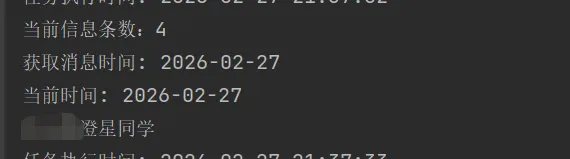
另一部分是爬取数据,进行判断,主要爬取当天发布的第一条信息。def job(): print(f"任务执行时间: {time.strftime('%Y-%m-%d %H:%M:%S')}") cookies = {xxxx} # 按实际替换 headers = {xxxx} # 按实际替换 params = {xxxx} # 按实际替换 response = requests.get('https://www.toutiao.com/api/pc/list/user/xxxx', params=params, cookies=cookies, headers=headers) # print(response.text) print(f"当前信息条数:{len(response.json().get('data'))}") # print(response.json().get("data")[0].get("create_time")) xz = time.strftime('%Y-%m-%d') dt = time.strftime('%Y-%m-%d', time.localtime(response.json().get("data")[0].get("behot_time"))) print(f"获取消息时间: {dt}") print(f"当前时间: {xz}") if xz == dt: play_sound()
# 每10秒执行一次schedule.every(10).seconds.do(job)# 启动时先执行一次job()# 循环执行调度任务while True: schedule.run_pending() time.sleep(1)