Hyperview Python二次开发之模型分组并配色
- 2026-08-22 17:30:23
Hyperview Python二次开发之模型分组并配色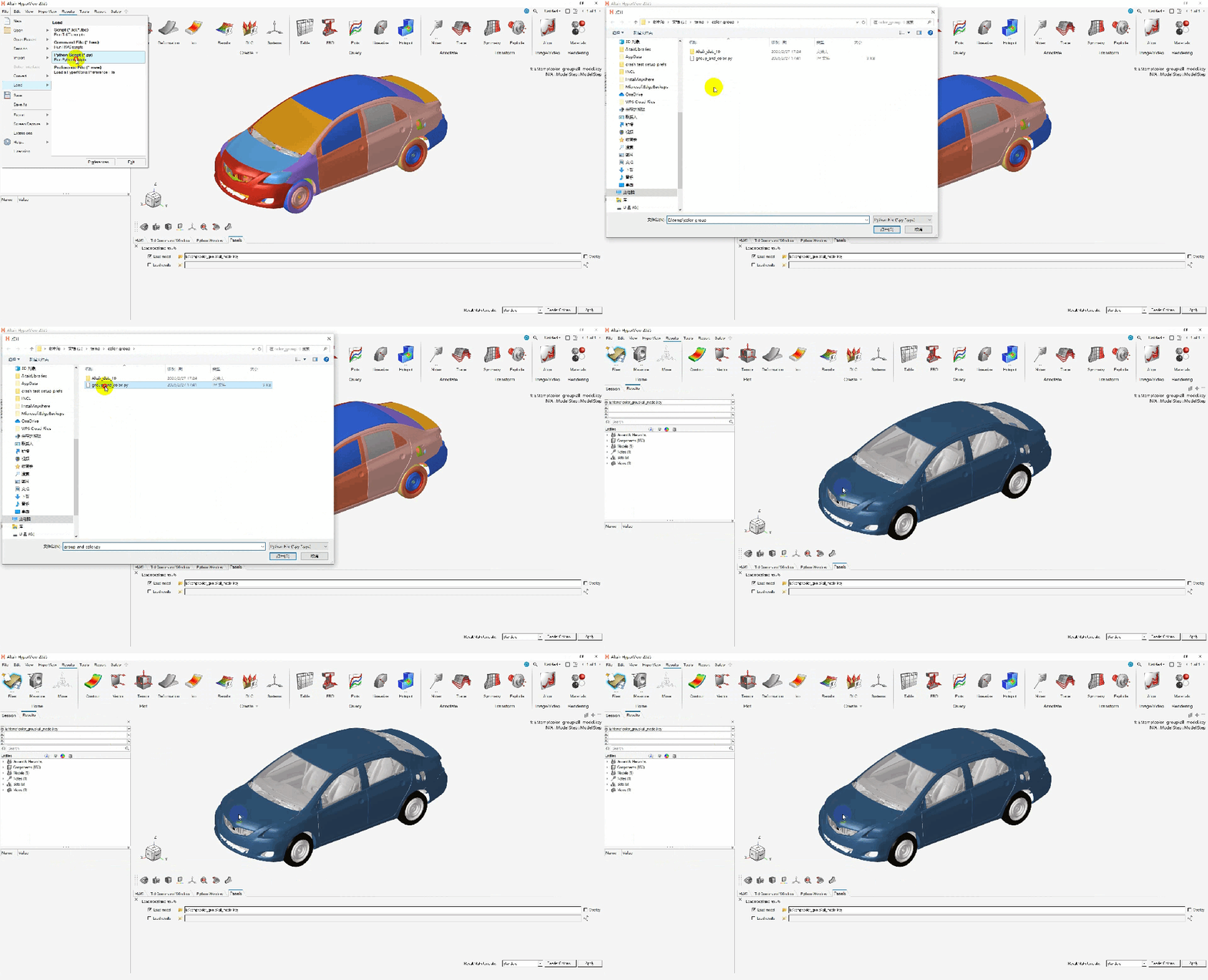
一般情况前期建模已将模型分成不同的组,每个组都对应自己独立的ID区间,基于此ID区间可将模型分组并配色,有助于后处理过程中快速选择部件,报告截图美观。 基于tcl语言实现此功能的方法如下: Hyperview二次开发之模型分组并配色 基于Python语言实现此功能的方法如下:
def group_and_color (group_name,color,*args):
    import hw
    import hw.hv as hv
    sess = hw.Session()
# 获取当前激活的page
    page = sess.get(hw.Page)
# 获取当前激活的window
    win = sess.get(hw.Window)
# 获取当前激活的model
    model = win.getActiveModel()
#
#col1 = hv.Collection(hv.Part,model=model,populate=False)
#col1.addByID(hv.Part,"74000000-74000020")
# 创建 part set
    set1 = hv.Set(hv.Part,model=model,populate=False)
# 按id 范围将需要的pid放入 set中
if len(args) == 1:
        set1.addByID(hv.Part,"{args[0]}")
if len(args) == 2:
        set1.addByID(hv.Part,f"{args[0]}-{args[1]}")
if len(args) > 2:
        args_str = ",".join(str(arg) for arg in args)
        set1.addByID(hv.Part,args_str)
# 设置set 名 颜色等属性
    set1.setAttributes(label=group_name)
    set1.setAttributes(drawStyle="shaded")
    set1.setAttributes(color=color)
#   True 显示  False 隐藏
    set1.setAttributes(visibility=True)
#
def part_and_color (color,pid):
    import hw
    import hw.hv as hv
    sess = hw.Session()
# 获取当前激活的page
    page = sess.get(hw.Page)
# 获取当前激活的window
    win = sess.get(hw.Window)
# 获取当前激活的model
    model = win.getActiveModel()
    part = model.get(hv.Part,pid)
    part.setAttributes(color=color)
    part.setAttributes(meshMode="transparent")
#
def refresh_window ():
    import hw
    import hw.hv as hv
    sess = hw.Session()
    page = sess.get(hw.Page)
    win = sess.get(hw.Window)
    win.draw()
本文来自网友投稿或网络内容,如有侵犯您的权益请联系我们删除,联系邮箱:596563534@qq.com 。
