捕鱼达人小游戏大家都很熟悉了,今天博主就带大家在自己的服务器(或者虚拟机)的Linux上部署一遍,用来熟悉Linux系统或者当做linux作业练手都很合适。
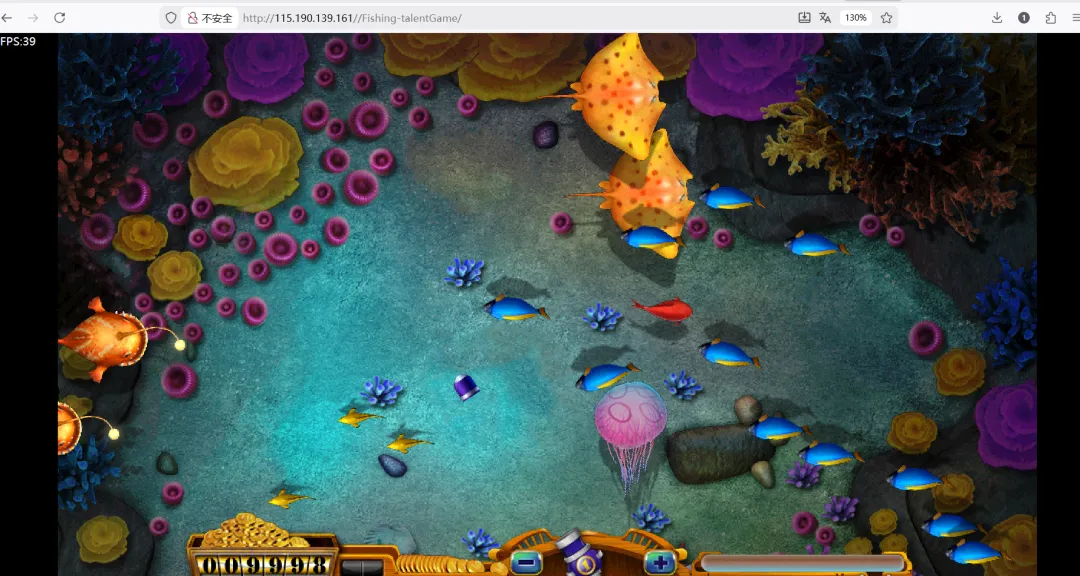
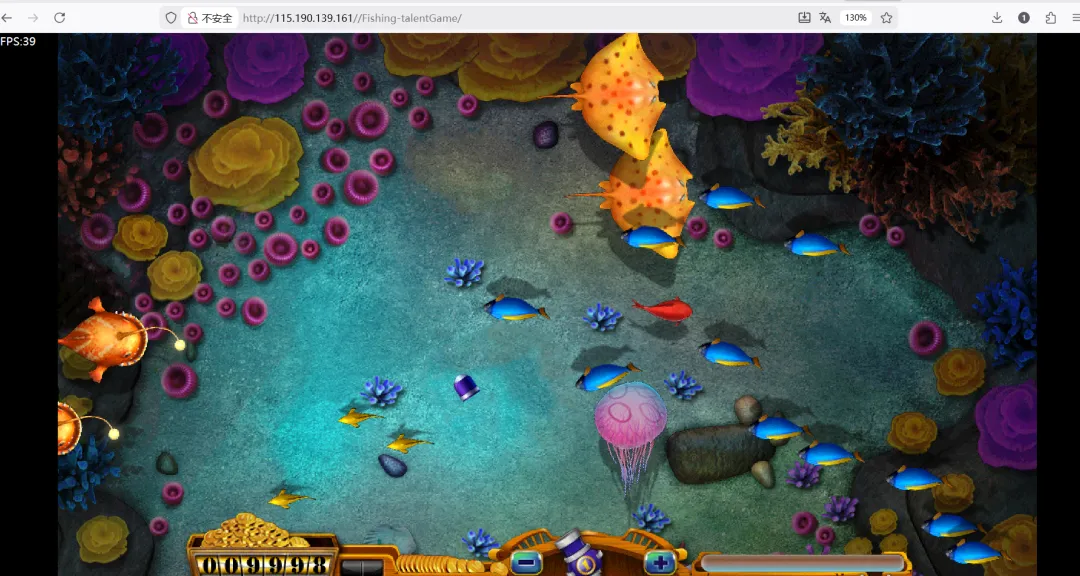
部署完成后的效果图如下所示:
一、准备工作
1.1 环境检查
查看系统信息hostnameip addr showcat /etc/centos-releaseuname -r
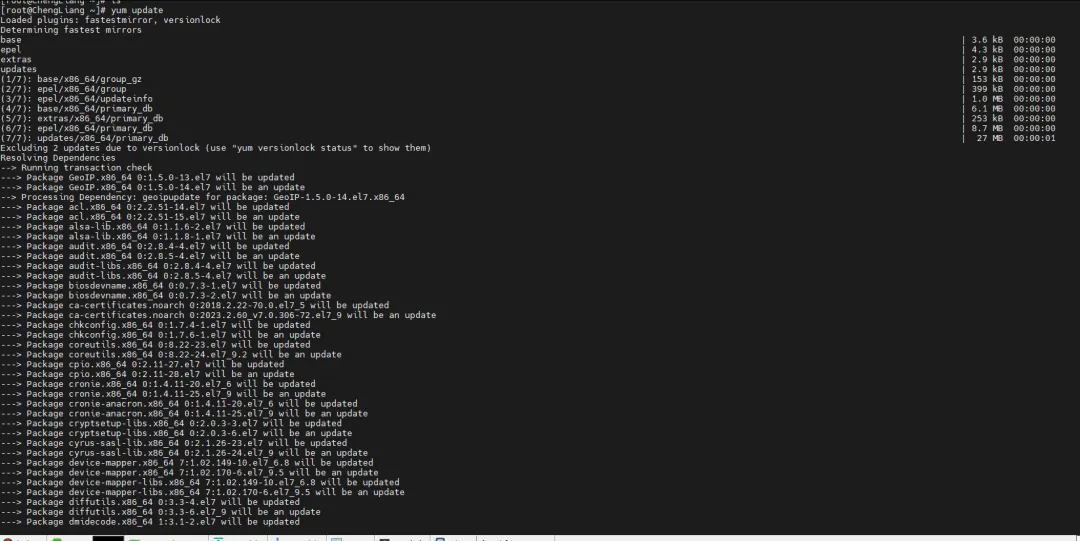
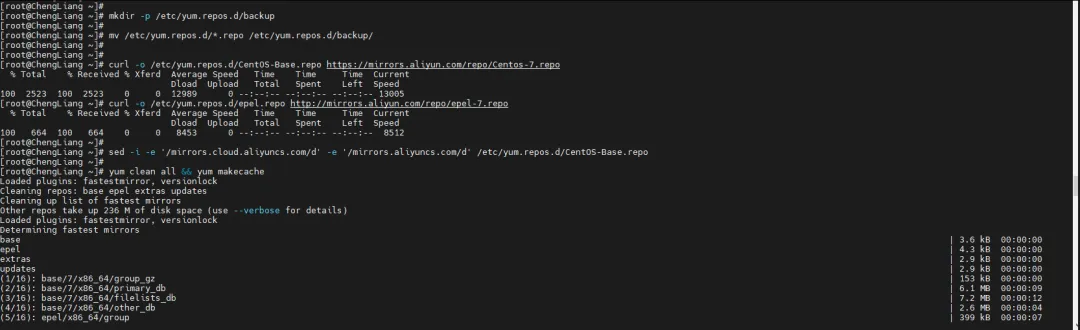
1.2 配置阿里云YUM源
# 备份原有源mkdir -p /etc/yum.repos.d/backupmv /etc/yum.repos.d/*.repo /etc/yum.repos.d/backup/# 下载阿里云源curl -o /etc/yum.repos.d/CentOS-Base.repo https://mirrors.aliyun.com/repo/Centos-7.repocurl -o /etc/yum.repos.d/epel.repo http://mirrors.aliyun.com/repo/epel-7.repo# 清理阿里云源中的无效行sed -i -e '/mirrors.cloud.aliyuncs.com/d' -e '/mirrors.aliyuncs.com/d' /etc/yum.repos.d/CentOS-Base.repo# 生成缓存yum clean all && yum makecache
二、安装Apache HTTP服务器
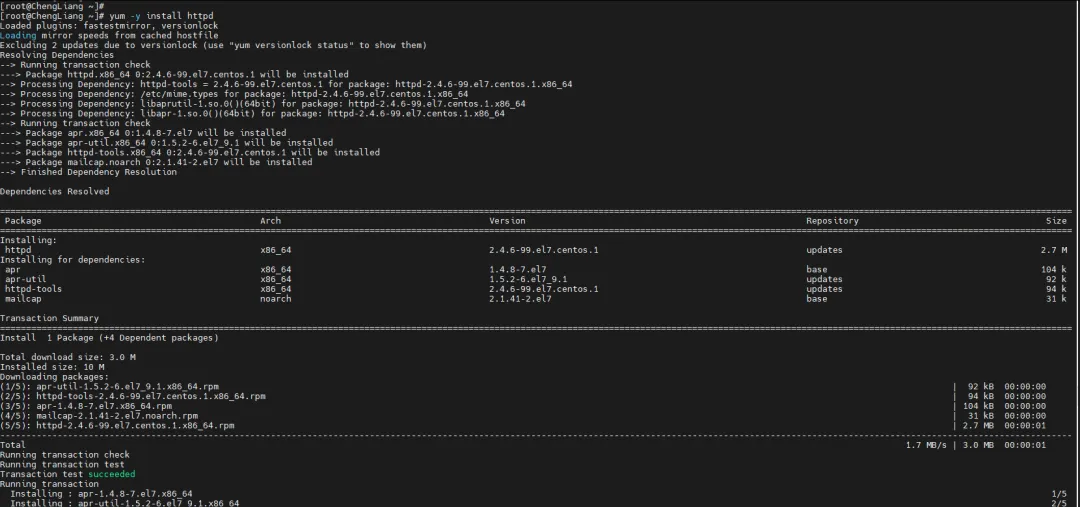
2.1 安装httpd
# 安装Apacheyum -y install httpd# 检查安装结果httpd -v

2.2 配置和启动服务
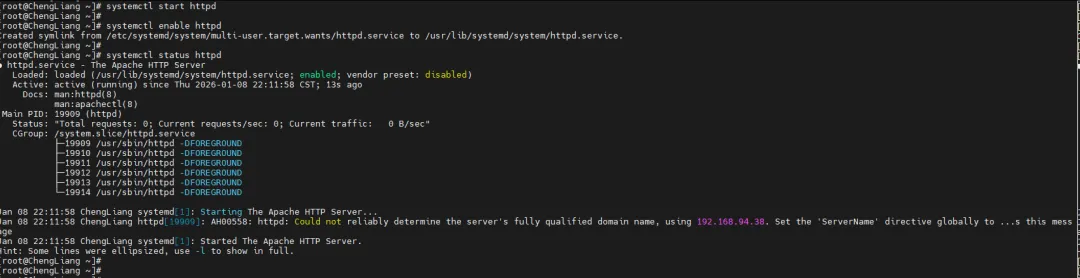
# 启动httpd服务systemctl start httpd# 设置开机自启systemctl enable httpd# 检查服务状态systemctl status httpd
2.3 安全配置
# 临时关闭SELinuxsetenforce 0# 永久关闭SELinux(重启后生效)sed -i 's/SELINUX=enforcing/SELINUX=disabled/' /etc/selinux/config# 停止防火墙systemctl stop firewalldsystemctl disable firewalld

2.4 测试Apache
# 创建测试页面echo "Apache Test Page - $(hostname)" > /var/www/html/index.html# 重启服务systemctl restart httpd

现在可以通过浏览器访问 http://服务器IP 测试Apache是否正常工作。
三、部署捕鱼达人小游戏
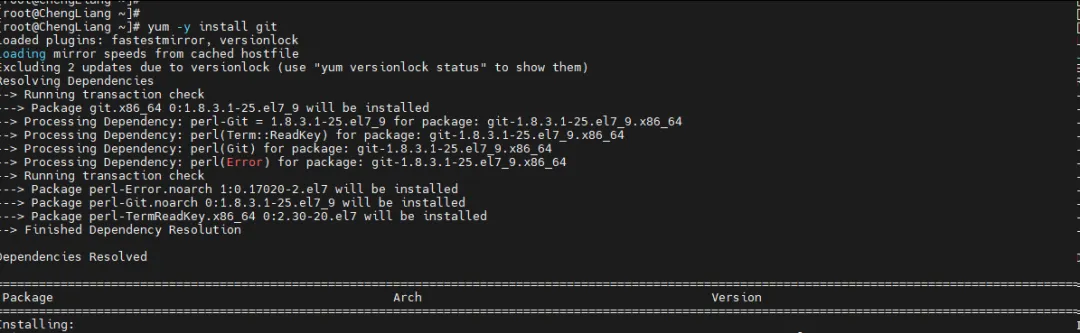
3.1 安装Git
3.2 下载游戏源码
# 进入web根目录cd /var/www/html# 下载游戏源码git clone https://github.com/sjh0824/Fishing-talentGame.git# 如果网络问题,可以使用备用方式# wget https://github.com/sjh0824/Fishing-talentGame/archive/refs/heads/master.zip# unzip master.zip# mv Fishing-talentGame-master Fishing-talentGame
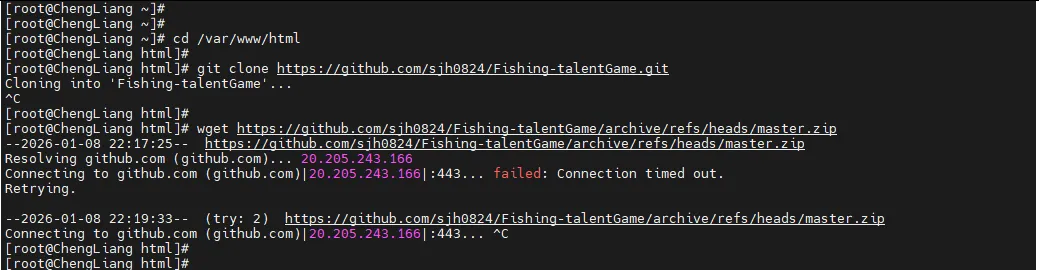
两种方法都下载不了的话,可以关注我的公众号,回复“捕鱼达人”免费获取。
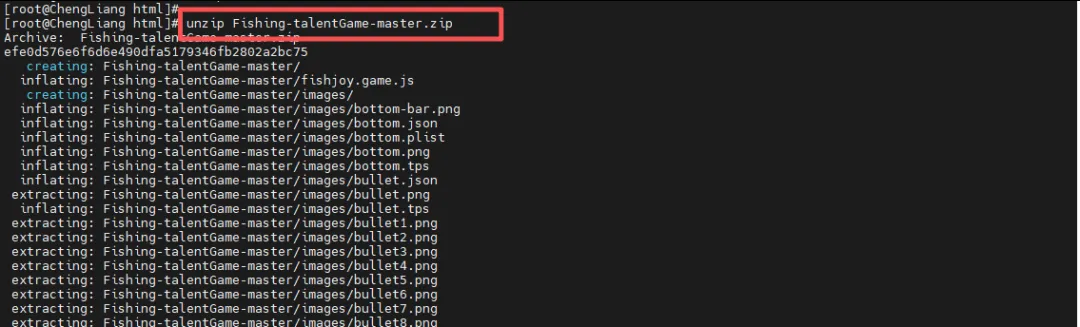
下载后放到cd /var/www/html

unzip Fishing-talentGame-master.zipmv Fishing-talentGame-master Fishing-talentGame

3.3 设置权限
# 设置Apache权限chown -R apache:apache /var/www/html/Fishing-talentGamechmod -R 755 /var/www/html/Fishing-talentGame

3.4 重启Apache服务
systemctl restart httpd

四、访问游戏
4.1 访问地址
http://服务器IP/Fishing-talentGame/
4.2 查看游戏文件
# 查看游戏目录结构ls -la /var/www/html/Fishing-talentGame/tree /var/www/html/Fishing-talentGame/ -L 2
好了,大功告成,是不是非常简单。
