前言
还在为长篇文档敲键盘敲到手酸吗?还在羡慕手机上的语音输入功能吗?今天看我在 Arch Linux KDE 桌面上搭建一套完全本地化的语音输入系统,无需联网,隐私安全,一键语音转文字!
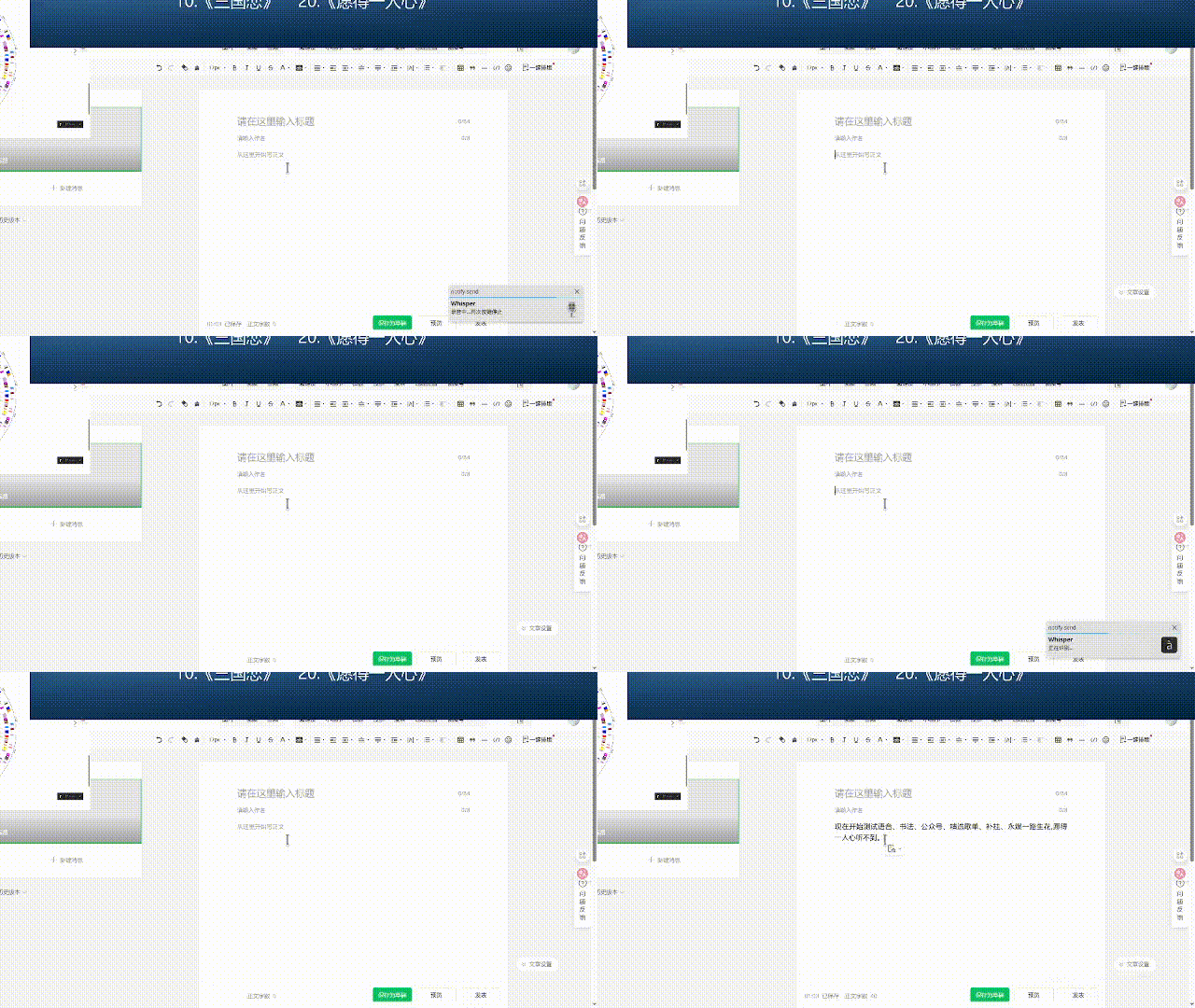
效果展示
支持终端、VSCode、浏览器、文档编辑器等各种场景!
技术方案
核心组件
- • Whisper.cpp: OpenAI Whisper 的 C++ 实现,支持 GPU 加速
- • ydotool: Wayland 下的输入模拟工具
- • wl-clipboard: Wayland 剪贴板管理
智能粘贴
脚本会自动检测当前窗口类型:
- • 终端类程序(Konsole、VSCode)→
Ctrl+Shift+V
安装配置
1. 安装依赖包
sudo pacman -S sox whisper.cpp libnotify wl-clipboard ydotoolparu -S whisper.cpp-model-small kdotool
2. 启动后台服务
ydotoold &
3. 脚本配置
创建 voice_input.sh 脚本,配置模型路径和快捷键逻辑。
#!/bin/bashMODEL="/usr/share/whisper.cpp-model-small/ggml-small.bin"AUDIO_FILE="/tmp/whisper_voice.wav"LOCK_FILE="/tmp/whisper_voice.lock"for cmd in rec whisper-cli wl-copy ydotool kdotool notify-send; docommand -v "$cmd" >/dev/null || { notify-send -t 2000 "Whisper""缺少 $cmd"; exit 1; }done[ -f "$MODEL" ] || { notify-send -t 2000 "Whisper""模型文件不存在"; exit 1; }# 正在识别中,忽略[ -f "$LOCK_FILE" ] && { notify-send -t 2000 "Whisper""正在识别中..."; exit 0; }if pgrep -x "rec" > /dev/null; then pkill -x "rec"sleep 0.5touch"$LOCK_FILE" notify-send -t 2000 "Whisper""正在识别..." -i accessories-character-map RESULT=$(whisper-cli -m "$MODEL" -f "$AUDIO_FILE" -l zh --prompt "以下是简体中文的句子。" -nt 2>/dev/null) CLEAN_TEXT=$(echo"$RESULT" | sed 's/\[[^]]*\]//g; s/([^)]*)//g' | xargs)rm -f "$LOCK_FILE"if [ -n "$CLEAN_TEXT" ]; thenecho -n "$CLEAN_TEXT" | wl-copy WIN=$(kdotool getactivewindow getwindowclassname 2>/dev/null)ifecho"$WIN" | grep -qiE "konsole|code|positron|dolphin"; then ydotool key 29:1 42:1 47:1 47:0 42:0 29:0else ydotool key 29:1 47:1 47:0 29:0fi notify-send -t 2000 "Whisper""$CLEAN_TEXT"else notify-send -t 2000 "Whisper""没听清,请重试"fielserm -f "$AUDIO_FILE" notify-send -t 2000 "Whisper""录音中...再次按键停止" -i audio-input-microphone rec -r 16000 -c 1 "$AUDIO_FILE" &fi
4. 绑定快捷键
在 KDE 系统设置中将 Meta+S 绑定到脚本。
使用体验
优势
✅ 完全离线:无需网络,保护隐私✅ 响应迅速:本地 GPU 加速,2-3秒识别✅ 准确度高:Whisper small 模型中文识别率优秀✅ 场景适配:自动识别程序类型选择粘贴方式✅ 资源友好:2GB 显存即可流畅运行 CPU也可以,就是慢点
适用场景
进阶优化
模型选择
自定义微调
有特殊需求可以基于个人语音数据微调模型,提升特定场景识别率。
总结
通过这套方案,我在 Linux 桌面上实现了简单的语音输入体验。完全开源、本地运行、隐私安全。
最开始的想法是看有没有现成的,没有找到合适的,然后是使用kde connect,不能输入中文,不过可以识别中文翻译为英文输入,和AI聊天可以,让AI中文回答即可。最终在AI的辅助下实现了快捷键语音输入。