一文了解Linux系统Systemd服务管理
- 2026-08-26 17:54:00
一文了解Linux系统Systemd服务管理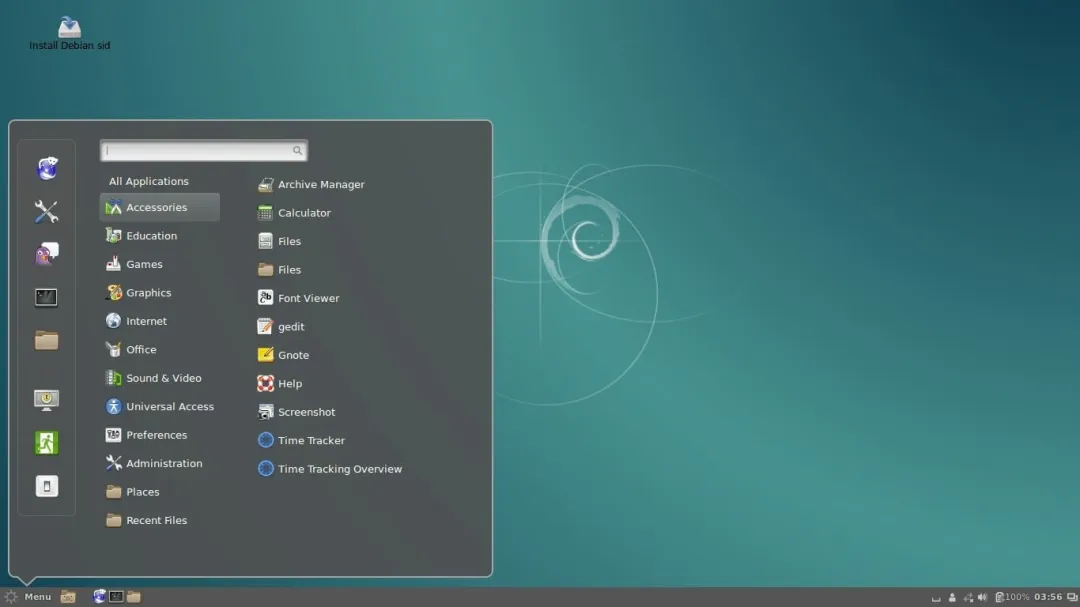
分享游泳心得和软件读书笔记 感谢您支持鼓励点赞评论转发
按计划和要求构建服务器,使其高效运行是运维的主要目标之一。 Linux 系统默认会安装和运行许多服务,一些不必要的服务应当予以禁用。
systemd 服务总管
Systemctl 是一个 systemd 实用工具,负责控制 systemd 系统和服务管理器。 Systemd 是一组系统管理守护进程、实用工具和库的集合,用作 System V init 守护进程的替代品。Systemd 作为类 UNIX 系统的中央管理和配置平台。
在 Linux 生态系统中,Systemd 已在大多数标准 Linux 发行版中实现。
本文介绍如何在基于 systemd 的 Linux 发行版(如 Fedora、CentOS、Ubuntu、Debian 等)上识别和禁用不必要的服务。
systemd 服务相关
• 检查systemd服务版本: systemctl --version• 检查 systemd 和 systemctl 的二进制文件和库安装位置 whereis systemdwhereis systemctl• 检查 systemd 是否正在运行 ps -eaf | grep [s]ystemd• 分析 systemd 启动过程 systemd-analyze• 分析启动时每个进程所花费的时间 systemd-analyze blame• 启动时分析关键链 systemd-analyze critical-chain• 列出所有可用的单元 systemctl list-unit-filesSystemctl 接受服务(.service)、挂载点(.mount)、套接字(.socket)和设备(.device)作为单元。• 列出所有正在运行的单元 systemctl list-units• 列出所有失败的单元 systemctl --failed• 检查一个单元(cron.service)是否已启用 systemctl is-enabled sshd.service• 检查一个单元或服务是否正在运行 systemctl status firewalld.service• 列出所有服务(包括已启用和已禁用)。 systemctl list-unit-files --type=service• 列出所有系统挂载点 systemctl list-unit-files --type=mount• 列出所有可用的系统套接字 systemctl list-unit-files --type=socket
关闭不必要的服务
理由
• 服务器不需要这些服务,浪费 CPU、内存等系统资源 • 扩大服务器受攻击面 • 非必要不开启
systemd 服务管理
使用 systemd,管理和检查服务很方便。
列出所有运行中的服务sudo systemctl list-units --type=service --state=running检查开放端口并识别监听服务sudo ss -tuln 或 sudo netstat -tuln禁用不必要的服务sudo systemctl disable avahi-daemon # 零配置网络(本地服务发现)sudo systemctl disable bluetooth # 蓝牙服务sudo systemctl disable iscsi # iSCSI网络存储sudo systemctl disable iscsid.socket # iSCSI网络存储sudo systemctl disable iscsiuio.socket # iSCSI网络存储sudo systemctl disable lvm2-monitor # 管理LVM卷sudo systemctl disable lvm2-lvmpolld.socket #管理LVM卷sudo systemctl disable mdmonitor # 软RAIDsudo systemctl disable raid-check.timer # 软RAIDsudo systemctl disable qemu-guest-agent # QEMU、KVM虚拟机sudo systemctl disable nfs-convert # NFS服务sudo systemctl disable nfs-client.target # NFS服务sudo systemctl disable cups # 打印服务sudo systemctl disable postfix # 邮件发送服务sudo systemctl disable sssd # 连接LDAP或AD域sudo systemctl disable hyperv-daemons # Hyper-V虚拟服务sudo systemctl disable apport # Ubuntu错误报告sudo systemctl disable zeitgeist # 桌面日志记录sudo systemctl disable telepathy # 桌面消息服务识别服务详情systemd-analyze blame # 检查哪个服务导致启动慢阻止/恢复服务被手动启动或作为依赖项sudo systemctl mask/unmask 服务名精细管理服务
systemctl show -p CPUShares httpd.service获取服务(例如 httpd)当前的 CPU 份额systemctl set-property httpd.service CPUShares=2000服务的 CPU 份额(httpd.service)限制为 2000 CPUsystemctl show httpd检查服务的所有配置细节systemd-analyze critical-chain httpd.service分析服务的关键链systemctl list-dependencies httpd.service获取httpd服务的依赖列表systemd-cgls分层列出控制组systemd-cgtop根据 CPU、内存、输入和输出列出控制组每个服务默认的 CPUShare = 1024。可以增加/减少进程的 CPU 份额。为服务设置 CPUShare 时,会创建一个以服务名称命名的目录(httpd.service.d),其中包含一个文件 90-CPUShares.conf,该文件包含 CPUShare 限制信息。
控制系统运行级别
• 运行级别 0:关闭系统并断电。 • 运行级别 1:救援?维护模式。 • 运行级别 3:多用户,无图形系统。 • 运行级别 4:多用户,无图形系统。 • 运行级别 5 : 多用户,图形化系统。 • 运行级别 6 : 关闭并重启机器。
systemctl rescue启动系统救援模式systemctl emergency进入紧急模式systemctl get-default当前正在使用的运行级别systemctl isolate runlevel5.targetsystemctl isolate graphical.target启动运行级别 5(即图形模式)systemctl isolate runlevel3.targetsystemctl isolate multiuser.target启动运行级别 3(多用户模式)systemctl rebootsystemctl haltsystemctl suspendsystemctl hibernatesystemctl hybrid-sleep重启、停止、挂起、休眠或将系统置于混合睡眠VIM编辑技巧
将以上禁用不必要的服务相关命令复制粘贴到VIM编辑器中,在VIM编辑器中按下 Esc 后输入以下命令,可以秒删除所有#注释内容,只保留命令。
清理注释内容
:%s/\s*#.*//% 表示作用于整个文件(所有行)s 代表 substitute(替换)。/ 分隔符。\s*#.* 匹配模式\s* 匹配 # 号前的零个或多个空格(把命令结尾的空格一并删掉)# 匹配 # 字符本身.* 匹配 # 之后直到行尾的所有内容// 替换后的内容为空(即删除)清理行尾空格或空白行
:%s/\s*#.*//删除注释及前面的空格:g/^$/d删除空行:%s/ */ /g将连续的多个空格压缩为一个两个公众号文尾

本文来自网友投稿或网络内容,如有侵犯您的权益请联系我们删除,联系邮箱:596563534@qq.com 。
