用 Systemback 定制 Linux live 镜像
- 2026-09-06 02:11:59
用 Systemback 将正在运行的 Linux 系统做成安装镜像。
原因:操作系统安装配置成最舒服的日常使用状态比较费时间,不论 Linux 还是 Windows,除了日常备份系统之外,迫切需要将自己调优的系统打包成安装镜像的U盘,方便下次装机即可舒服的使用。
好处:比如可以将个人使用的 Ubuntu 22.0 LTS 系统打包的镜像,包括配置调试好广告拦截的 brave 浏览器、docker CE 和 Python 3.10、Golang 容器、iBus 拼音输入法全局生效(无个别软件无法使用中文输入问题)、neofetch、Cloudflare Warp Client(Zero Trust 账户、能科学上🕸)、Systemback、cdrtools 等,直接就可以在新系统运行。
https://blog.csdn.net/github_34965845/article/details/80734400
https://blog.csdn.net/weixin_45830602/article/details/127205860
https://www.linuxfromscratch.org/blfs/view/svn/multimedia/cdrtools.html
https://www.linuxfromscratch.org/blfs/view/svn/multimedia/alsa-lib.html
https://hackthestuff.com/article/how-to-install-tar-gz-or-tar-bz2-files-in-ubuntu
Cloudflare 1.1.1.1 Zero Trust 免费账户申请和配置
elias@Ubuntu:~$ sudo sh -c 'echo "deb [arch=amd64] http://mirrors.bwbot.org/ stable main" > /etc/apt/sources.list.d/systemback.list'elias@Ubuntu:~$ sudo apt-key adv --keyserver 'hkp://keyserver.ubuntu.com:80' --recv-key 50B2C005A67B264Felias@Ubuntu:~$ sudo nala install systemback
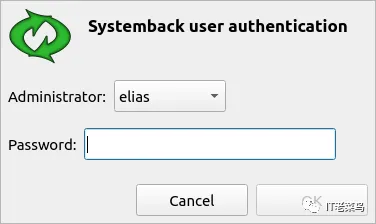
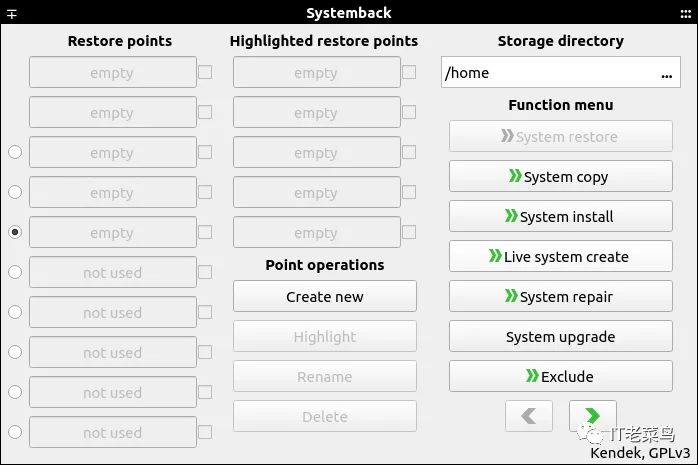
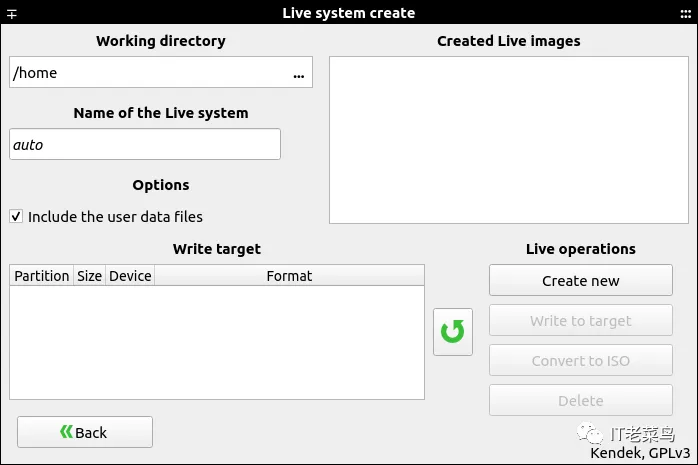
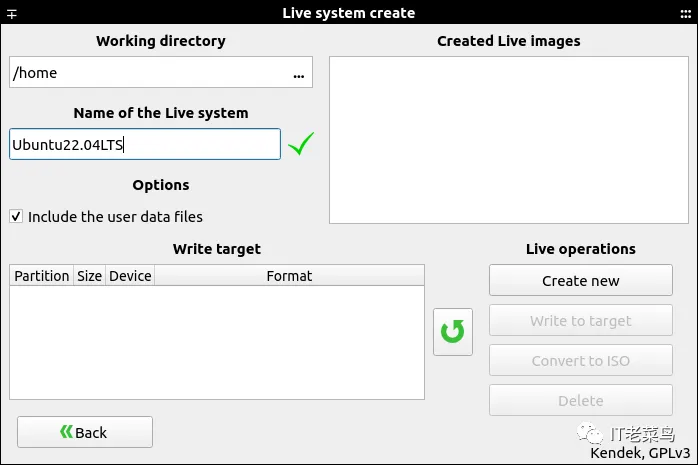
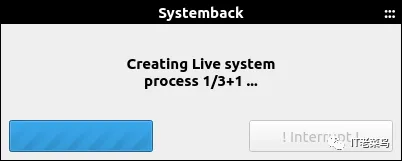
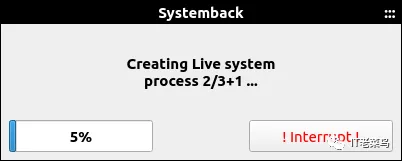
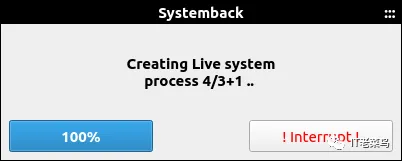
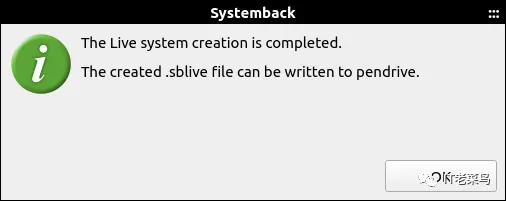
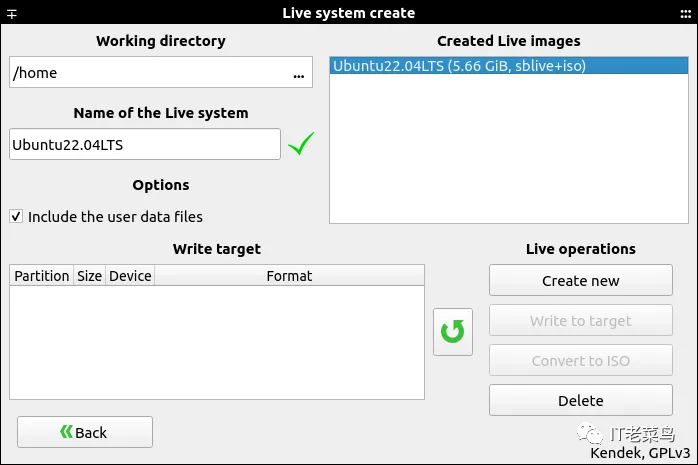
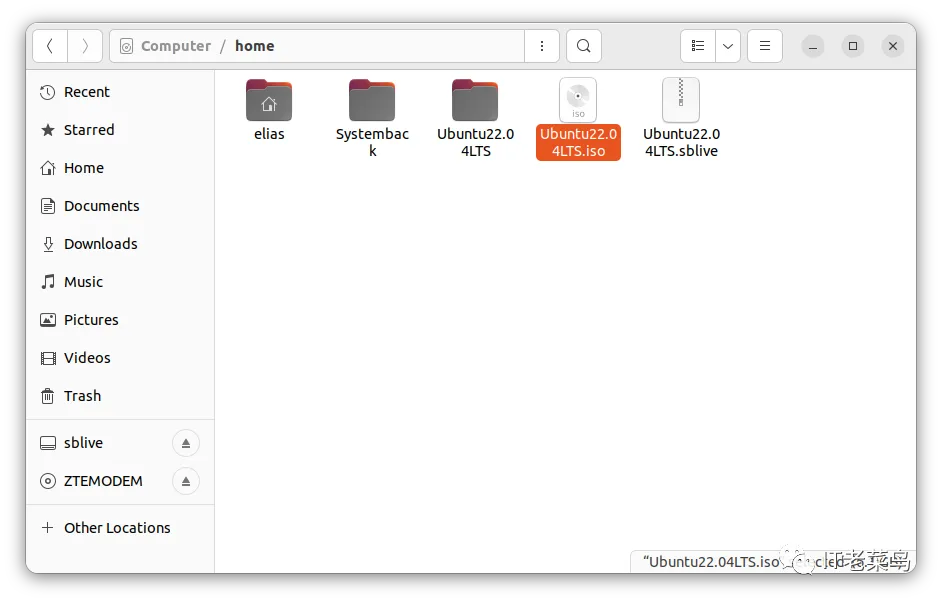
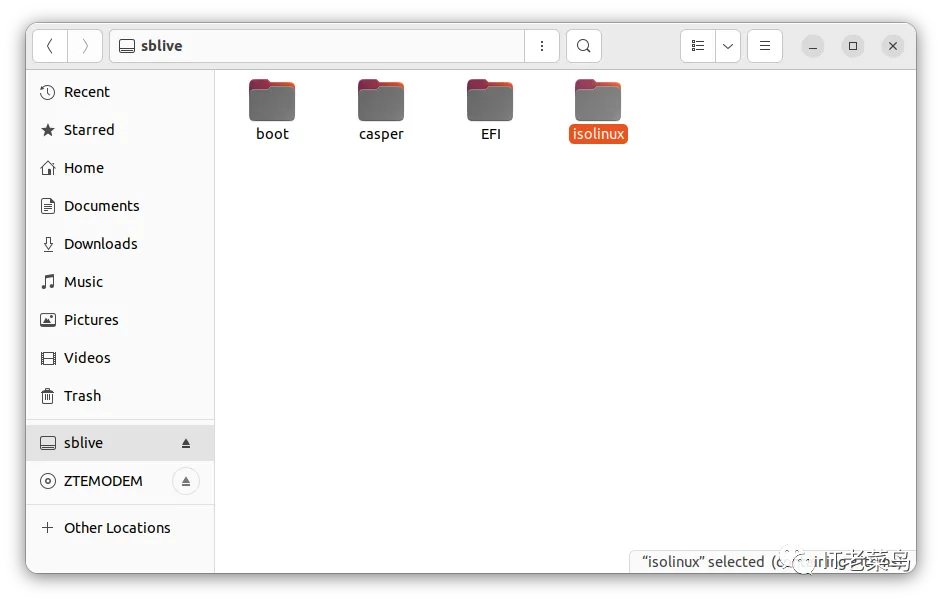
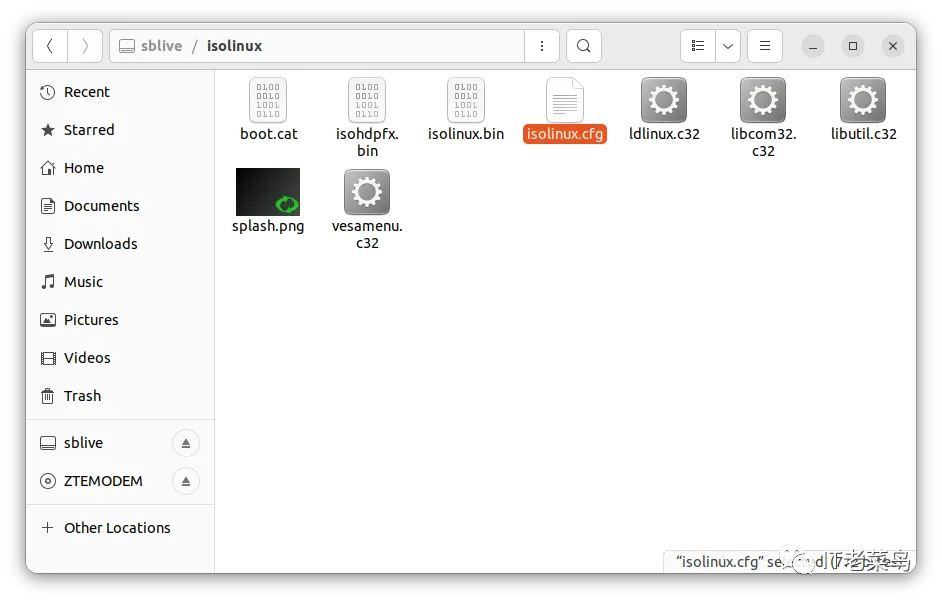
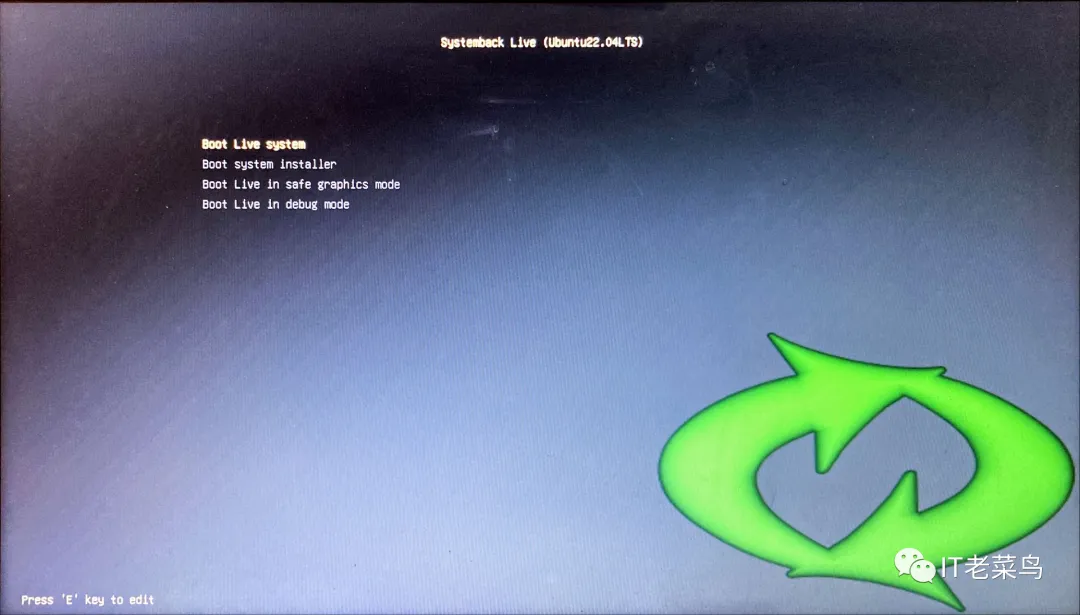
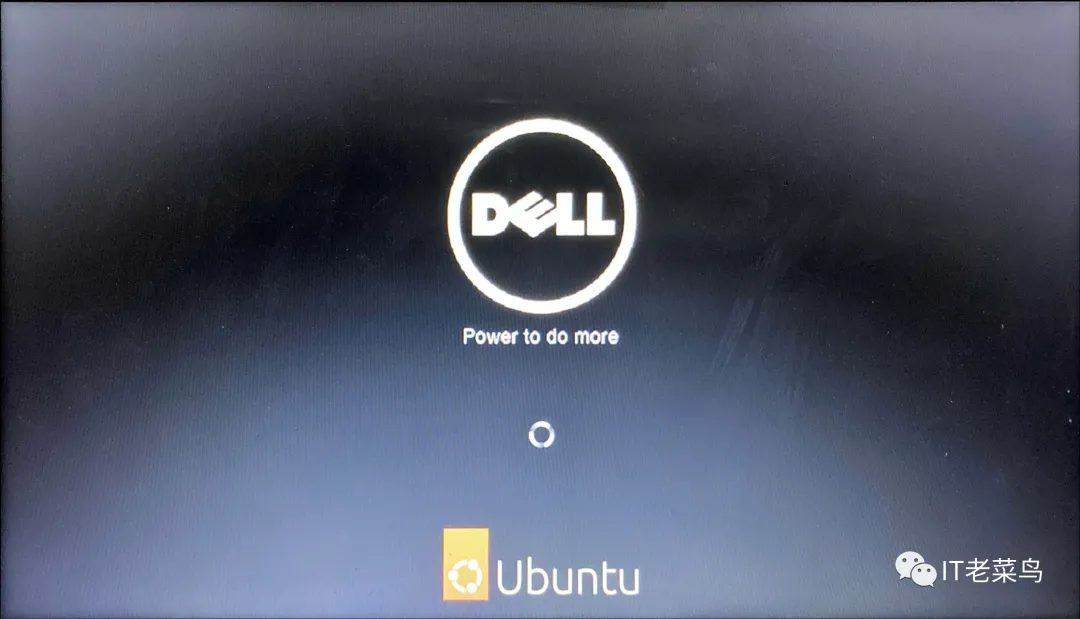
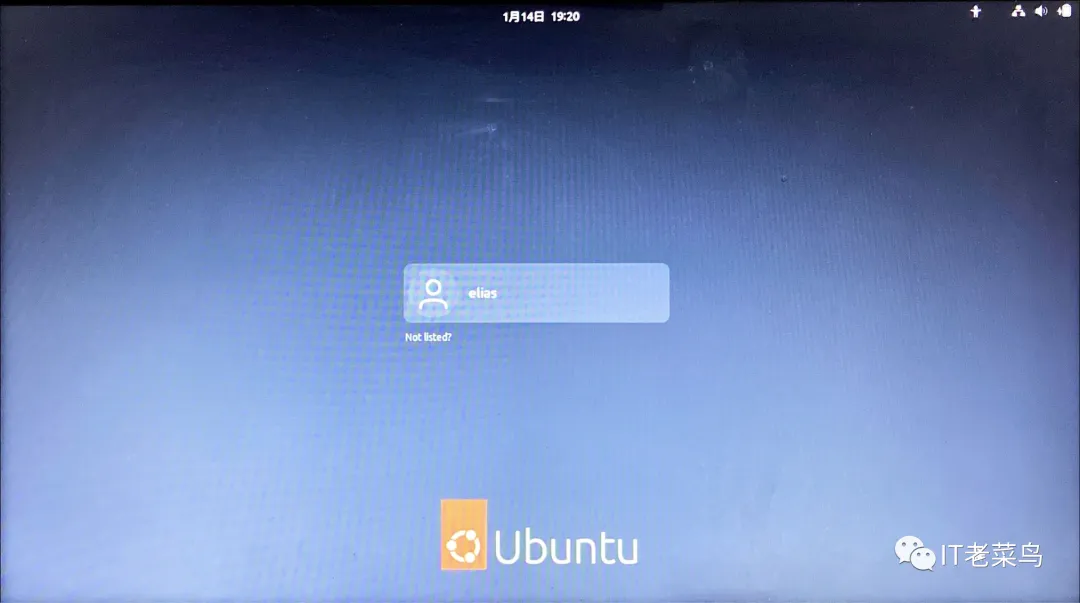
如果创建 live system 完成后,存放镜像的目录里没有如上面 3 张图片所示的 Ubuntu22.04LTS.iso 文件,则需要将 Ubuntu22.04LTS.sblive 文件使用 Convert to ISO。
如果 Ubuntu22.04LTS.sblive文件大小大于 4 GB,则需要使用命令行将其转化成 Ubuntu22.04LTS.iso 文件,如以下两小节所示。
elias@Ubuntu:~$ wget https://downloads.sourceforge.net/cdrtools/cdrtools-3.02a09.tar.bz2elias@Ubuntu:~$ lscdrtools-3.02a09.tar.bz2 Documents Music Public TemplatesDesktop Downloads Pictures snap Videoselias@Ubuntu:~$ wget https://www.alsa-project.org/files/pub/lib/alsa-lib-1.2.8.tar.bz2elias@Ubuntu:~$ lsalsa-lib-1.2.8.tar.bz2 Desktop Downloads Pictures snap Videoscdrtools-3.02a09.tar.bz2 Documents Music Public Templateselias@Ubuntu:~$ tar -xjf alsa-lib-1.2.8.tar.bz2elias@Ubuntu:~$ tar -xjf cdrtools-3.02a09.tar.bz2elias@Ubuntu:~$ lsalsa-lib-1.2.8 cdrtools-3.02a09.tar.bz2 Downloads Public Videosalsa-lib-1.2.8.tar.bz2 Desktop Music snapcdrtools-3.02 Documents Pictures Templateselias@Ubuntu:~$ cd alsa-lib-1.2.8/elias@Ubuntu:~/alsa-lib-1.2.8$ ./configurechecking build system type... x86_64-pc-linux-gnuchecking host system type... x86_64-pc-linux-gnuchecking for a BSD-compatible install... /usr/bin/install -cchecking whether build environment is sane... yeschecking for a thread-safe mkdir -p... /usr/bin/mkdir -pchecking for gawk... nochecking for mawk... mawkchecking whether make sets $(MAKE)... nochecking whether make supports nested variables... nochecking whether to enable maintainer-specific portions of Makefiles... yeschecking whether make supports nested variables... (cached) nochecking for gcc... nochecking for cc... nochecking for cl.exe... noconfigure: error: in `/home/elias/alsa-lib-1.2.8':configure: error: no acceptable C compiler found in $PATHSee `config.log' for more detailselias@Ubuntu:~/alsa-lib-1.2.8$ makeCommand 'make' not found, but can be installed with:sudo apt install make # version 4.3-4.1build1, orsudo apt install make-guile # version 4.3-4.1build1elias@Ubuntu:~/alsa-lib-1.2.8$ sudo nala install makeelias@Ubuntu:~/alsa-lib-1.2.8$ makemake: *** No targets specified and no makefile found. Stop.elias@Ubuntu:~/alsa-lib-1.2.8$ sudo nala install build-essentialelias@Ubuntu:~/alsa-lib-1.2.8$ ./configure'''省略输出'''elias@Ubuntu:~/alsa-lib-1.2.8$ make'''省略输出'''elias@Ubuntu:~/alsa-lib-1.2.8$ sudo make install'''省略输出'''elias@Ubuntu:~/alsa-lib-1.2.8$ cd ..elias@Ubuntu:~$ lsalsa-lib-1.2.8 cdrtools-3.02a09.tar.bz2 Downloads Public Videosalsa-lib-1.2.8.tar.bz2 Desktop Music snapcdrtools-3.02 Documents Pictures Templateselias@Ubuntu:~$ cd cdrtools-3.02/elias@Ubuntu:~$ export GMAKE_NOWARN=true &&> make -j1 INS_BASE=/usr DEFINSUSR=root DEFINSGRP=root'''省略输出'''elias@Ubuntu:~/cdrtools-3.02$ sudo -i[sudo] password for elias:root@Ubuntu:/# cd /home/elias/root@Ubuntu:/home/elias# lsalsa-lib-1.2.8 cdrtools-3.02a09.tar.bz2 Downloads Public Videosalsa-lib-1.2.8.tar.bz2 Desktop Music snapcdrtools-3.02 Documents Pictures Templatesroot@Ubuntu:/home/elias# cd cdrtools-3.02/root@Ubuntu:/home/elias/cdrtools-3.02# sudo export GMAKE_NOWARN=true &&> make INS_BASE=/usr MANSUFF_LIB=3cdr DEFINSUSR=root DEFINSGRP=root install &&> install -v -m755 -d /usr/share/doc/cdrtools-3.02a09 &&> install -v -m644 README.* READMEs/* ABOUT doc/*.ps \> /usr/share/doc/cdrtools-3.02a09'''省略输出'''root@Ubuntu:/home/elias/cdrtools-3.02# cd ..root@Ubuntu:/home/elias# lsalsa-lib-1.2.8 cdrtools-3.02a09.tar.bz2 Downloads Public Videosalsa-lib-1.2.8.tar.bz2 Desktop Music snapcdrtools-3.02 Documents Pictures Templatesroot@Ubuntu:/home/elias# cd ..root@Ubuntu:/home# cd ..root@Ubuntu:/# exitlogoutelias@Ubuntu:~/cdrtools-3.02$elias@Ubuntu:~/cdrtools-3.02$ cd ..elias@Ubuntu:~$ lsalsa-lib-1.2.8 cdrtools-3.02a09.tar.bz2 Downloads Public Videosalsa-lib-1.2.8.tar.bz2 Desktop Music snapcdrtools-3.02 Documents Pictures Templateselias@Ubuntu:~$
elias@Ubuntu:~$ cd ..elias@Ubuntu:/home$ lselias Systemback Ubuntu22.04LTS.iso Ubuntu22.04LTS.sbliveelias@Ubuntu:/home$ ls -altotal 11878372drwxr-xr-x 4 root root 4096 1月 14 16:47 .drwxr-xr-x 20 root root 4096 1月 14 16:42 ..drwxr-x--- 19 elias elias 4096 1月 14 15:23 eliasdrwxr-xr-x 2 root elias 4096 1月 14 15:52 Systemback-rw-rw-rw- 1 root root 6081105920 1月 14 16:44 Ubuntu22.04LTS.sbliveelias@Ubuntu:/home$ sudo mkdir Ubuntu22.04LTS[sudo] password for elias:elias@Ubuntu:/home$ lselias Systemback Ubuntu22.04LTS Ubuntu22.04LTS.sbliveelias@Ubuntu:/home$ sudo tar -xf Ubuntu22.04LTS.sblive -C Ubuntu22.04LTSelias@Ubuntu:/home$ mv Ubuntu22.04LTS/syslinux/syslinux.cfg Ubuntu22.04LTS/syslinux/isolinux.cfgelias@Ubuntu:/home$ mv Ubuntu22.04LTS/syslinux Ubuntu22.04LTS/isolinuxelias@Ubuntu:/home$ mkisofs -iso-level 3 -r -V Ubuntu22.04LTS \> -cache-inodes -J -l -b isolinux/isolinux.bin \> -no-emul-boot -boot-load-size 4 -boot-info-table \> -c isolinux/boot.cat -o Ubuntu22.04LTS.iso Ubuntu22.04LTSelias@Ubuntu:/home$ lselias Systemback Ubuntu22.04LTS Ubuntu22.04LTS.iso Ubuntu22.04LTS.sblive
elias@Ubuntu:/home$ sudo dd status=progress if=Ubuntu22.04LTS.iso of=/dev/sdc[sudo] password for elias:6081298944 bytes (6.1 GB, 5.7 GiB) copied, 1070 s, 5.7 MB/s11880448+0 records in11880448+0 records out6082789376 bytes (6.1 GB, 5.7 GiB) copied, 1070.21 s, 5.7 MB/selias@Ubuntu:/home$