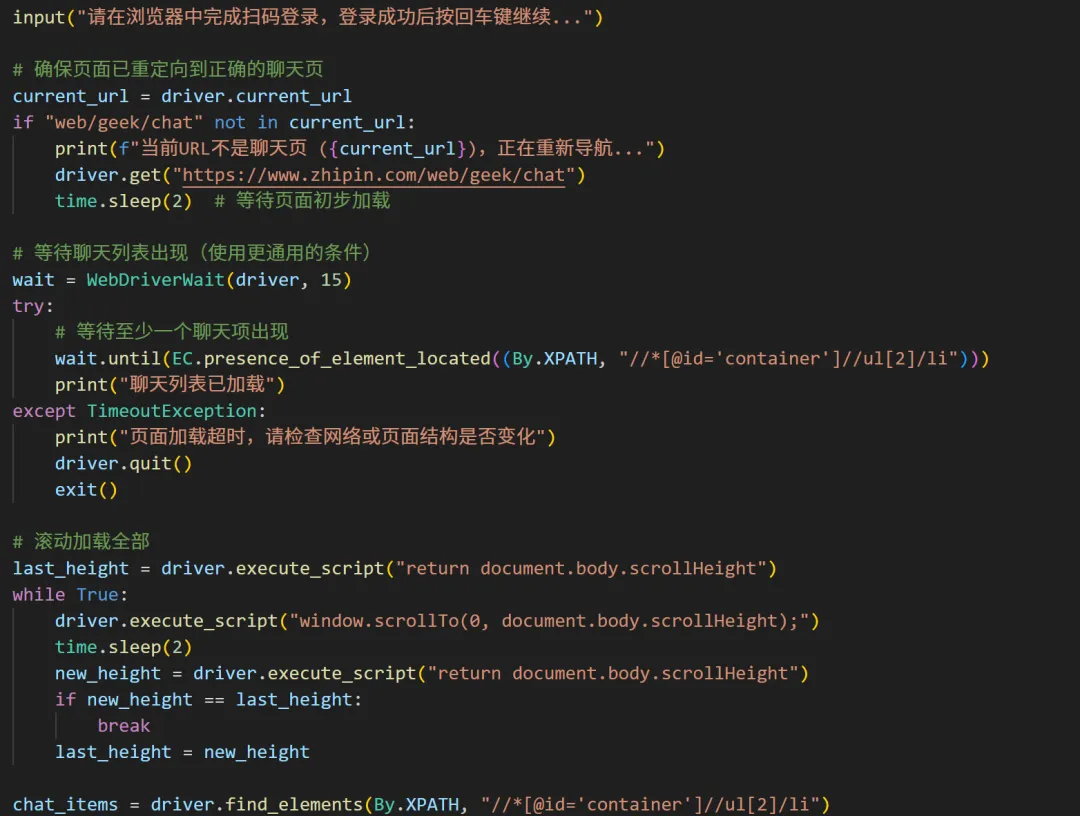
import timefrom selenium import webdriverfrom selenium.webdriver.common.by import Byfrom selenium.webdriver.support.ui import WebDriverWaitfrom selenium.webdriver.support import expected_conditions as ECfrom selenium.common.exceptions import NoSuchElementException, TimeoutExceptiondriver = webdriver.Chrome()driver.get("https://www.zhipin.com/web/geek/chat")# 等待用户手动扫码登录input("请在浏览器中完成扫码登录,登录成功后按回车键继续...")# 确保页面已重定向到正确的聊天页current_url = driver.current_urlif "web/geek/chat" not in current_url: print(f"当前URL不是聊天页 ({current_url}),正在重新导航...") driver.get("https://www.zhipin.com/web/geek/chat") time.sleep(2) # 等待页面初步加载# 等待聊天列表出现(使用更通用的条件)wait = WebDriverWait(driver, 15)try: # 等待至少一个聊天项出现 wait.until(EC.presence_of_element_located((By.XPATH, "//*[@id='container']//ul[2]/li"))) print("聊天列表已加载")except TimeoutException: print("页面加载超时,请检查网络或页面结构是否变化") driver.quit() exit()# 滚动加载全部last_height = driver.execute_script("return document.body.scrollHeight")while True: driver.execute_script("window.scrollTo(0, document.body.scrollHeight);") time.sleep(2) new_height = driver.execute_script("return document.body.scrollHeight") if new_height == last_height: break last_height = new_heightchat_items = driver.find_elements(By.XPATH, "//*[@id='container']//ul[2]/li")print(f"共发现 {len(chat_items)} 个聊天框")results = []for idx, item in enumerate(chat_items, start=1): # 提取联系人 try: contact = item.find_element(By.XPATH, ".//div/div/div[2]/div[2]/span/span[1]").text except NoSuchElementException: contact = "N/A" # 提取公司 try: company = item.find_element(By.XPATH, ".//div/div/div[2]/div[2]/span/span[2]").text except NoSuchElementException: company = "N/A" # 提取阅读状态 try: status_elem = item.find_element(By.XPATH, ".//div/div/div[2]/div[3]/i") status_text = status_elem.text.strip() if status_text: status = status_text else: class_name = status_elem.get_attribute("class") if "status-read" in class_name: status = "已读" elif "status-delivery" in class_name: status = "送达" else: status = f"未知({class_name})" except NoSuchElementException: status = "对方已回复我或者已发送简历等" results.append({ "序号": idx, "联系人": contact, "公司": company, "阅读状态": status })# 输出结果for r in results: print(f"{r['序号']}. {r['联系人']} - {r['公司']} [{r['阅读状态']}]")driver.quit()
 10个月宝宝每天需要喝多少奶粉?