python之selenium (1)
- 2026-10-11 07:50:37
 01
01
python之selenium
selenium环境安装
1、selenium有新版本和老版本:
第一种下载方式:pip install selenium==3.141.0 在dos下下载
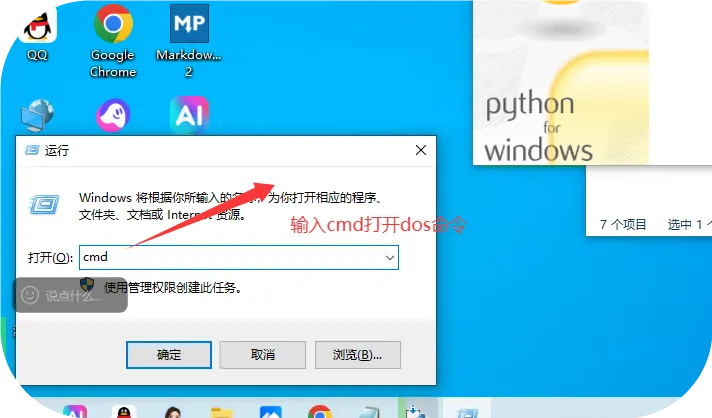
命令:
E:\python13\python.exe -m pip install selenium==3.141.0
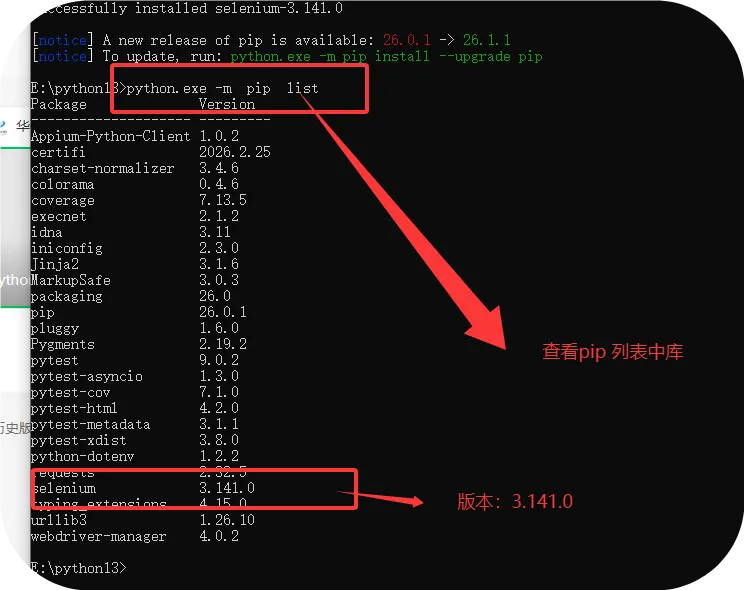
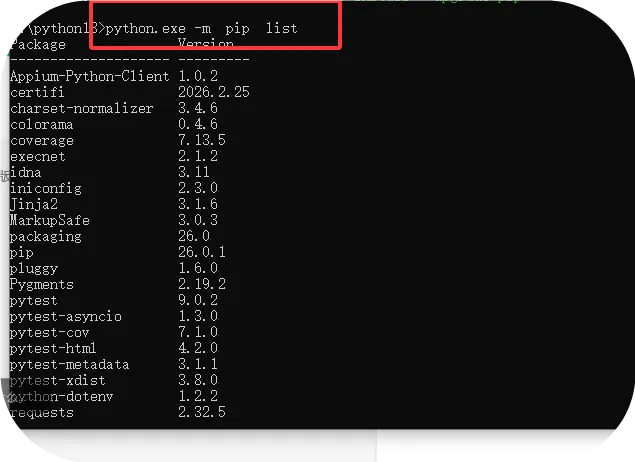
python.exe -m pip list
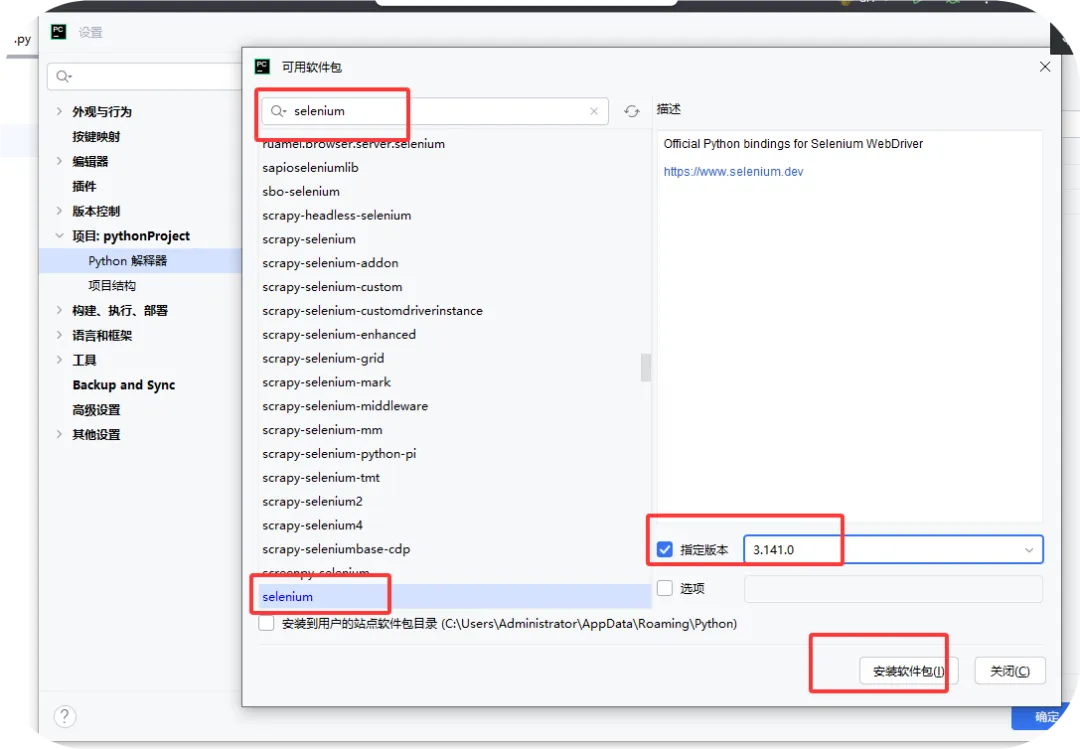
第二种下载方式:pycharm ==设置==项目==解释器==点击+==输入“selenium”==选择版本==
3.141.0==点击“install”==下载完成
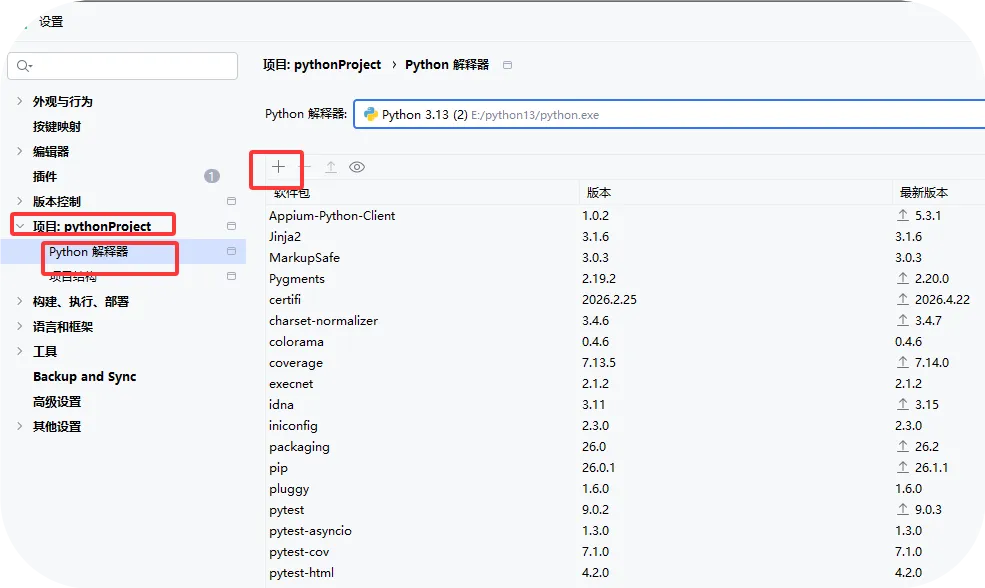
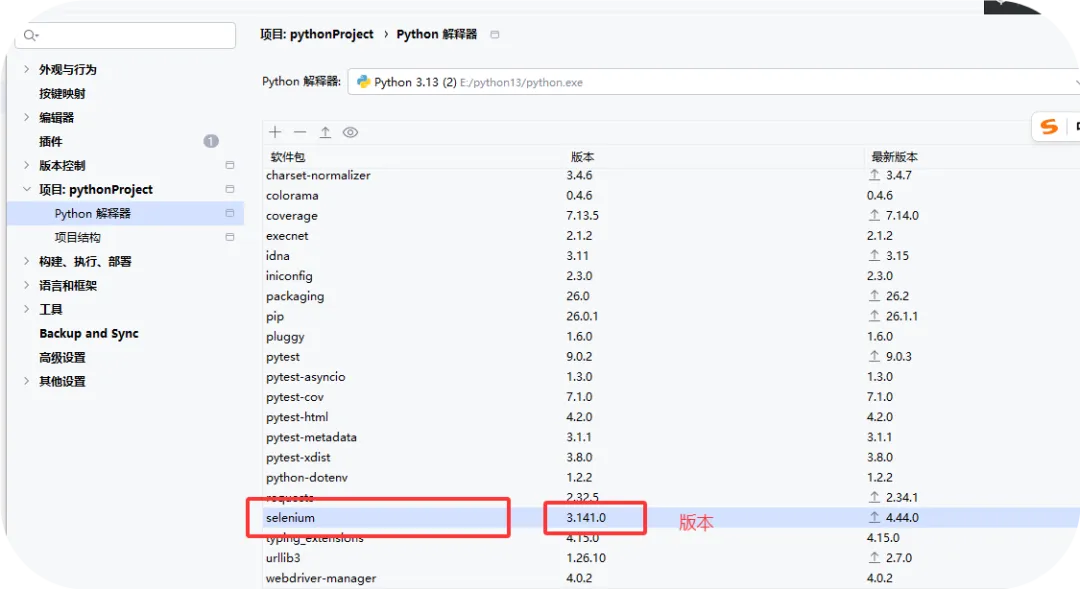
安装成功后,显示selenium
2、安装谷歌浏览器;
a、下载谷歌浏览器,查看版本
如谷歌版本:
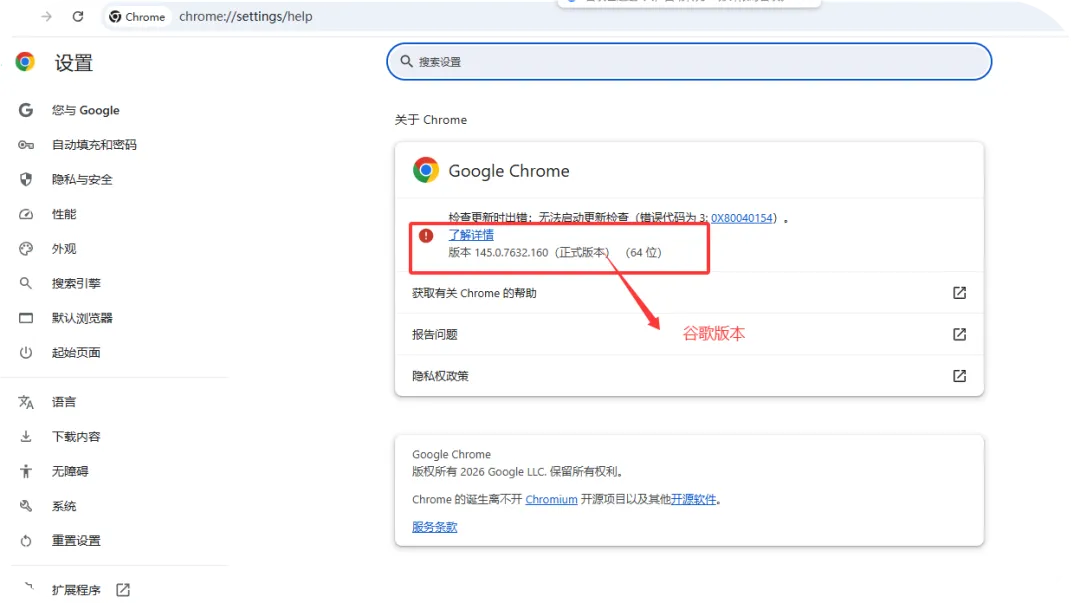
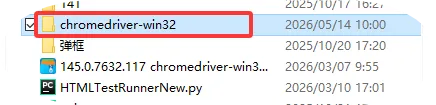
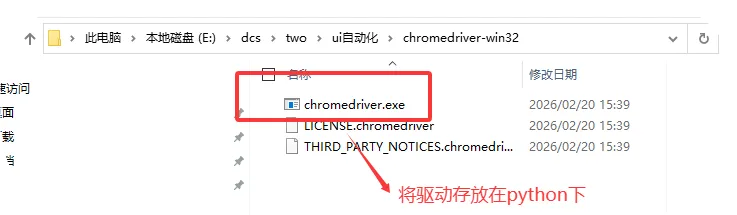
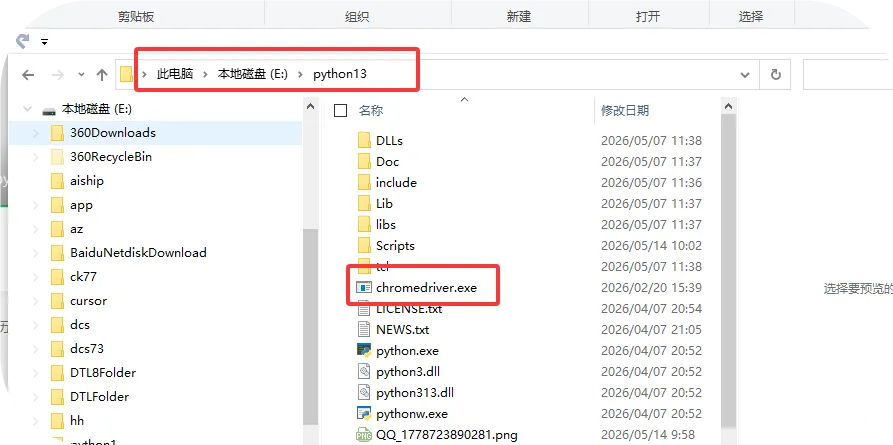
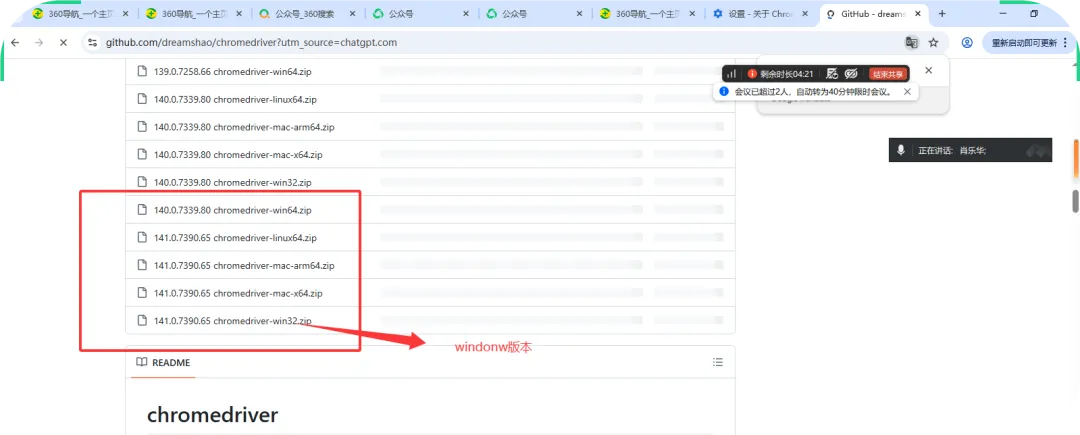
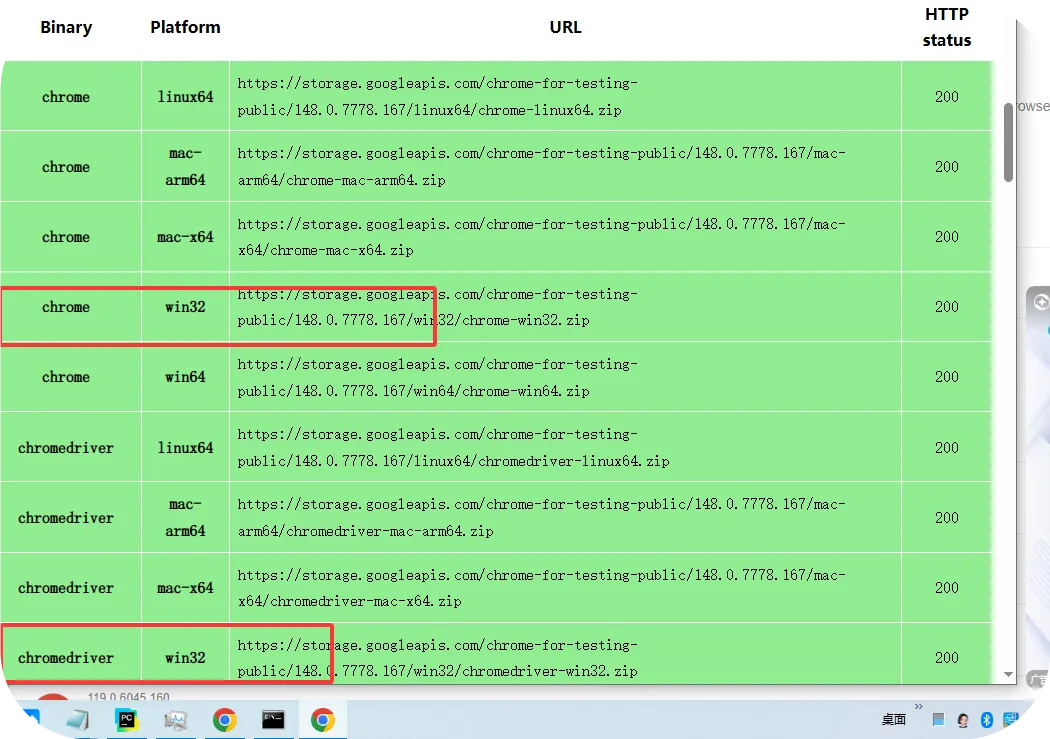
b、下载对应的谷歌浏览器的驱动,驱动放到python安装的目录下

解压后
https://github.com/dreamshao/chromedriver?utm_source=chatgpt.com
对应版本镜像链接1:
http://chromedriver.storage.googleapis.com/index.html
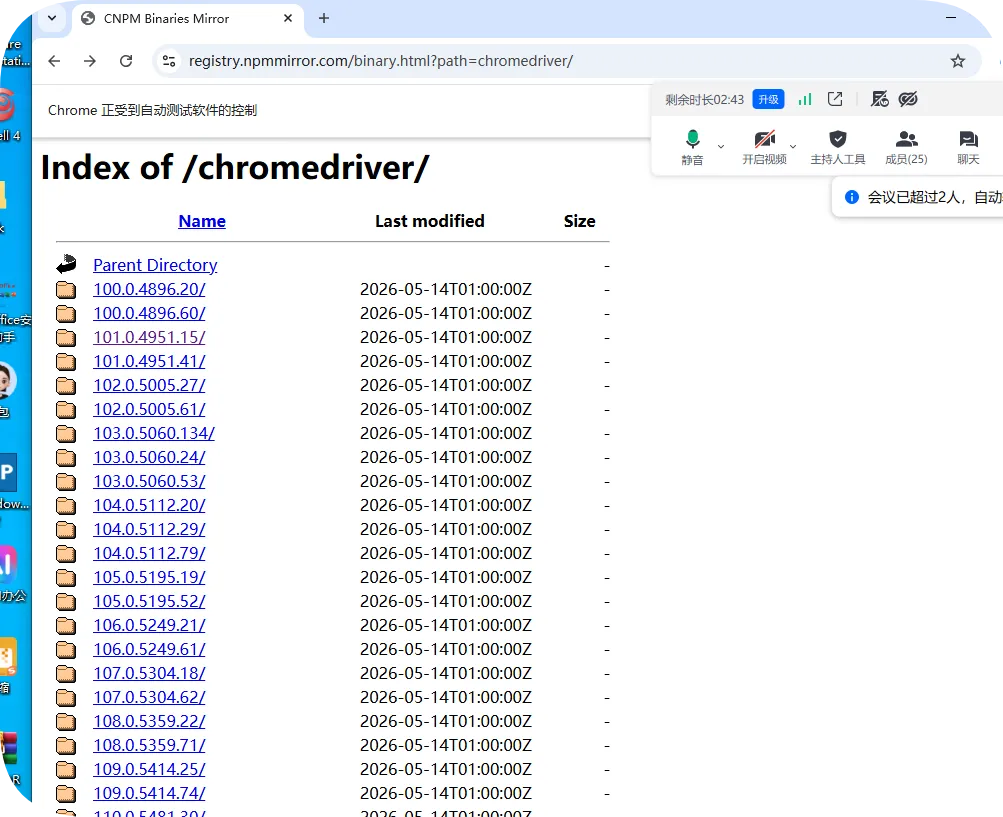
对应版本镜像链接2:https://registry.npmmirror.com/binary.html?path=chromedriver/
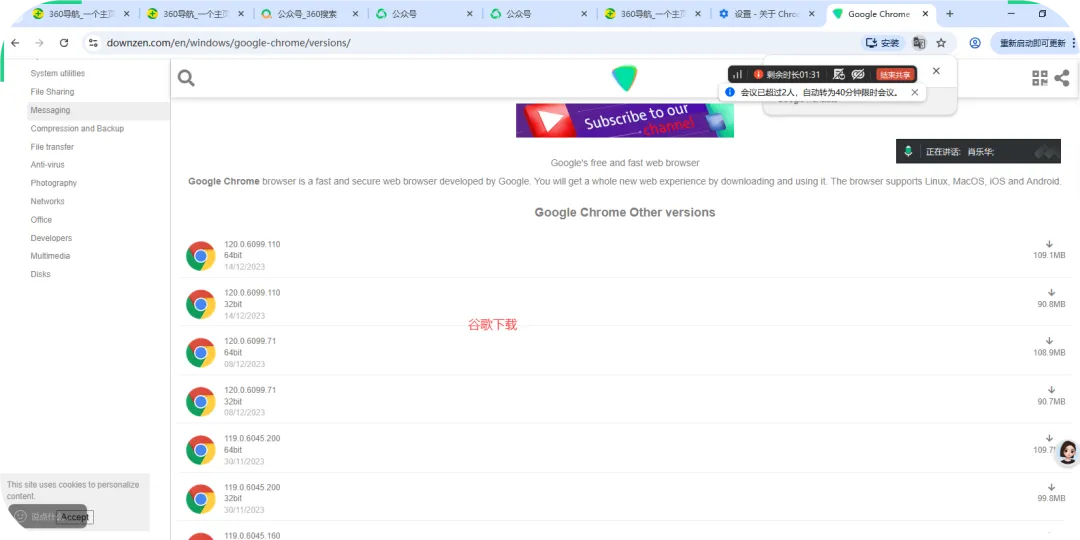
谷歌下载低版本:https://downzen.com/en/windows/google-chrome/versions/ 不同版本的谷歌
https://googlechromelabs.github.io/chrome-for-testing/#stable 最新版本Google驱动歌
学习的网站:
http://49.233.201.254:8080/cms/manage/login.do
c、执行能打开浏览就成功;
语句:
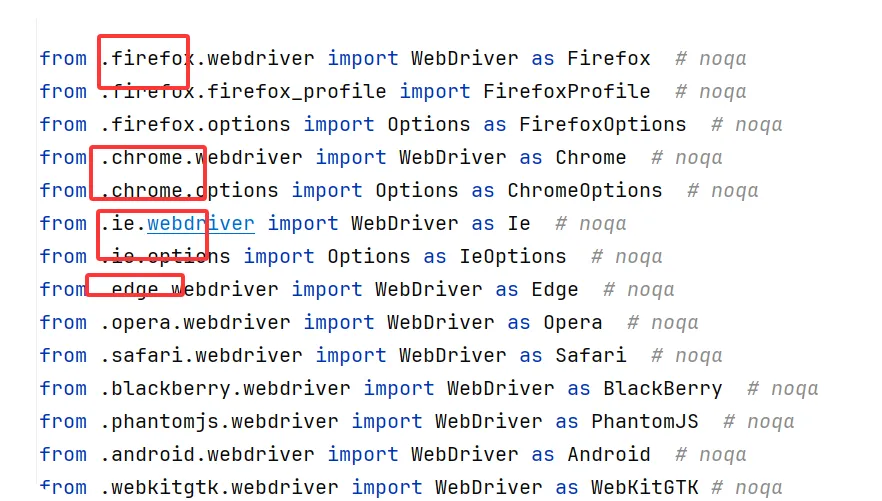
from selenium import webdriver # 调用selenium模块 导入webdriver函数
import time #导入时间模块
dx=webdriver.Chrome() #创建一个webdriver对象,对应的浏览器Chrome()
dx.get("https://www.baidu.com") #对象.get打开浏览窗口
time.sleep(2) #休眠
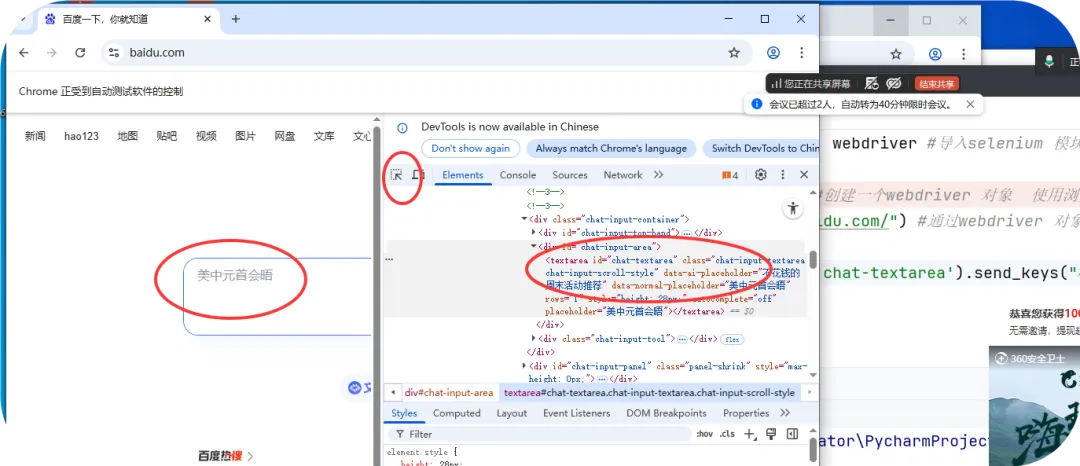
dx.find_element_by_id("chat-textarea").send_keys("dcs") #通过id定位输入框,输入内容dcs
总结:遇到的问题:
1、1、urllib3的版本过高 ,降低版本:1.26.10

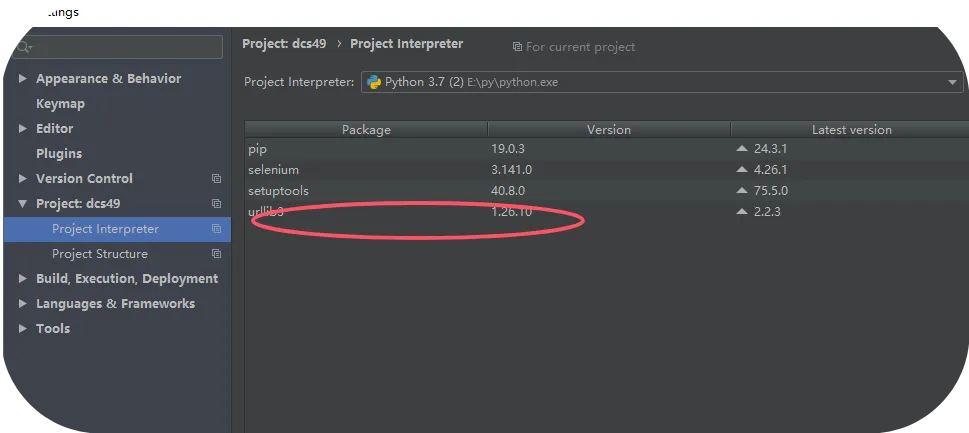
2、 2、谷歌和驱动不对应,
3、谷歌会自动更新,关闭自动更新
培训成功就业30000+;
讲师团队:20+;
班级人数:15-30(1个班)
软件测试:两个班级(1个月)
大数据班:3个班级(1个月)
鸿蒙开发班:1个班级(1个月)
最高薪资:30k
最低薪资:7.5k
应届生最高:19k
应届生薪资:8-12k
学技术热线:15949613302
16607005847
Ai软件测试学习联系微信: 15949613302
Ai大数据学习联系微信 : xiaolehua003
鸿蒙开发:15949613302
扫码加微信

随机文章
-
 10个月宝宝每天需要喝多少奶粉?
- Windows API 正在进入 Linux 内核:Linux 游戏性能为何越来越快
- ICode Python 五级训练场 综合练习(7)
- 【本周开课】最新Python机器学习、深度学习核心技术
- Python 3个宝藏项目,新手也能上手!(附解析)
- Python集成飞书webhook配置
- Python & MATLAB 到多先验物理增强神经网络实现光镊微粒沿任意轨迹运动
- Python+OSM迅速获取全球矢量要素
- Skills之Scrapling:Python网络爬虫框架,支持反机器人绕过、JS渲染和Cloudflare保护网站抓取 GitHub Stars 13.9万+
- 启航指南——Linux安装软件的方式有哪些
- 别让Python独美:这6款Java AI Agent神器,正在撕开企业级AI的大门