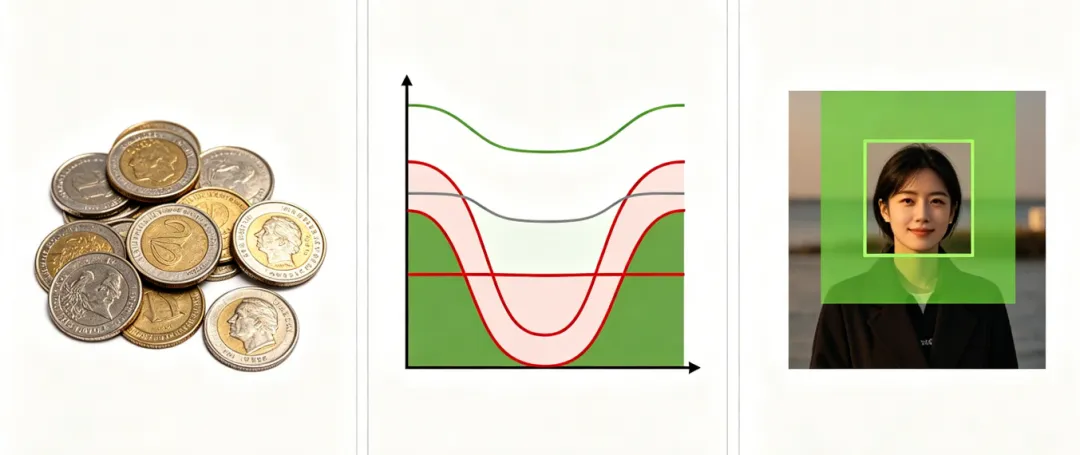
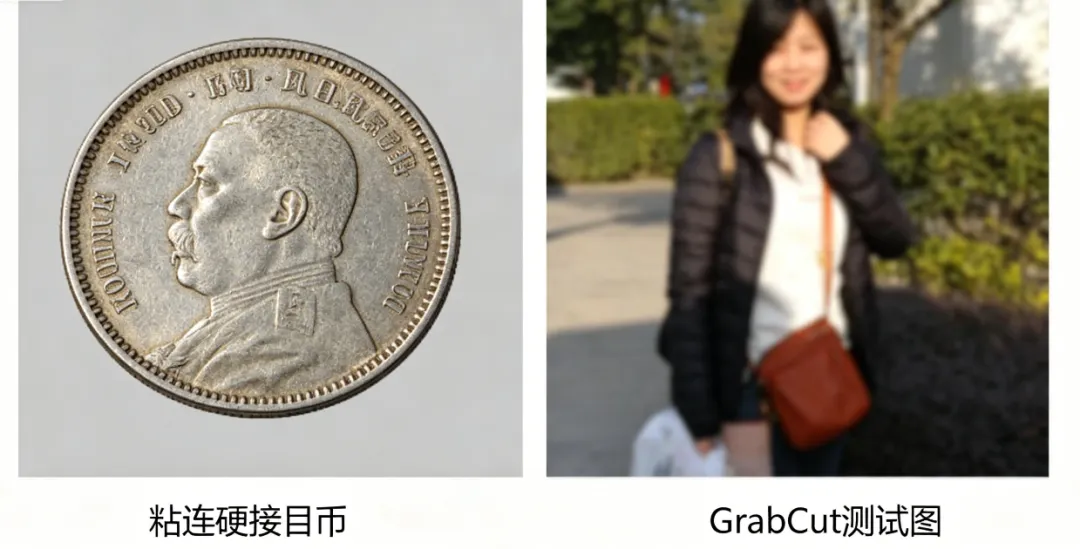
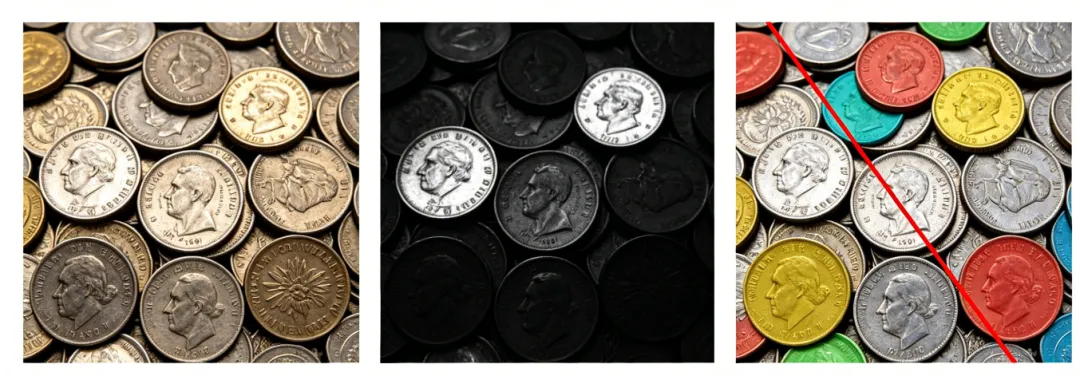
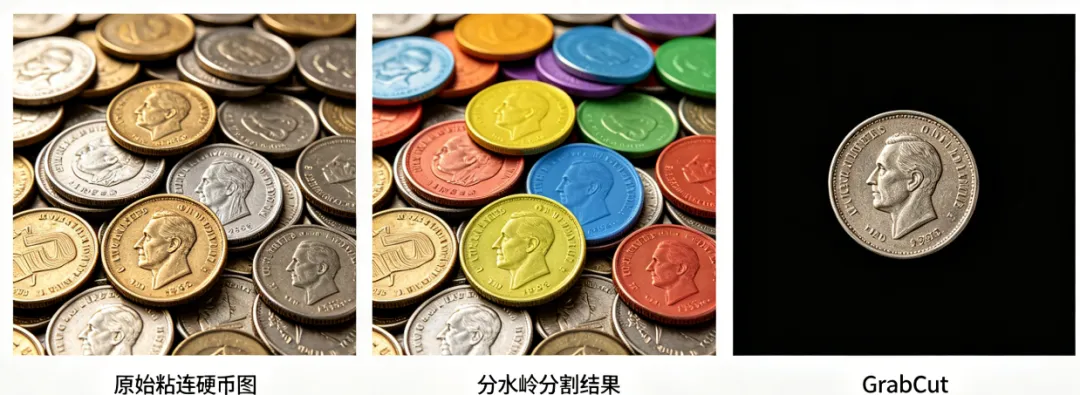
pythonimport cv2import numpy as npimport matplotlib.pyplot as plt# 1. 环境验证(可选)print("OpenCV版本:", cv2.__version__)# 2. 读取图像(替换为自己的图像路径)# 分水岭测试图(粘连目标,灰度图)img_watershed = cv2.imread("watershed_test.jpg", 0)# GrabCut测试图(前景背景混合,彩色图)img_grabcut = cv2.imread("grabcut_test.jpg")if img_watershed is None or img_grabcut is None:print("错误:未找到图像,请检查图像路径!")else:# 3. 分水岭算法:分割粘连目标# 预处理img_watershed_blur = cv2.GaussianBlur(img_watershed, (3, 3), sigmaX=1)# 二值化+形态学操作ret, thresh = cv2.threshold(img_watershed_blur, 127, 255, cv2.THRESH_BINARY_INV + cv2.THRESH_OTSU)kernel = np.ones((3, 3), np.uint8)opening = cv2.morphologyEx(thresh, cv2.MORPH_OPEN, kernel, iterations=2)sure_bg = cv2.dilate(opening, kernel, iterations=3)# 距离变换+种子点标记dist_transform = cv2.distanceTransform(opening, cv2.DIST_L2, 5)ret, sure_fg = cv2.threshold(dist_transform, 0.7*dist_transform.max(), 255, 0)sure_fg = np.uint8(sure_fg)unknown = cv2.subtract(sure_bg, sure_fg)ret, markers = cv2.connectedComponents(sure_fg)markers = markers + 1markers[unknown == 255] = 0# 执行分水岭分割img_watershed_color = cv2.cvtColor(img_watershed, cv2.COLOR_GRAY2BGR)markers = cv2.watershed(img_watershed_color, markers)img_watershed_color[markers == -1] = [0, 0, 255]# 统计分割目标数量target_count = len(np.unique(markers)) - 2# 4. GrabCut算法:交互式前景提取# 预处理img_grabcut_blur = cv2.GaussianBlur(img_grabcut, (3, 3), sigmaX=1)img_grabcut_copy = img_grabcut_blur.copy()# 手动框选前景区域(根据自己的图像调整坐标)rect = (50, 50, 300, 400)# 初始化掩码和模型mask_grabcut = np.zeros(img_grabcut.shape[:2], np.uint8)bgdModel = np.zeros((1, 65), np.float64)fgdModel = np.zeros((1, 65), np.float64)# 执行GrabCutcv2.grabCut(img_grabcut_blur, mask_grabcut, rect, bgdModel, fgdModel, iterCount=5, mode=cv2.GC_INIT_WITH_RECT)# 处理掩码,提取前景mask_grabcut2 = np.where((mask_grabcut == 2) | (mask_grabcut == 0), 0, 255)foreground = cv2.bitwise_and(img_grabcut, img_grabcut, mask=mask_grabcut2.astype(np.uint8))# 绘制矩形框cv2.rectangle(img_grabcut_copy, (rect[0], rect[1]), (rect[0]+rect[2], rect[1]+rect[3]), (0, 255, 0), 2)cv2.putText(img_grabcut_copy, "Foreground Area", (rect[0], rect[1]-10), cv2.FONT_HERSHEY_SIMPLEX, 0.8, (0, 255, 0), 2)# 5. 综合应用:分水岭分割+GrabCut提取单个目标# 读取彩色版粘连目标图img_color = cv2.imread("watershed_test.jpg")img_color_blur = cv2.GaussianBlur(img_color, (3, 3), sigmaX=1)# 找到第一个目标的边界框target_label = 2target_mask = np.where(markers == target_label, 255, 0)target_mask = np.uint8(target_mask)contours, _ = cv2.findContours(target_mask, cv2.RETR_EXTERNAL, cv2.CHAIN_APPROX_SIMPLE)x, y, w, h = cv2.boundingRect(contours[0])rect_single = (x, y, w, h)# 执行GrabCut提取单个目标mask_single = np.zeros(img_color.shape[:2], np.uint8)bgdModel_single = np.zeros((1, 65), np.float64)fgdModel_single = np.zeros((1, 65), np.float64)cv2.grabCut(img_color_blur, mask_single, rect_single, bgdModel_single, fgdModel_single, iterCount=5, mode=cv2.GC_INIT_WITH_RECT)mask_single2 = np.where((mask_single == 2) | (mask_single == 0), 0, 255)single_foreground = cv2.bitwise_and(img_color, img_color, mask=mask_single2.astype(np.uint8))# 6. 统一显示所有效果plt.figure(figsize=(15, 10))# 第一行:分水岭相关plt.subplot(2, 3, 1)plt.imshow(img_watershed_blur, cmap="gray")plt.title("分水岭预处理图")plt.axis("off")plt.subplot(2, 3, 2)plt.imshow(thresh, cmap="gray")plt.title("分水岭二值化图")plt.axis("off")plt.subplot(2, 3, 3)plt.imshow(cv2.cvtColor(img_watershed_color, cv2.COLOR_BGR2RGB))plt.title(f"分水岭分割({target_count}个目标)")plt.axis("off")# 第二行:GrabCut相关+综合应用plt.subplot(2, 3, 4)plt.imshow(cv2.cvtColor(img_grabcut_copy, cv2.COLOR_BGR2RGB))plt.title("GrabCut框选前景")plt.axis("off")plt.subplot(2, 3, 5)plt.imshow(cv2.cvtColor(foreground, cv2.COLOR_BGR2RGB))plt.title("GrabCut前景提取")plt.axis("off")plt.subplot(2, 3, 6)plt.imshow(cv2.cvtColor(single_foreground, cv2.COLOR_BGR2RGB))plt.title("综合应用:提取单个分割目标")plt.axis("off")plt.tight_layout()plt.show()# 7. 保存结果(可选)cv2.imwrite("watershed_result.jpg", img_watershed_color)cv2.imwrite("grabcut_result.jpg", foreground)cv2.imwrite("single_target_result.jpg", single_foreground) |


 10个月宝宝每天需要喝多少奶粉?