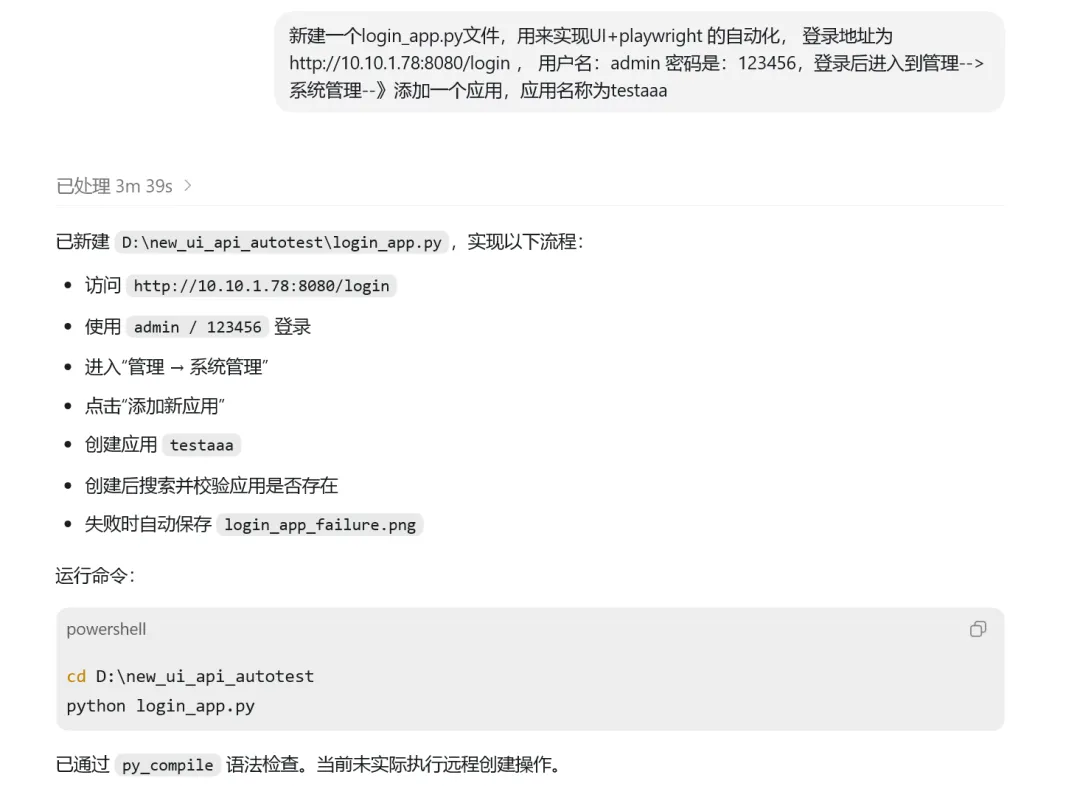
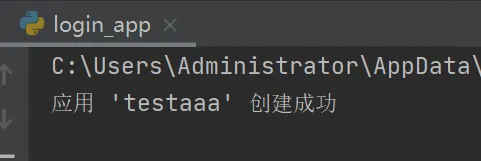
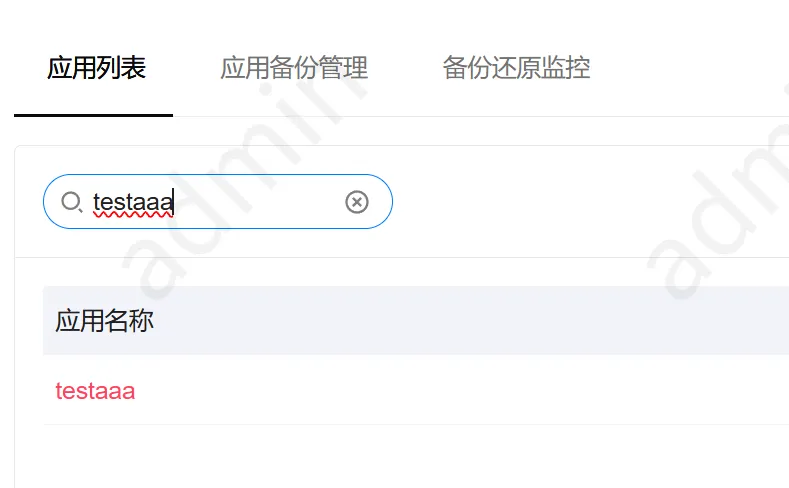
"""Use Playwright UI automation to create an application."""from pathlib import Pathfrom playwright.sync_api import Page, TimeoutError as PlaywrightTimeoutError, expect, sync_playwrightLOGIN_URL = "http://10.10.1.78:8080/login"USERNAME = "admin"PASSWORD = "123456"APPLICATION_NAME = "testaaa"def login(page: Page) -> None: """Log in and wait until the management entry is available.""" page.goto(LOGIN_URL, wait_until="domcontentloaded") page.locator('[data-testid="login-username"]').fill(USERNAME) page.locator('[data-testid="login-password"]').fill(PASSWORD) page.locator('[data-testid="login-submit"]').click() expect(page.get_by_text("管理", exact=True)).to_be_visible(timeout=60_000)def open_system_management(page: Page) -> Page: """Open 系统管理 in the popup page and return it.""" page.get_by_text("管理", exact=True).click() with page.expect_popup() as popup_info: page.get_by_text("系统管理", exact=True).click() system_page = popup_info.value system_page.wait_for_load_state("domcontentloaded") return system_pagedef create_application(system_page: Page) -> None: """Create APPLICATION_NAME from the system management page.""" add_button = system_page.get_by_role("button", name="添加新应用") expect(add_button).to_be_visible(timeout=30_000) add_button.click() name_input = system_page.get_by_role("textbox", name="请输入应用名称") expect(name_input).to_be_visible(timeout=30_000) name_input.fill(APPLICATION_NAME) system_page.get_by_role("button", name="确定", exact=True).click() search_input = system_page.get_by_role("textbox", name="请输入搜索关键字") expect(search_input).to_be_visible(timeout=30_000) search_input.fill(APPLICATION_NAME) search_input.press("Enter") try: expect(system_page.get_by_text(APPLICATION_NAME, exact=True)).to_be_visible(timeout=30_000) except PlaywrightTimeoutError as exc: screenshot_path = Path(__file__).with_name("login_app_failure.png") system_page.screenshot(path=str(screenshot_path), full_page=True) raise AssertionError( f"应用 {APPLICATION_NAME!r} 创建后未在系统管理页面找到;" f"已保存截图:{screenshot_path}" ) from excdef run(headless: bool = False) -> None: """Run the login and application-creation workflow.""" with sync_playwright() as playwright: browser = playwright.chromium.launch(headless=headless) context = browser.new_context(viewport={"width": 1400, "height": 900}) page = context.new_page() try: login(page) system_page = open_system_management(page) create_application(system_page) print(f"应用 {APPLICATION_NAME!r} 创建成功") finally: context.close() browser.close()if __name__ == "__main__": run()