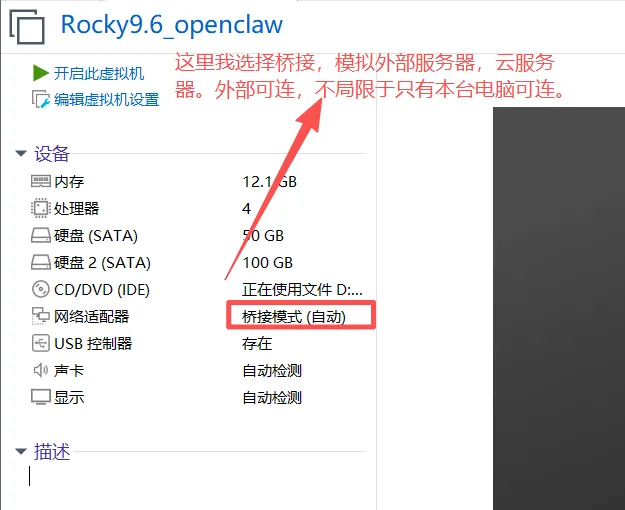
[root@localhost ~]# hostnamectl Static hostname: (unset) Transient hostname: localhost Icon name: computer-vm Chassis: vm ?? Machine ID: e72e31fe3f9b49279feb0f00a1b063a8 Boot ID: 1f3c6f69114e44abada137b970b7a5c0 Virtualization: vmware Operating System: Rocky Linux 9.6 (Blue Onyx) CPE OS Name: cpe:/o:rocky:rocky:9::baseos Kernel: Linux 5.14.0-570.17.1.el9_6.x86_64 Architecture: x86-64 Hardware Vendor: VMware, Inc. Hardware Model: VMware Virtual Platform Firmware Version: 6.00
hostnamectl set-hostname openclaw
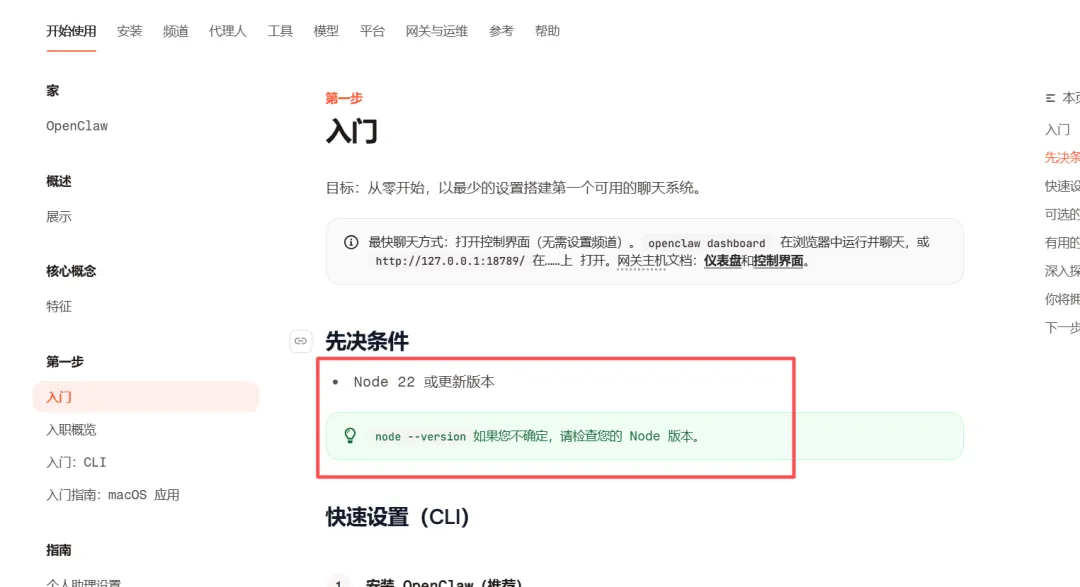
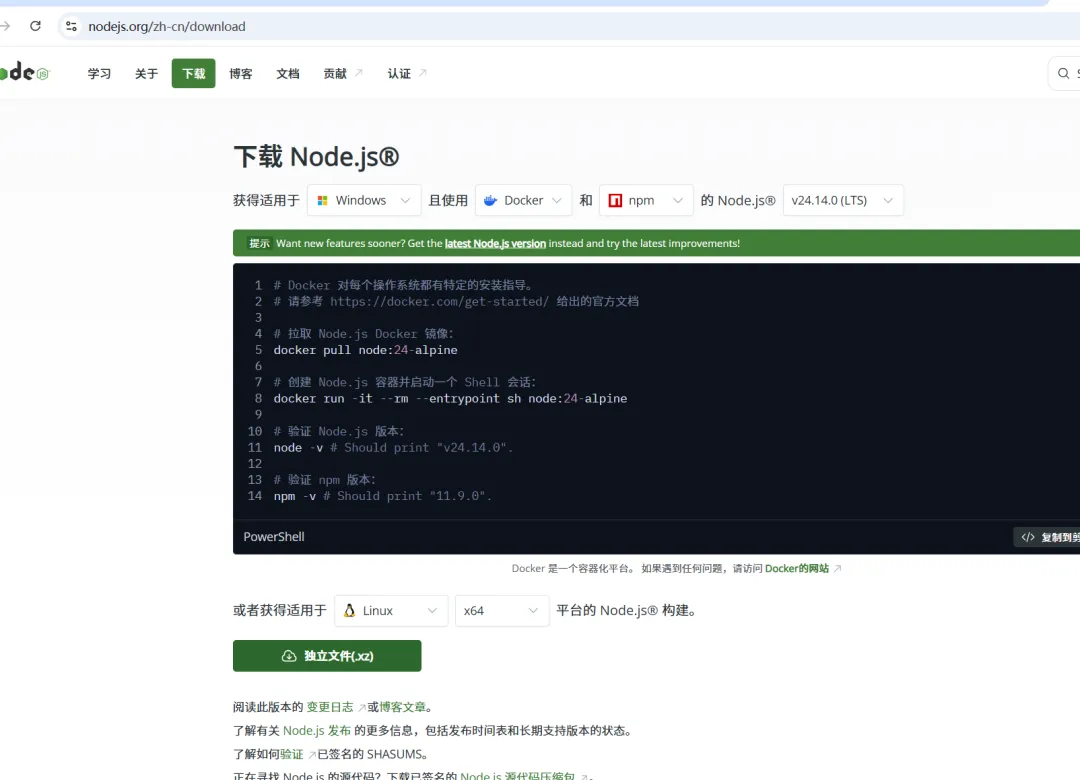
二、下载并安装:nodejs
yum install -y tar git wget gcc gcc-c++ make cmake vim net-tools
wget https://nodejs.org/dist/v24.14.0/node-v24.14.0-linux-x64.tar.xz
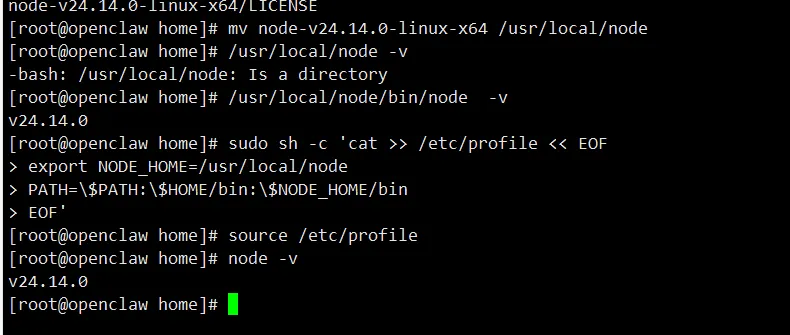
tar -xvf node-v24.14.0-linux-x64.tar.xzmv node-v24.14.0-linux-x64 /usr/local/node/usr/local/node/bin/node -v
# 追加 Node.js 环境变量到 /etc/profilesudo sh -c 'cat >> /etc/profile << EOFexport NODE_HOME=/usr/local/nodePATH=\$PATH:\$HOME/bin:\$NODE_HOME/binEOF'source /etc/profile node -v
export all_proxy="http://192.168.1.100:7890"export http_proxy="http://192.168.1.100:7890"export https_proxy="http://192.168.1.100:7890"
三、配置npm 国内镜像
npm config set registry https://registry.npmmirror.com
四、OpenClaw 安装配置
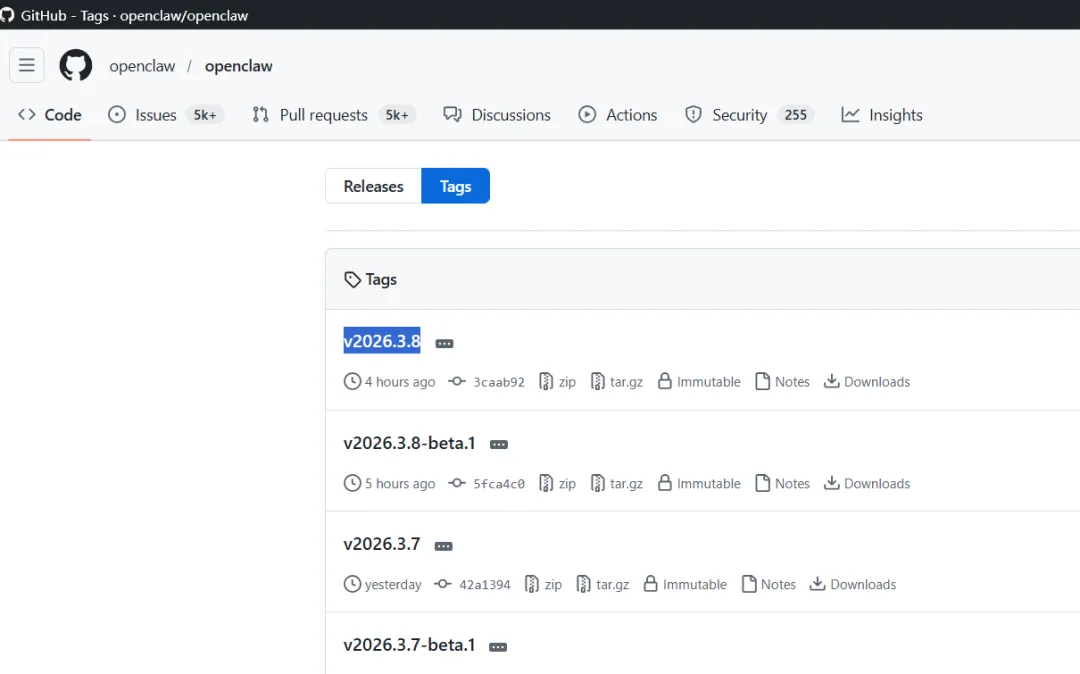
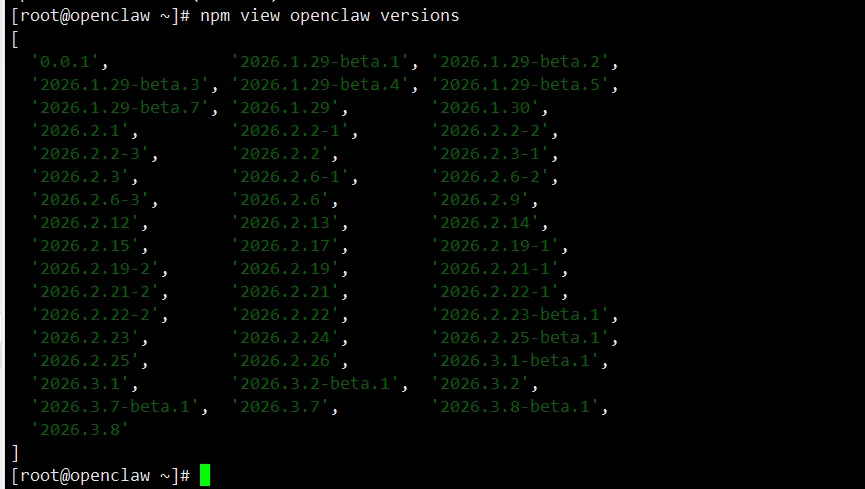
4.1、查询有哪些版本可以用:
npm view openclaw versions
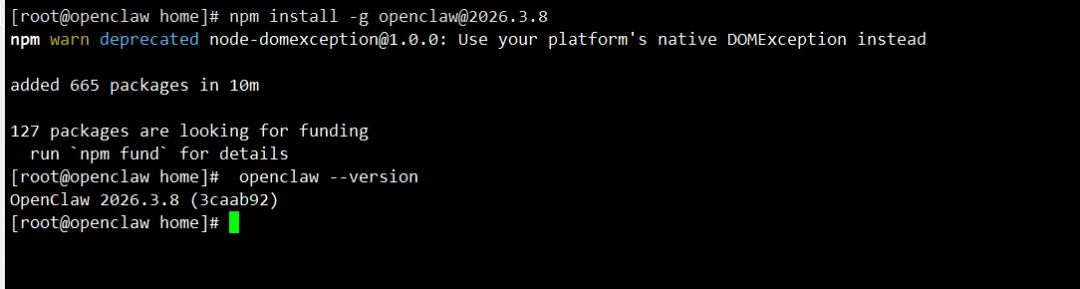
4.2、安装指定版本的openclaw:
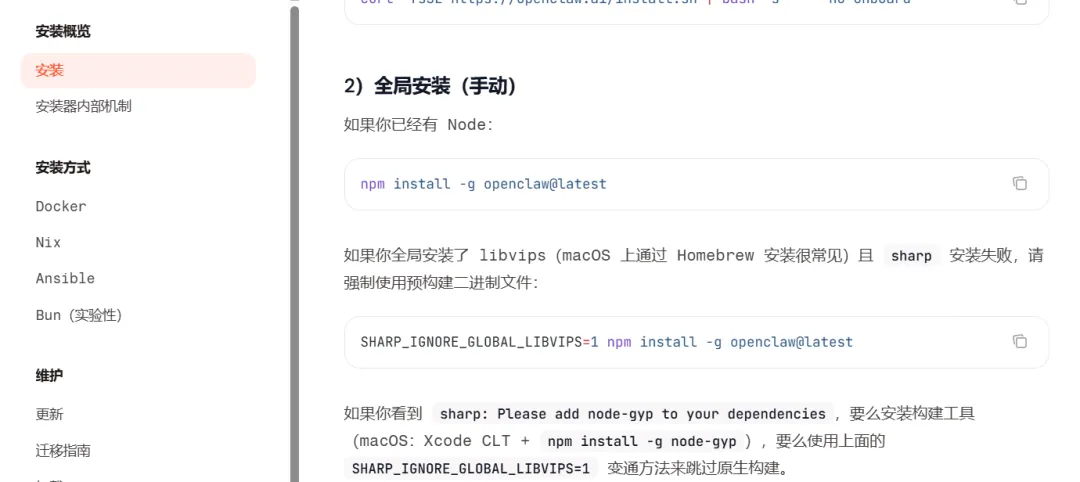
npm install -g openclaw@2026.3.8openclaw --version# 或者npm install -g openclaw@2026.3.8 --registry=https://registry.npmmirror.com
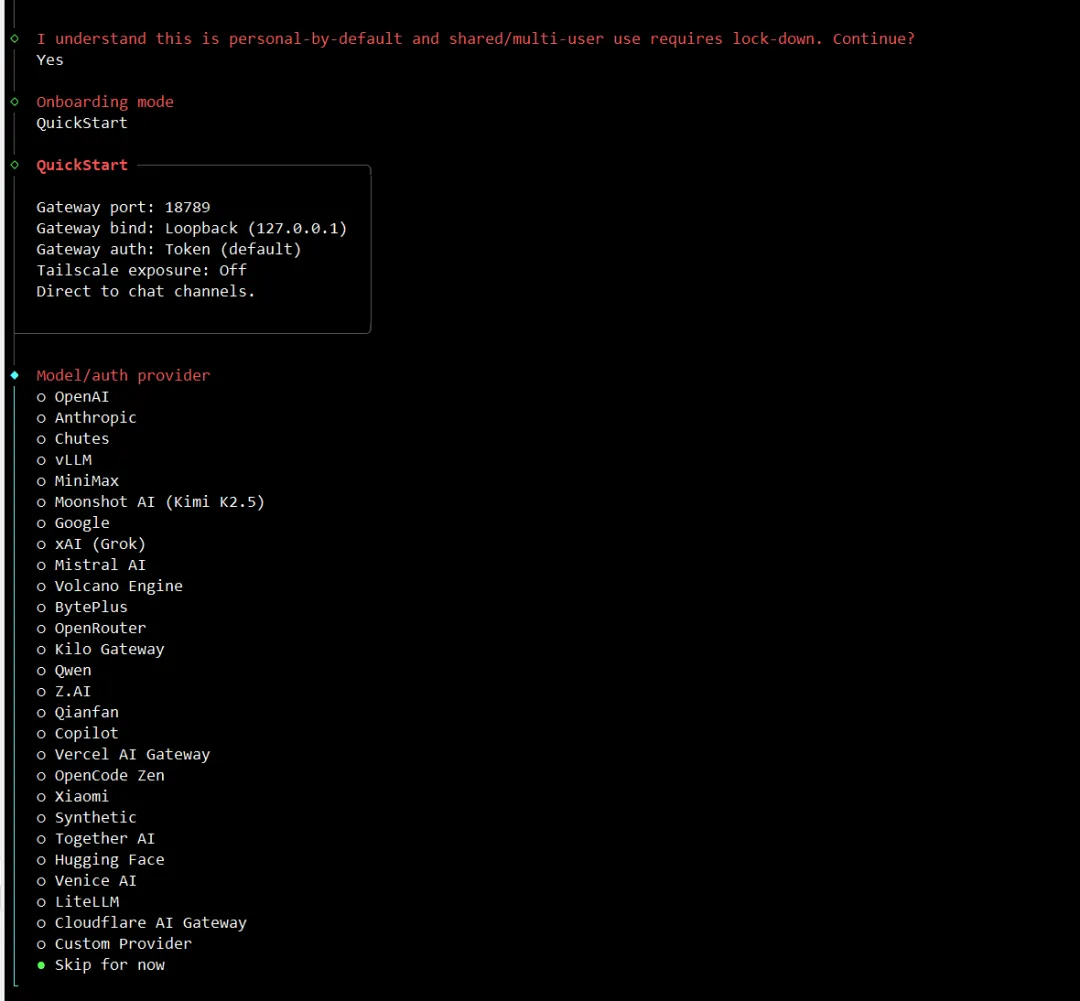
openclaw onboard --install-daemon
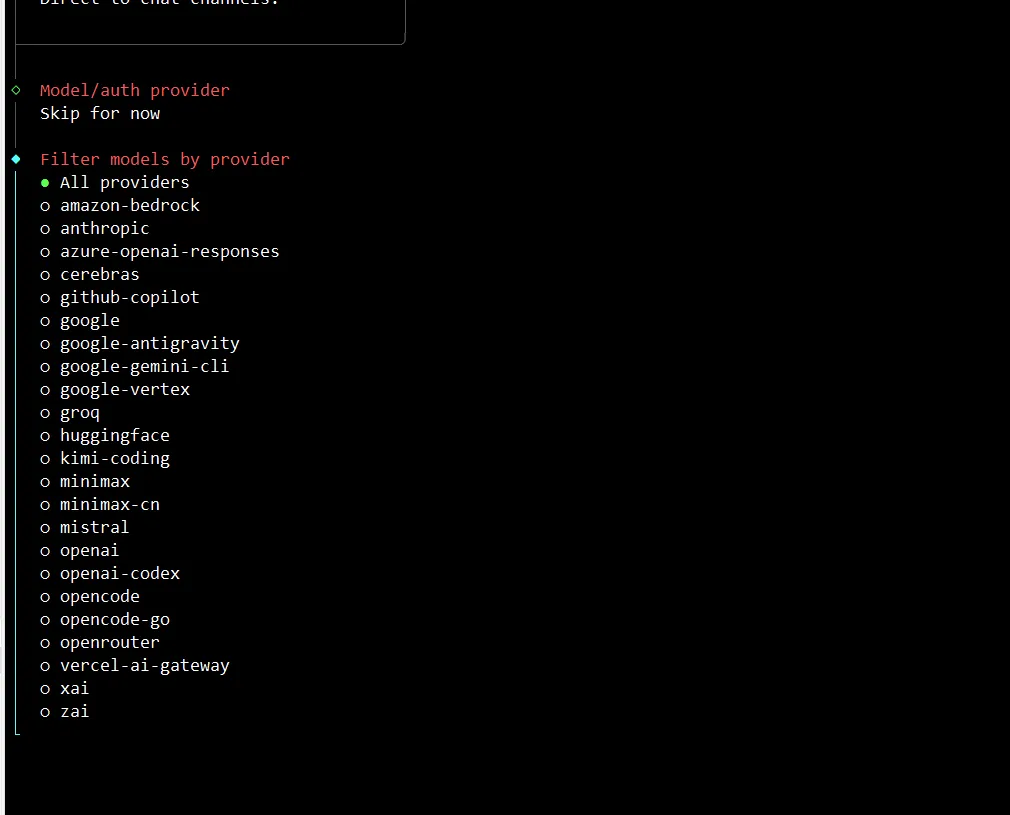
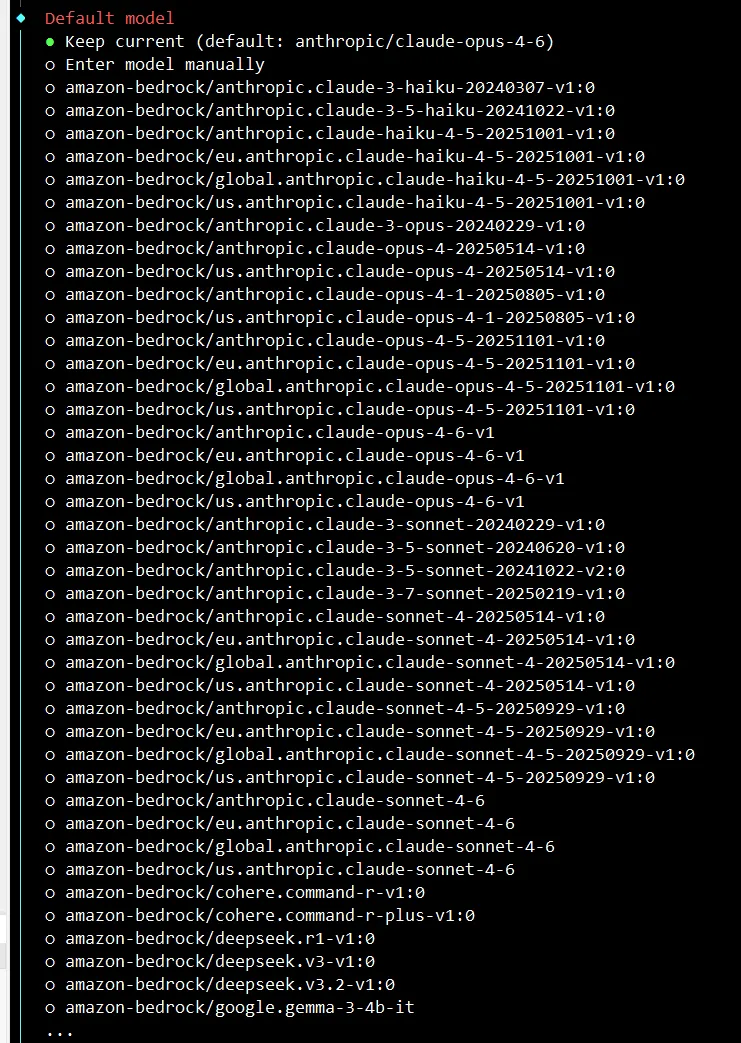
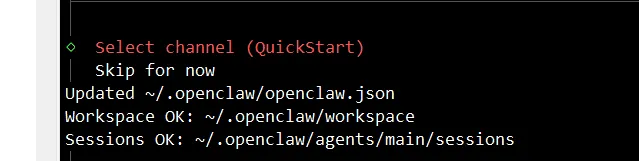
4.4、快速安装,选不选择模型,等安装完后了,后面再来处理使用哪个模型:Updated ~/.openclaw/openclaw.jsonWorkspace OK: ~/.openclaw/workspaceSessions OK: ~/.openclaw/agents/main/sessions
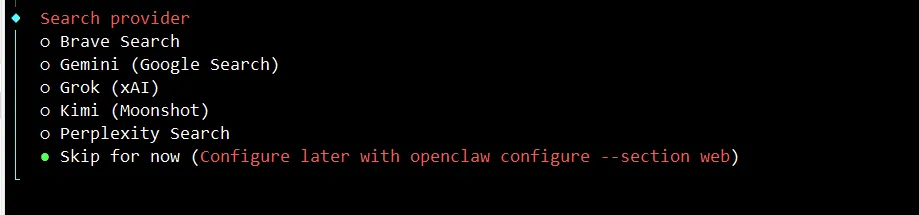
https://docs.openclaw.ai/tools/web
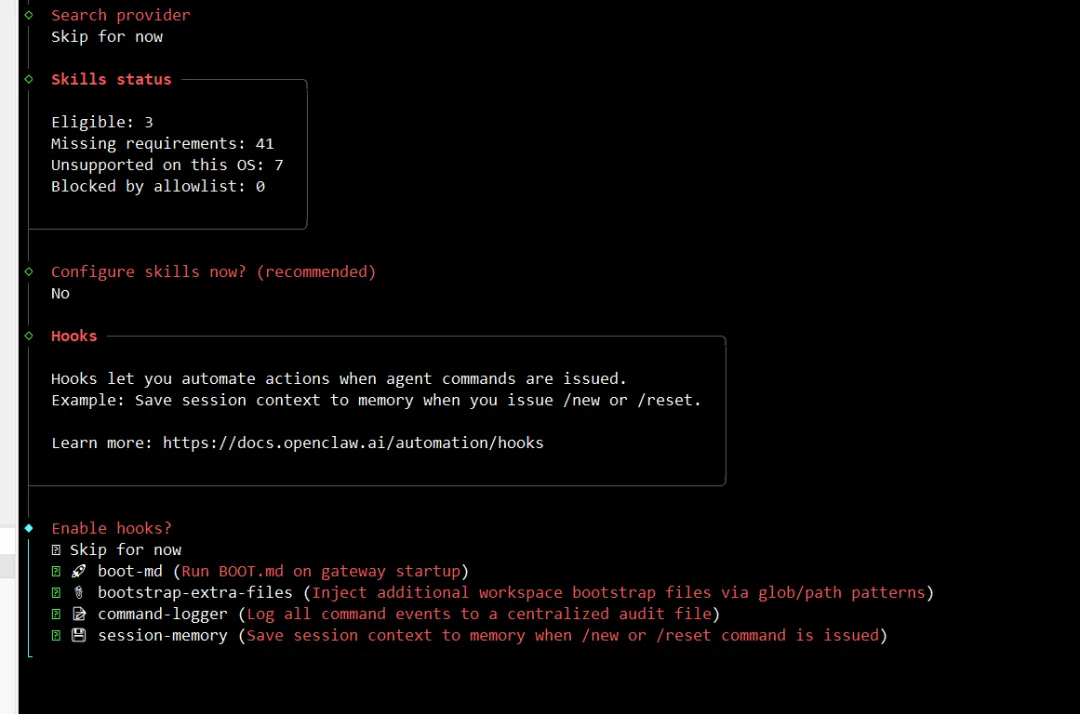
4.8、AI 智能搜索的服务商跳过:
4.10、安装完成,并记录下信息:
◇ How do you want to hatch your bot?│ Open the Web UI│◇ Dashboard ready ────────────────────────────────────────────────────────────────╮│ ││ Dashboard link (with token): ││ http://127.0.0.1:18789/#token=d5bb8c134697dbf7115966a0fa7263018b7055338694828a ││ Copy/paste this URL in a browser on this machine to control OpenClaw. ││ No GUI detected. Open from your computer: ││ ssh -N -L 18789:127.0.0.1:18789 root@192.168.1.220 ││ Then open: ││ http://localhost:18789/ ││ http://localhost:18789/#token=d5bb8c134697dbf7115966a0fa7263018b7055338694828a ││ Docs: ││ https://docs.openclaw.ai/gateway/remote ││ https://docs.openclaw.ai/web/control-ui ││ │├──────────────────────────────────────────────────────────────────────────────────╯│◇ Workspace backup ────────────────────────────────────────╮│ ││ Back up your agent workspace. ││ Docs: https://docs.openclaw.ai/concepts/agent-workspace ││ │├───────────────────────────────────────────────────────────╯│◇ Security ──────────────────────────────────────────────────────╮│ ││ Running agents on your computer is risky — harden your setup: ││ https://docs.openclaw.ai/security ││ │├─────────────────────────────────────────────────────────────────╯│◇ Shell completion ────────────────────────────────────────────────────────╮│ ││ Shell completion installed. Restart your shell or run: source ~/.bashrc ││ │├───────────────────────────────────────────────────────────────────────────╯│◇ Web search ───────────────────────────────────────╮│ ││ Web search was skipped. You can enable it later: ││ openclaw configure --section web ││ ││ Docs: https://docs.openclaw.ai/tools/web ││ │├────────────────────────────────────────────────────╯│◇ What now ─────────────────────────────────────────────────────────────╮│ ││ What now: https://openclaw.ai/showcase ("What People Are Building"). ││ │├────────────────────────────────────────────────────────────────────────╯│└ Onboarding complete. Use the dashboard link above to control OpenClaw.
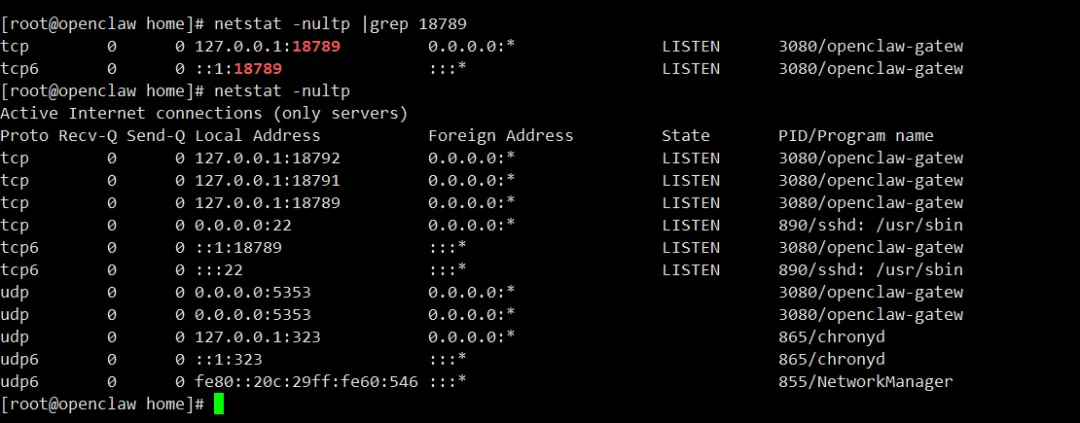
netstat -nultp |grep 18789
4.12、从你的电脑访问【虚拟机 / 服务器】上的 OpenClaw web 控制台: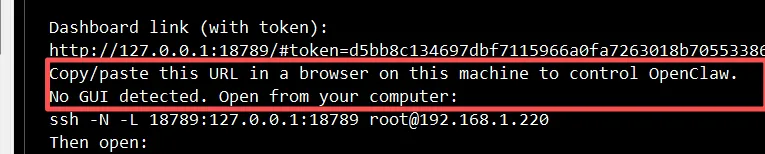
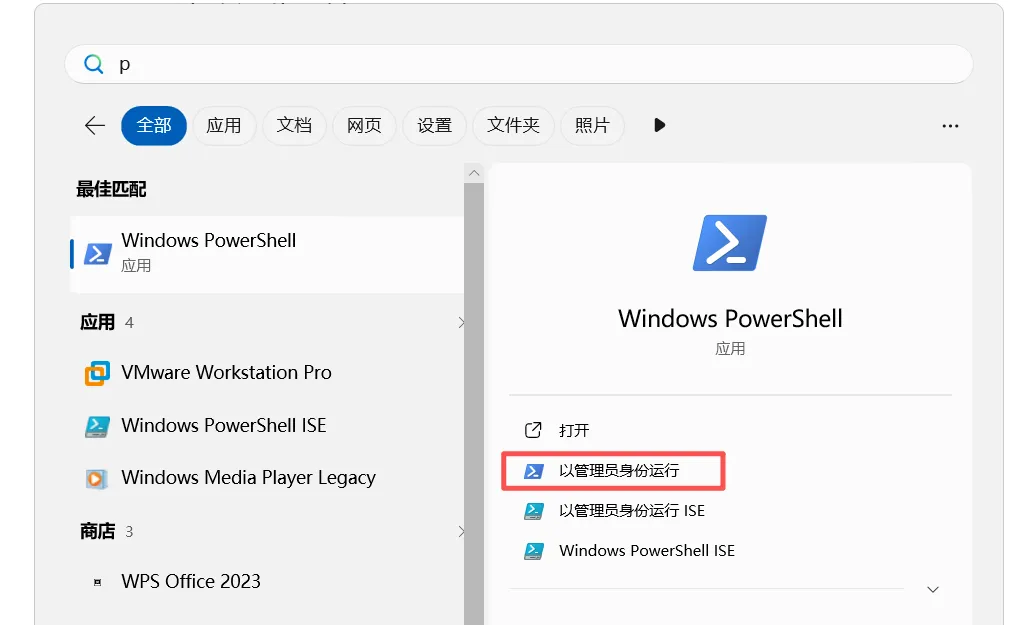
Windows powershell :
ssh -N -L 18789:127.0.0.1:18789 root@192.168.1.220
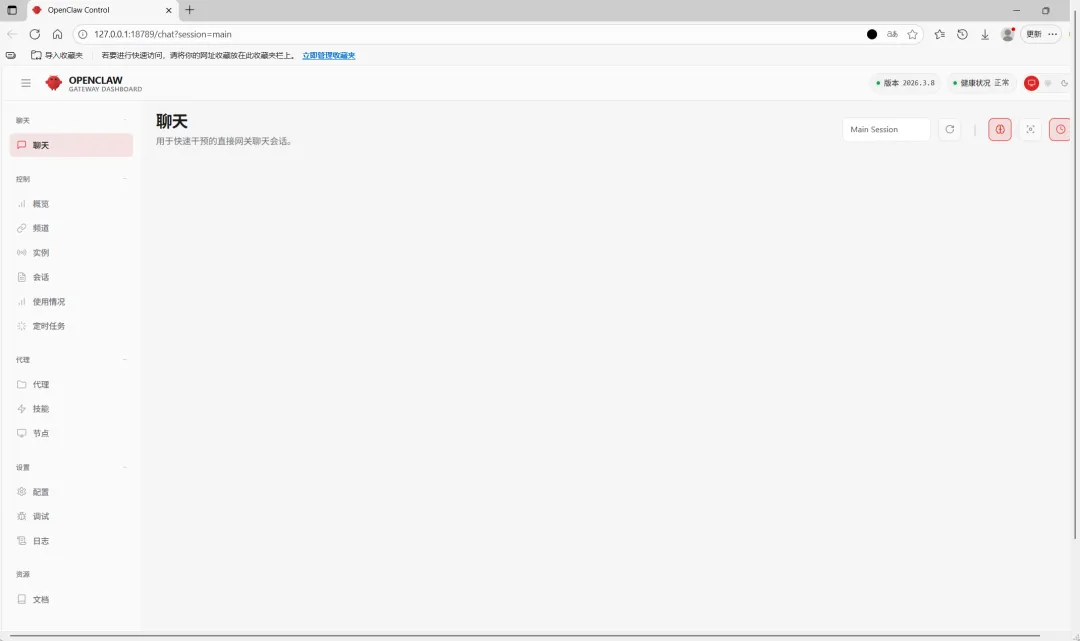
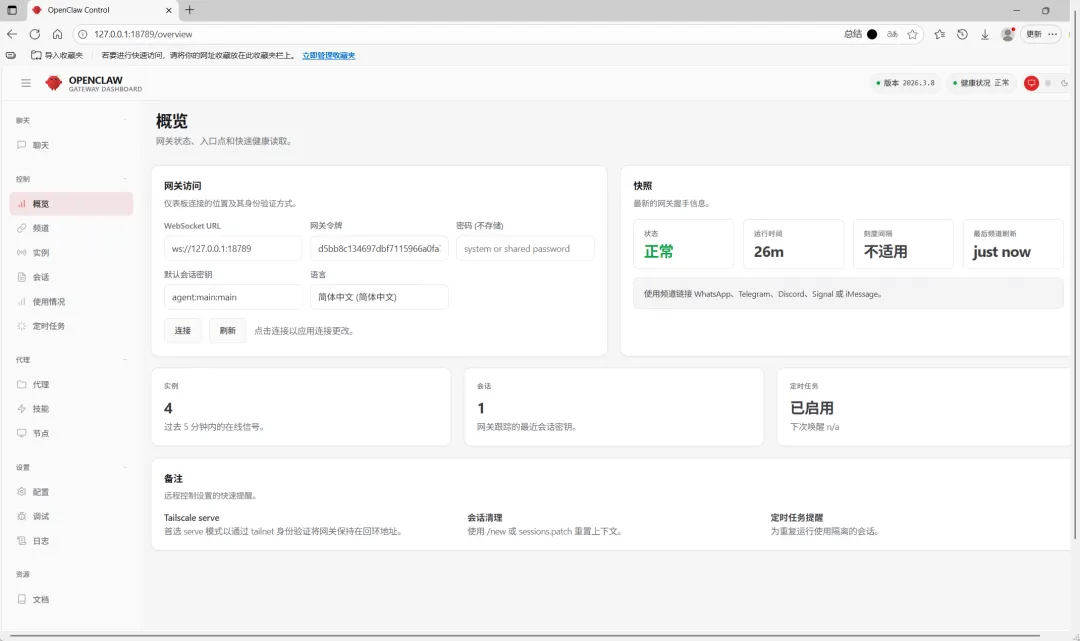
打开页面:
http://127.0.0.1:18789/#token=d5bb8c134697dbf7115966a0fa7263018b7055338694828d


 10个月宝宝每天需要喝多少奶粉?